


Handling a Salesforce Apex password reset for new users
To set a user password programmatically in Apex, run System.setPassword(userId, password) with the target user record ID and your chosen password string. The credential is assigned immediately and bypasses the standard welcome email flow, making it ideal for provisioning automated test accounts in sandboxes and scratch orgs. Users are prompted to change their password on first login, but clicking cancel lets them proceed with the assigned credential.
Before you start hardcoding credentials everywhere, you need to know how this actually behaves. It isn't the same as a user choosing their own password through a secure link, and that difference is what makes it fine in a sandbox and risky in production.
The code: System.setPassword in action
It comes down to a single method: System.setPassword(userId, password). You'll usually run this immediately after your insert statement. Here is how I structure it when I'm setting up a new user in a script.
// Create the user record first User newUser = new User( Username = 'dev_[email protected]', LastName = 'Tester', Email = 'dev_[email protected]', Alias = 'dtest', TimeZoneSidKey = 'America/New_York', LocaleSidKey = 'en_US', EmailEncodingKey = 'UTF-8', LanguageLocaleKey = 'en_US', ProfileId = [SELECT Id FROM Profile WHERE Name='Standard User' LIMIT 1].Id ); insert newUser;
// Now trigger the Salesforce Apex password reset System.setPassword(newUser.Id, 'Welcome2025!@#');
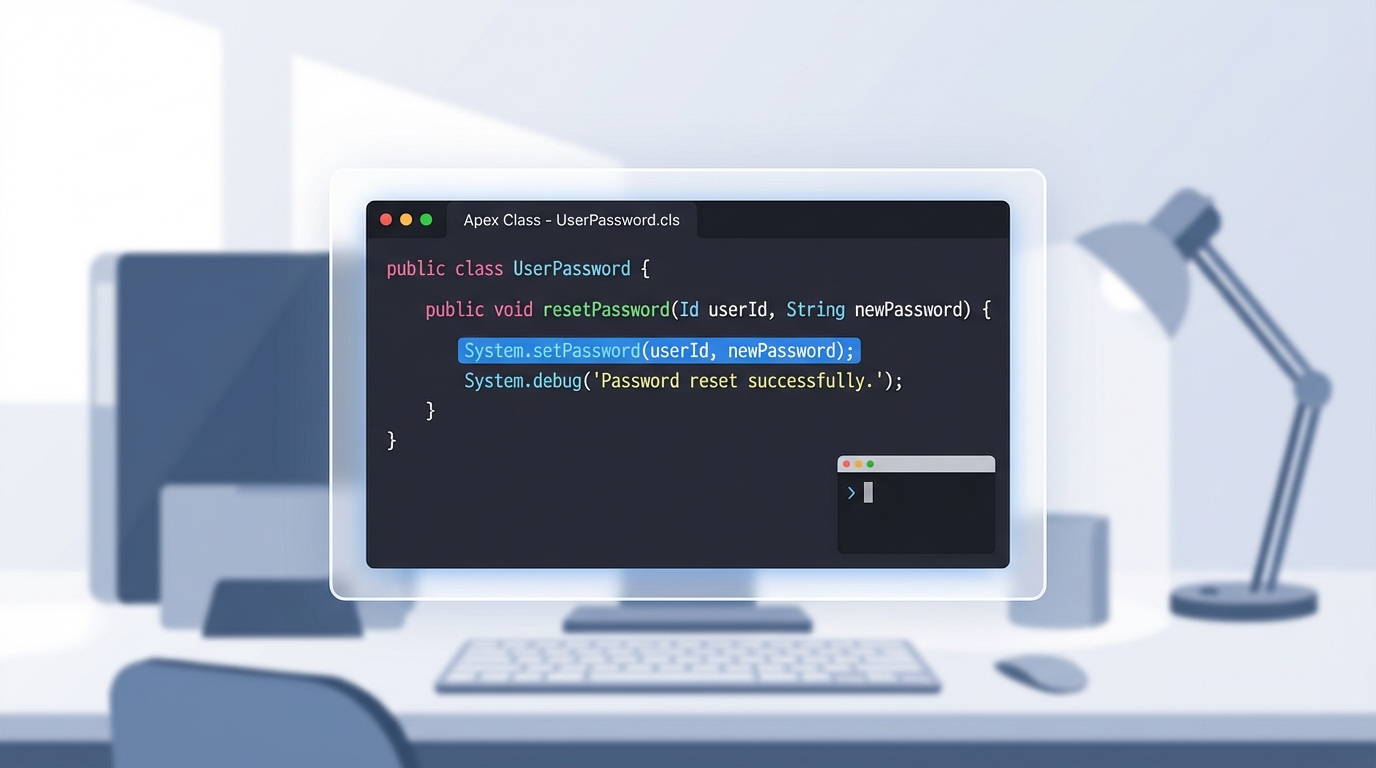
The Apex that sets a Salesforce user password, run straight after the insert.
When a Salesforce Apex password reset makes sense
So why do this instead of letting Salesforce send the standard email? In my experience it comes down to speed and automation. If you work across different Salesforce sandbox types, you already know how much time the data setup eats. A few spots where this method earns its keep:
- Bulk test users: if you need 50 users in a scratch org for a load test, you don't want to click through 50 emails.
- Automated integration tests: when your Selenium or Playwright scripts need to log in, a predictable password makes the setup much smoother.
- Internal demo orgs: if you're handing off a demo org to a sales team, a single "start here" credential prevents a lot of Slack messages.
One thing that trips people up is the "Change Password" prompt. Salesforce will still ask the user to change their password the first time they log in. The catch is that they can click "Cancel" on that screen and keep using the password you set. For a test user, that's great. For a real employee? Not so much.
Security risks of the Salesforce Apex password reset method
We have to talk about the security side of this. Using a Salesforce Apex password reset for real people in a production org is generally a bad idea. You're essentially creating a "known" password that might live in your code, your logs, or your developer console history. That's a massive red flag for any security audit.
Always prioritize the standard UserManagement flows for real users. It's better to let the system handle the encryption and reset links so you aren't responsible for handling plain-text passwords.
If you're deciding between writing custom code and using a declarative tool, the guide on Apex vs Flow is worth a read. Flow is getting better every day, but some of these system-level user management tasks still require the precision of Apex.
Key takeaways
- The
System.setPasswordmethod is the primary way to perform a Salesforce Apex password reset. - Users are still prompted to change their password on first login, but they can bypass it by clicking cancel.
- It's a good fit for sandboxes, scratch orgs, and QA automation.
- Avoid using this in production, to keep your security posture solid and your auditors happy.
The Salesforce Apex password reset is a specialized tool. You won't use it every day, but when you're deep in the weeds of environment automation, you'll be glad it's in your toolkit. Just keep it out of your production onboarding flows. If you're looking for more ways to speed up this kind of setup work, I've found the right Salesforce Chrome extensions save a ton of time too.



Leave a Comment