

What is the real difference in Enterprise vs Partner WSDL?
If you are setting up a SOAP integration, you'll need to decide between Enterprise vs Partner WSDL right out of the gate. It sounds like a minor technical detail, but trust me, picking the wrong one can lead to a massive headache down the road. I've seen teams pick the Enterprise version because it's easier to code against, only to regret it six months later when a simple field update breaks their entire build.
Both of these files give you access to the Salesforce SOAP API, but they handle data very differently. One is rigid and specific, while the other is flexible and generic. If you are still deciding if SOAP is even the right move for your project, you might want to look at my breakdown on Salesforce SOAP vs REST to see the trade-offs between the two protocols.
Strong typing with the Enterprise WSDL
The Enterprise WSDL is strongly typed. When you download this from your specific Salesforce org, it includes every custom object and field you've created. This means when you pull it into your IDE in Java or .NET, you get actual classes like Account or Custom_Object__c. You can use dot notation to get fields, like myAccount.Name. It feels natural and the compiler catches errors if you mistype a field name.
Dynamic typing with the Partner WSDL
Now, the Partner WSDL is a different beast. It's loosely typed and generic. You won't find your custom objects listed in the WSDL file itself. Instead, everything is treated as a generic sObject. To get a value, you'll usually use a map-like syntax, something like mySObject.getField("Name"). It's a bit more work to write, but it's incredibly flexible because the same code can work with any Salesforce org, regardless of its setup.
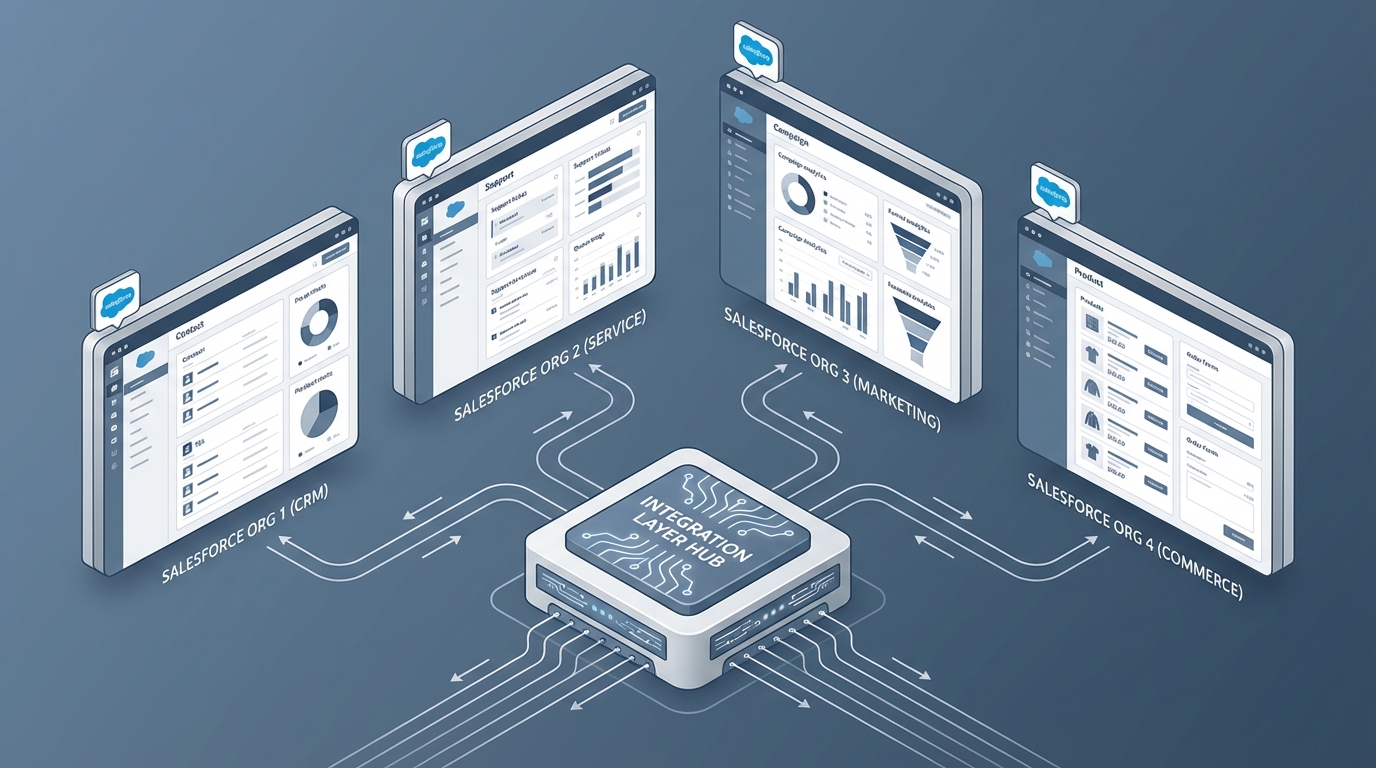
A technical architecture diagram showing a flexible API integration connecting to multiple different Salesforce org configurations.
Choosing Enterprise vs Partner WSDL for your project
So how do you actually decide? In my experience, it usually comes down to whether you are building for one org or many. If you're an in-house developer working on a single corporate instance, the Enterprise WSDL is often the go-to. It's faster to build with because your IDE does half the work for you with autocomplete and type checking.
But here's the catch. If you add a new custom field to Salesforce and you want your integration to see it, you have to download the WSDL again, regenerate your client code, and redeploy your app. That's a lot of friction for a small change. This is a common pain point in Salesforce API integration design that people often overlook during the first week of a project.
The maintenance factor
The Partner WSDL is much more stable. Since it doesn't hard-code your schema, you don't have to regenerate your code every time someone adds a checkbox to the Lead object. This is why ISVs and tool-builders almost always use the Partner WSDL. If you're building an app that needs to connect to hundreds of different customer orgs, you can't exactly go around regenerating your code for every single client.
Practical tip: If your project involves a lot of rapid metadata changes, lean toward the Partner WSDL. The extra time you spend writing generic code now will save you dozens of hours in redeployment cycles later.
Namespaces and Session Handling
One thing that trips people up is the namespace. The Enterprise WSDL uses a namespace that's unique to your org. The Partner WSDL uses a standard, static namespace. This is another reason why the Partner version is so portable. Both use the same login logic, though. You'll call the login() method, get a session ID, and pass that in your SOAP header for every following call. The header structure is basically identical for both.
Key Takeaways for Enterprise vs Partner WSDL
- Enterprise WSDL is best for single-org projects where you want fast development and compile-time safety.
- Partner WSDL is the standard for multi-org tools, middleware, and ISV packages.
- The Enterprise version requires a code redeploy whenever the Salesforce schema changes.
- The Partner version uses generic
sObjectstructures, making it more flexible but slightly harder to read. - Both use the same endpoints and session-based authentication.
So, which one should you grab? If you're building a quick internal tool and you want it running by Friday, go Enterprise. But if you're architecting something that needs to survive for years across different environments without constant babysitting, do yourself a favor and put in the effort to use the Partner WSDL. It's a bit more "boilerplate" code up front, but the long-term stability is worth the trade-off every single time.




Leave a Comment