

I've been spending a lot of time lately helping teams move off legacy tools, and honestly, Om Prakash's book, Salesforce Automation with Salesforce Flow and Apex, couldn't have come at a better time. If you're still clinging to Workflow Rules or Process Builder, it's time to face the music: the "Flow-first" world is already here, and it's staying.
Om Prakash is a 5x Salesforce MVP who actually spends his days in the trenches. He isn't just reciting documentation. He's distilling years of building real-world architecture into something we can actually use. Whether you're an admin trying to get comfortable with variables or a developer wondering when to stop clicking and start coding, this book hits the sweet spot.
Why you need Salesforce Automation with Salesforce Flow and Apex in your toolkit
The automation landscape has changed so much in the last few years. We aren't just making simple field updates anymore. We're building complex, multi-step processes that touch every part of the business. The reality is that Salesforce Automation with Salesforce Flow and Apex isn't just a niche topic anymore; it's the core of how we build.
One thing that trips people up is knowing where the boundaries are. I've seen teams try to force 50 elements into a single Flow when a simple Apex action would've been much cleaner. This book helps you find that balance. It walks through Screen Flows, Record-Triggered patterns, and even those tricky Platform Event - triggered Flows that everyone seems to struggle with.
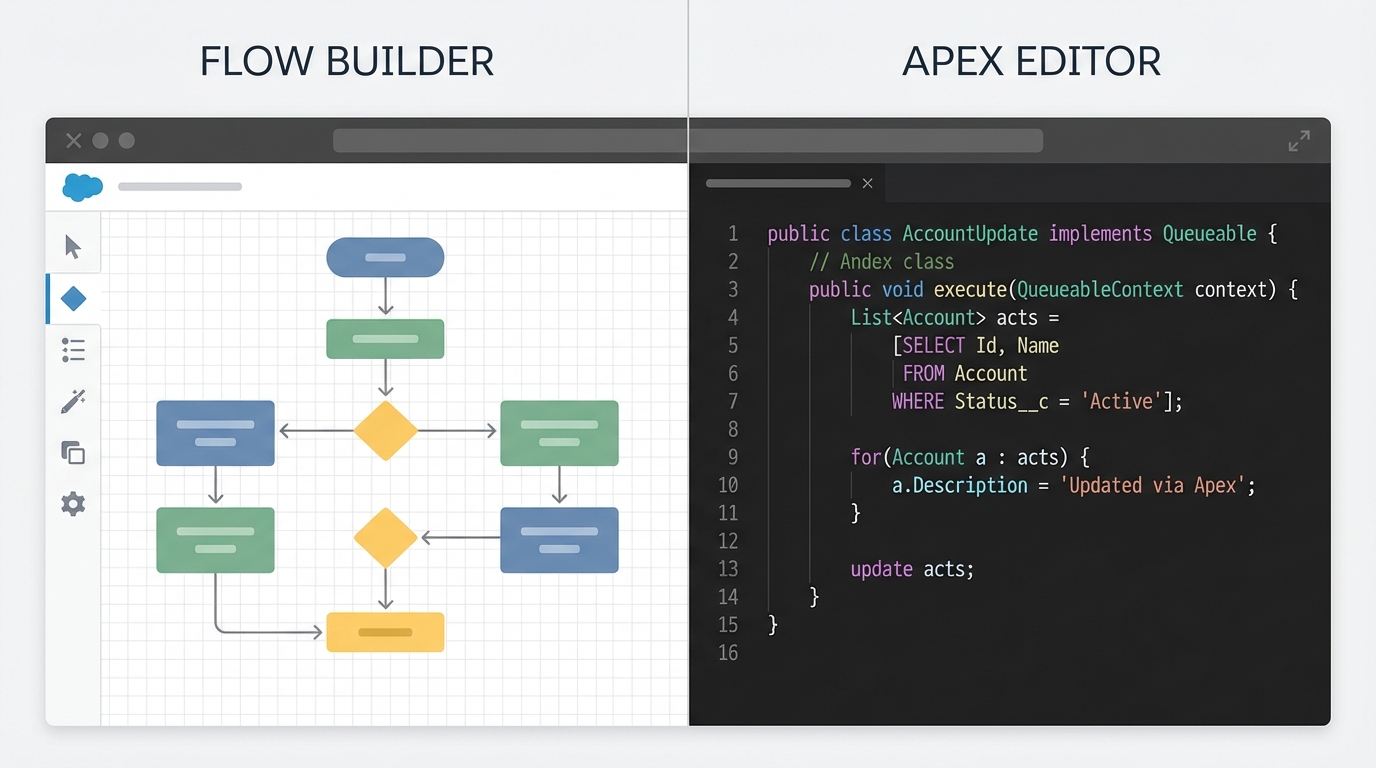
A side-by-side comparison of a Salesforce Flow Builder canvas and a clean Apex code editor, illustrating the choice between low-code and pro-code automation.
What's actually inside?
The book doesn't just show you where to click. It explains the "why" behind the design. Here's what you're getting:
- Design Patterns: How to build Screen Flows that users don't hate and Record-Triggered Flows that don't break your org.
- Apex Integration: Clear guidance on when to use Apex vs Flow for those complex enterprise requirements.
- Migration Recipes: A step-by-step plan to get rid of your old technical debt from Process Builder.
- Best Practices: Practical tips on bulkification, error handling, and making sure your automation is actually maintainable.
Mastering Salesforce Automation with Salesforce Flow and Apex
Now, let's talk about the hard stuff. Most people get Flow working for a single record, but then everything falls apart when they upload 200 records via the Data Loader. Om spends a good chunk of time on bulkification, which is where most junior admins get stuck. Understanding Flow bulkification is the difference between a happy user and a "Limit Exceeded" email at 3:00 AM.
But what if Flow isn't enough? That's where the Apex side of the book shines. It shows you how to build reusable Apex actions that your admins can use inside the Flow builder. It's about collaboration, not just writing code for the sake of it. Here's a thought that really stuck with me while reading:
Defensive design isn't optional anymore. If you aren't planning for bulk limits and error handling from day one, you're just building technical debt for your future self. Use Apex when the logic gets too heavy for the canvas.
Who is this book for?
If you're an admin, you'll use this to move beyond basic record updates and start building real apps. If you're a developer, you'll learn how to stop over-engineering everything in triggers and start using the declarative tools where they make sense. Even consultants and BAs will find the diagrams and architecture tips useful for explaining solutions to clients.
So, where can you get it? It's available through BPB Publications and most big retailers. Look for bundle codes if you want the practical exercises - they're worth the extra effort.
Key Takeaways
- Think Flow-first: Always start with Flow, but know exactly when to pull in Apex for the heavy lifting.
- Migrate now: Don't wait for Salesforce to force your hand; use the book's migration strategies to move off legacy tools today.
- Prioritize bulkification: Always test your Salesforce Automation with Salesforce Flow and Apex logic with large data sets to avoid governor limit issues.
- Be defensive: Build error handling into every Flow to make troubleshooting easier for your team.
At the end of the day, this book is a solid 5/5. It's practical, direct, and filled with the kind of advice you usually only get from years of trial and error. If you're responsible for any kind of automation on the platform, do yourself a favor and pick up a copy. It'll save you a lot of headaches during your next deployment.




Leave a Comment