

Picking the Right Salesforce Integration Options
When you’re looking at different Salesforce integration options, it’s easy to get overwhelmed by the sheer number of tools available. I’ve been in plenty of design sessions where the team spent hours arguing over whether to use a middleware tool or just write some custom Apex. Honestly, most teams get this wrong by over-engineering simple connections or trying to force a low-code tool to do something it wasn’t built for.
The secret isn’t just knowing what the tools are. It’s knowing which pattern fits your specific problem. Are you moving millions of rows? Do you need a response in under a second? Or are you just trying to send a notification when a deal closes? Let’s break down how this actually works in the real world.
Common Patterns for Salesforce Integration Options
Before we look at the specific tech, we need to talk about patterns. Think of these as the “how” before the “what.”
- Request and Reply: This is your classic synchronous call. You ask for something, and you wait for the answer. Think of a REST callout to get a credit score.
- Fire and Forget: You send a message and move on with your life. You don’t wait for a response. This is great for things like Outbound Messages or Platform Events.
- Batch Data Sync: This is for the heavy lifting. If you’re syncing nightly sales data, you’re in batch territory.
- Data Virtualization: This is the “look but don’t touch” approach. You show data in Salesforce without actually storing it there.
Pro tip: Always start by asking about the data volume and the required “freshness.” If the business says they need it in real-time, ask them why. Half the time, a five-minute delay is perfectly fine and saves you a ton of dev work.
Comparing Popular Salesforce Integration Options
1. REST and SOAP APIs
REST is the bread and butter of modern integrations. It’s lightweight, uses JSON, and it’s what almost every modern web service expects. But don’t count out SOAP just yet. Some older enterprise systems still require a formal WSDL and strict contracts. If you’re stuck choosing, I’ve written a breakdown on Salesforce SOAP vs REST that goes deeper into the “why” behind each one.
2. Bulk API 2.0
If you’re trying to move more than 100,000 records, stop looking at the standard REST API. You’ll hit limits faster than you can blink. The Bulk API is designed specifically for managing large data volumes. It processes data in the background, so it won’t hang up your user interface.
3. Change Data Capture (CDC) and Platform Events
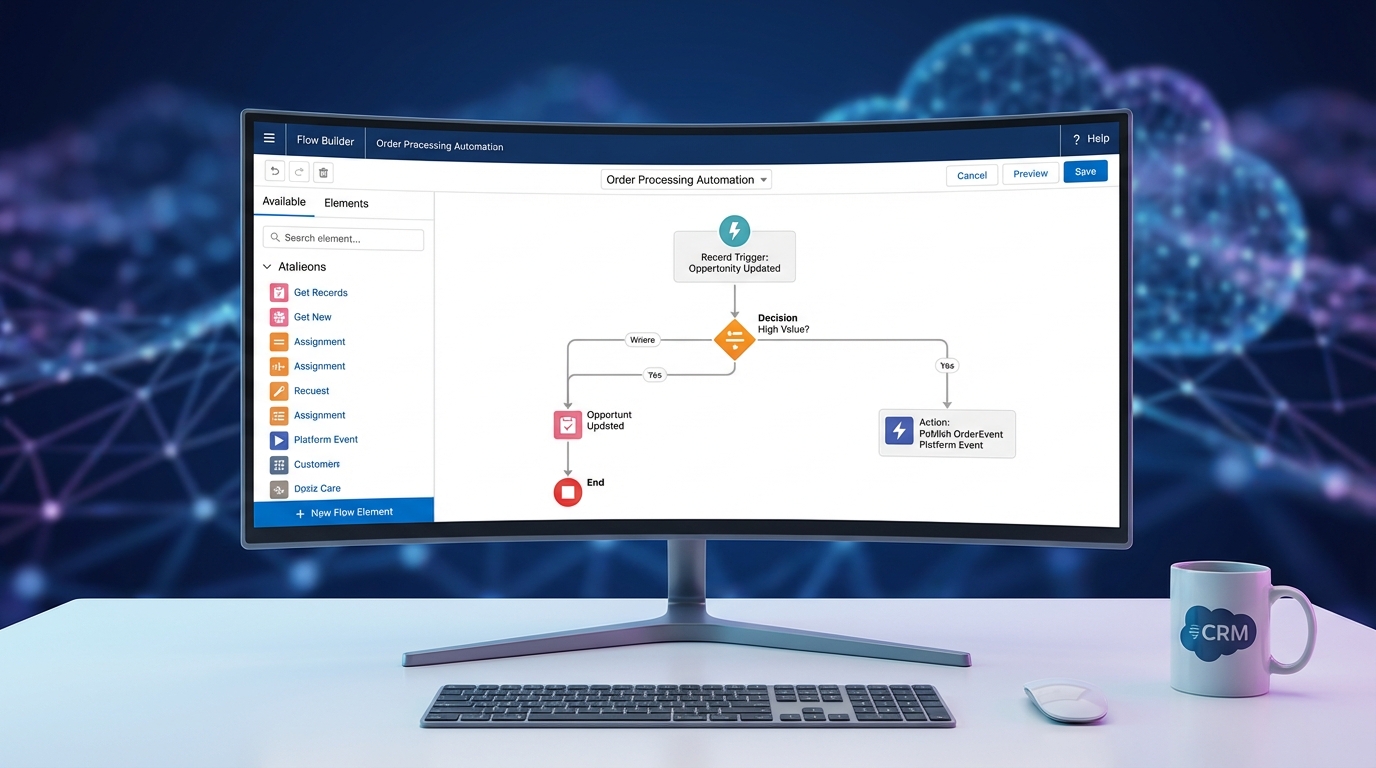
I’m a huge fan of event-driven architecture. CDC is fantastic because it automatically publishes an event whenever a record changes. No code required. Platform Events give you more control – you can define your own schema and publish them whenever you want via Flow or Apex. It’s a great way to decouple your systems so that if one goes down, the whole house doesn’t come crashing down.
4. Outbound Messages
This is one of the oldest Salesforce integration options, but it still works. It’s declarative, meaning you can set it up in a Flow without code. It sends a SOAP message to an external service. It’s simple, it retries automatically if the endpoint is down, but it’s a bit clunky because it only speaks XML. If you’re debating between this and events, check out this guide on Platform Events vs Outbound Messages.
5. External Services
This is a bit of a hidden gem for the low-code crowd. If you have an API with an OpenAPI (Swagger) definition, you can register it in Salesforce and call it directly from a Flow. No Apex callouts needed. It’s perfect for “citizen developers” who need to connect to an external system but don’t want to manage a codebase.
Custom Code vs. Middleware
Now, here is where it gets interesting. When do you stop using built-in tools and start looking at Apex or Middleware?
Apex Callouts and Custom Endpoints
Sometimes you just need custom logic. Maybe you need to transform the data in a very specific way before sending it out. That’s where HttpRequest and Http classes come in. Always use Named Credentials here. It keeps your auth secure and makes it way easier to manage different environments (Sandbox vs. Production).
// A quick example of a clean Apex callout
HttpRequest req = new HttpRequest();
req.setEndpoint('callout:MyExternalSystem/v1/sync');
req.setMethod('POST');
req.setBody('{"status": "active"}');
Http http = new Http();
HTTPResponse res = http.send(req);
Middleware and iPaaS
If you’re connecting Salesforce to ten different systems, don’t build ten custom integrations. That’s a maintenance nightmare. Use something like MuleSoft or Boomi. These platforms handle the retries, the mapping, and the monitoring so you don’t have to build a custom logging framework in Salesforce.
How to Decide Which Option to Use
So how do you actually pick? I usually run through a quick mental checklist:
- Is it a lot of data? Use Bulk API.
- Does it need to be declarative? Use Outbound Messages or External Services.
- Is it a simple UI update? Use the standard REST API.
- Do we need to show data without storing it? Use Salesforce Connect.
- Is the logic super complex? Use Apex Callouts.
Key Takeaways for Salesforce Integration Options
- Always favor declarative (no-code) tools like Flow and External Services first.
- Use Named Credentials for every single callout to keep your secrets safe.
- Don’t ignore the Bulk API when dealing with more than a few thousand records.
- Event-driven designs (CDC/Platform Events) are usually more reliable than tight synchronous coupling.
- Middleware is worth the cost once your integration landscape gets messy.
At the end of the day, the best integration is the one you don’t have to fix every Tuesday morning. Start simple, stay as declarative as possible, and only break out the custom code when you absolutely have to. Sound like a plan? Good luck out there.