
TwoFactorMethodsInfo object is reshaping how Salesforce professionals work — and this article breaks down everything you need to know.
If you've been managing a Salesforce org lately, you know MFA isn't just a suggestion anymore - it's a requirement. But how do you actually report on who has registered what? That's where the TwoFactorMethodsInfo object comes in. I've spent a lot of time lately helping clients audit their security posture, and this specific object is the key to seeing which users are using the Salesforce Authenticator app versus a hardware key or SMS.
Understanding the TwoFactorMethodsInfo object
The TwoFactorMethodsInfo object is basically a view into your users' identity verification methods. It lets you see what is registered for every person in your org. It isn't just for show, either. You can use it to build custom dashboards that show your security team exactly how many people are still relying on less secure methods like SMS.
In my experience, this is one of those objects that admins don't realize they need until a security audit rolls around. You can check for fields like HasUserVerifiedMobileNumber or HasSalesforceAuthenticator. It's a lifesaver when you need to prove compliance to your CISO without clicking through every single user record manually.
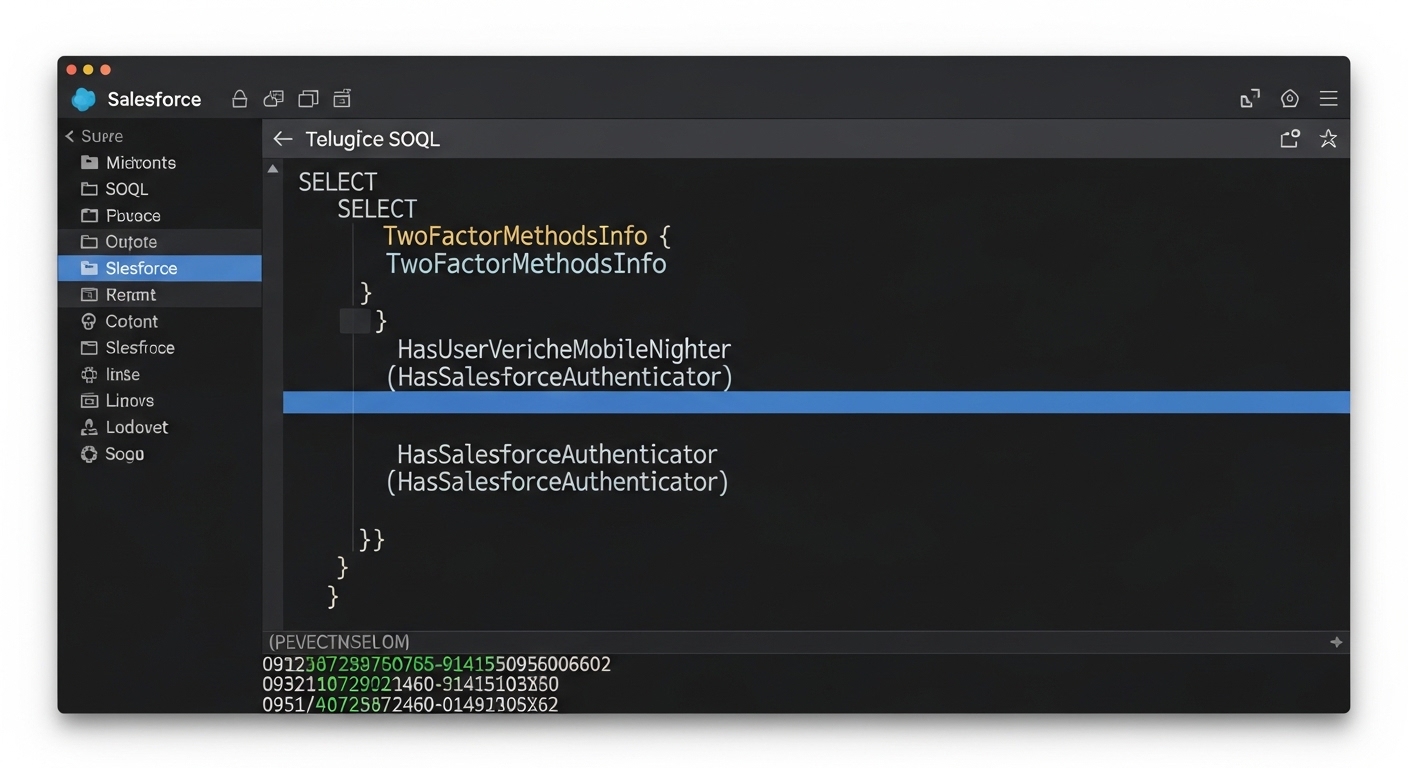
A professional code editor displaying a SOQL query for the TwoFactorMethodsInfo object to verify user MFA methods.
Permissions and access for the TwoFactorMethodsInfo object
Look, here's the thing that trips people up immediately. You can't just query this object with standard admin permissions. You actually need a specific system permission called Manage MFA in API. Without that, your SOQL queries will just fail, and your code will throw an error. I've seen developers waste hours trying to figure out why their code works in a Sandbox but fails in Production, and it's almost always this missing permission on the integration user or service account.
Pro tip: If you're building an automated report or a custom tool, don't just give this permission to everyone. Assign it to a specific permission set and only give it to the users or service accounts that absolutely need it to keep your org secure.
Common traps with the TwoFactorMethodsInfo object
Now, let's talk about the technical side. There's a very specific limitation that catches even senior developers off guard. You can't perform a DML operation and a query on the TwoFactorMethodsInfo object in the same API call. If you try to mix them, Salesforce will throw a runtime error faster than you can blink. It's a weird quirk, but you have to treat your read and write operations as completely separate events.
So what does this actually mean for you? If you're writing Apex to manage user settings, you need to split your logic. Do your queries first, finish that transaction, and then handle any updates separately. It's similar to some of the issues people face when handling bulk record processing in Flows - you have to be mindful of how you structure your operations to avoid hitting those platform walls.
Why this matters for your audits
I've used this object for building custom admin tools that show a "Security Health" score for each user. It's much better than the standard Salesforce reports because you can join this data with other user info. If you're already looking at automated risk detection tools, adding a custom check against this object gives you a much clearer picture of your actual vulnerabilities.
Key Takeaways
- The TwoFactorMethodsInfo object tracks all registered MFA methods for your users.
- You must have the Manage MFA in API permission to see or touch this data.
- Never mix SOQL queries and DML operations for this object in a single transaction.
- It's the best tool for auditing compliance and seeing who is actually using their MFA.
Working with the TwoFactorMethodsInfo object isn't hard once you know the rules. Just remember to check your permissions first and keep your read and write logic separate. It's a small piece of the Salesforce puzzle, but it's one that makes a huge difference when you're trying to stay on top of org security. If you're prepping for a technical role, this is the kind of detail that shows you really know the platform, so keep it in mind for your next developer interview.




Leave a Comment