


Salesforce throws the INVALID_TYPE: sObject type 'TwoFactorMethodsInfo' is not supported error when the running user or service account lacks the Manage MFA in API permission. To resolve the error and query user verification methods, assign this system permission via a permission set. Ensure your implementation also keeps TwoFactorMethodsInfo SOQL queries and DML operations in separate transactions to prevent platform runtime errors.
Understanding the TwoFactorMethodsInfo object
The TwoFactorMethodsInfo object is basically a view into your users' identity verification methods. It lets you see what is registered for every person in your org, and you can use it to build custom dashboards that show your security team exactly how many people are still relying on less secure methods like SMS.
In my experience, this is one of those objects that admins don't realize they need until a security audit rolls around. You can check for fields like HasUserVerifiedMobileNumber or HasSalesforceAuthenticator. It's a lifesaver when you need to prove compliance to your CISO without clicking through every single user record manually.
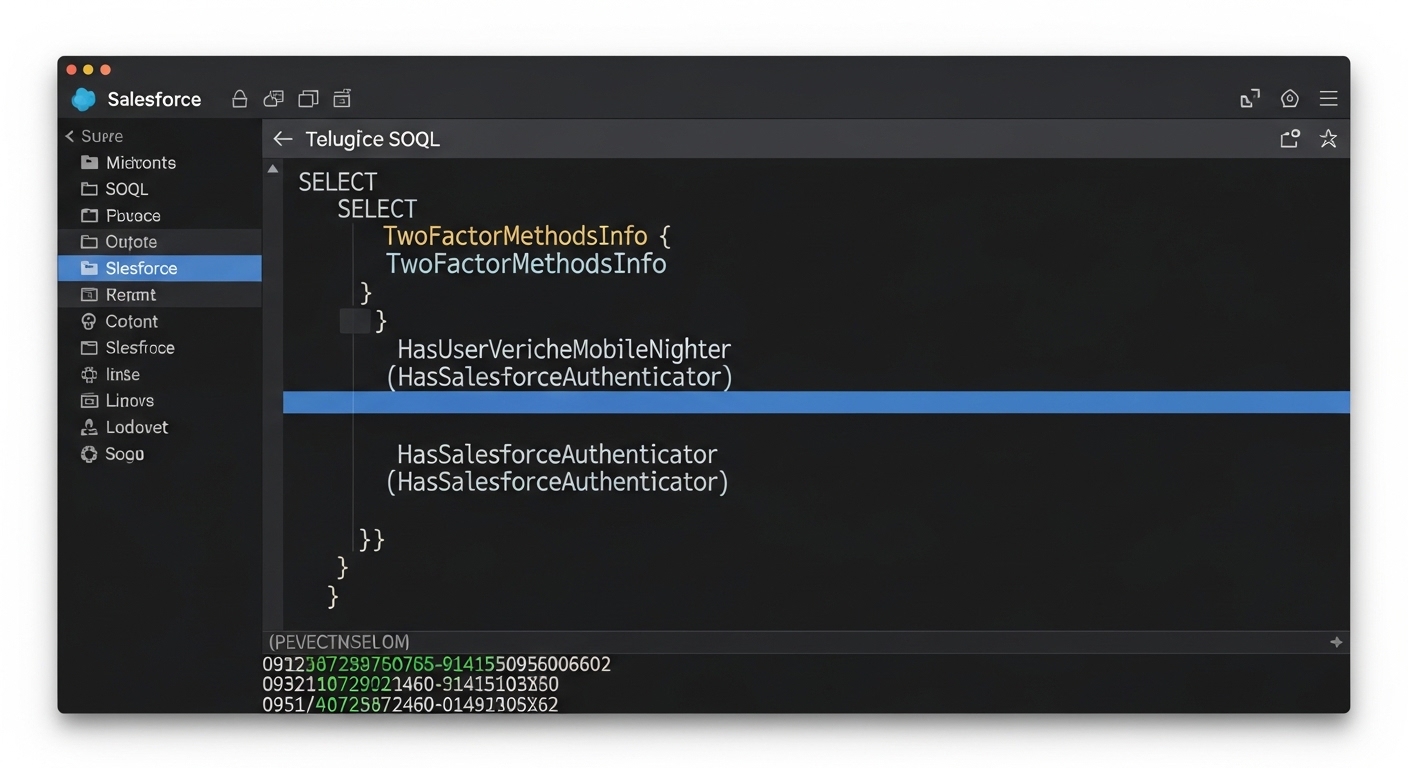
A professional code editor displaying a SOQL query for the TwoFactorMethodsInfo object to verify user MFA methods.
Permissions and access for the TwoFactorMethodsInfo object
You can't just query this object with standard admin permissions, and that trips people up immediately. You actually need a specific system permission called Manage MFA in API. Without that, your SOQL queries will just fail, and your code will throw an error. I've seen developers waste hours trying to figure out why their code works in a Sandbox but fails in Production, and it's almost always this missing permission on the integration user or service account.
Pro tip: If you're building an automated report or a custom tool, don't give this permission to everyone. Assign it to a specific permission set and hand it only to the users or service accounts that absolutely need it.
Common traps with the TwoFactorMethodsInfo object
There's a very specific limitation here that catches even senior developers off guard. You can't perform a DML operation and a query on the TwoFactorMethodsInfo object in the same API call. If you try to mix them, Salesforce will throw a runtime error faster than you can blink. It's a weird quirk, but you have to treat your read and write operations as completely separate events.
In practice, if you're writing Apex to manage user settings, you need to split your logic. Do your queries first, finish that transaction, and then handle any updates separately. It's similar to some of the issues people face when handling bulk record processing in Flows, where you have to be mindful of how you structure your operations to avoid hitting those platform walls.
Why this matters for your audits
I've used this object for building custom admin tools that show a "Security Health" score for each user. It's much better than the standard Salesforce reports because you can join this data with other user info. If you're already looking at automated risk detection tools, adding a custom check against this object gives you a much clearer picture of your actual vulnerabilities.
Key takeaways
- The TwoFactorMethodsInfo object tracks all registered MFA methods for your users.
- You must have the Manage MFA in API permission to see or touch this data.
- Never mix SOQL queries and DML operations for this object in a single transaction.
- It's the best tool for auditing compliance and seeing who is actually using their MFA.
Working with the TwoFactorMethodsInfo object isn't hard once you know the rules. Just remember to check your permissions first and keep your read and write logic separate. It's a small piece of the Salesforce puzzle, but it's one that makes a real difference when you're trying to stay on top of org security. If you're prepping for a technical role, this is the kind of detail that shows you really know the platform, so keep it in mind for your next developer interview.



Leave a Comment