

Salesforce Chrome extensions is reshaping how Salesforce professionals work — and this article breaks down everything you need to know.
If you've spent more than a week working in the ecosystem, you know the standard UI can be a bit of a click-marathon. I remember my first big data cleanup project where I spent half my day just trying to find field API names and hidden values. That's when I realized how much better life gets when you start using the right Salesforce Chrome extensions to handle the heavy lifting.
Look, we're all busy, and the goal isn't just to work harder - it's to stop doing the boring stuff manually. These tools aren't just "nice to have" anymore. They are basically mandatory if you want to keep your sanity while jumping between different types of sandboxes and production environments all day. Let's break down the ones that actually make a difference in a real-world workflow.
Why you need Salesforce Chrome extensions in your life
The short answer? Context switching kills productivity. Every time you have to leave your current page to go to Setup, find a field, or check a debug log, you lose focus. I've seen teams save hours every week just by having metadata and data tools available right on the record page. It's about getting the info you need without the "Setup" tax.
But here's the thing: you don't want to clutter your browser with twenty different icons. You need a lean set of tools that actually solve problems. Whether you're an admin trying to find a hidden field value or a developer debugging a messy trigger, these Salesforce Chrome extensions are the ones I've found to be the most reliable over the years.
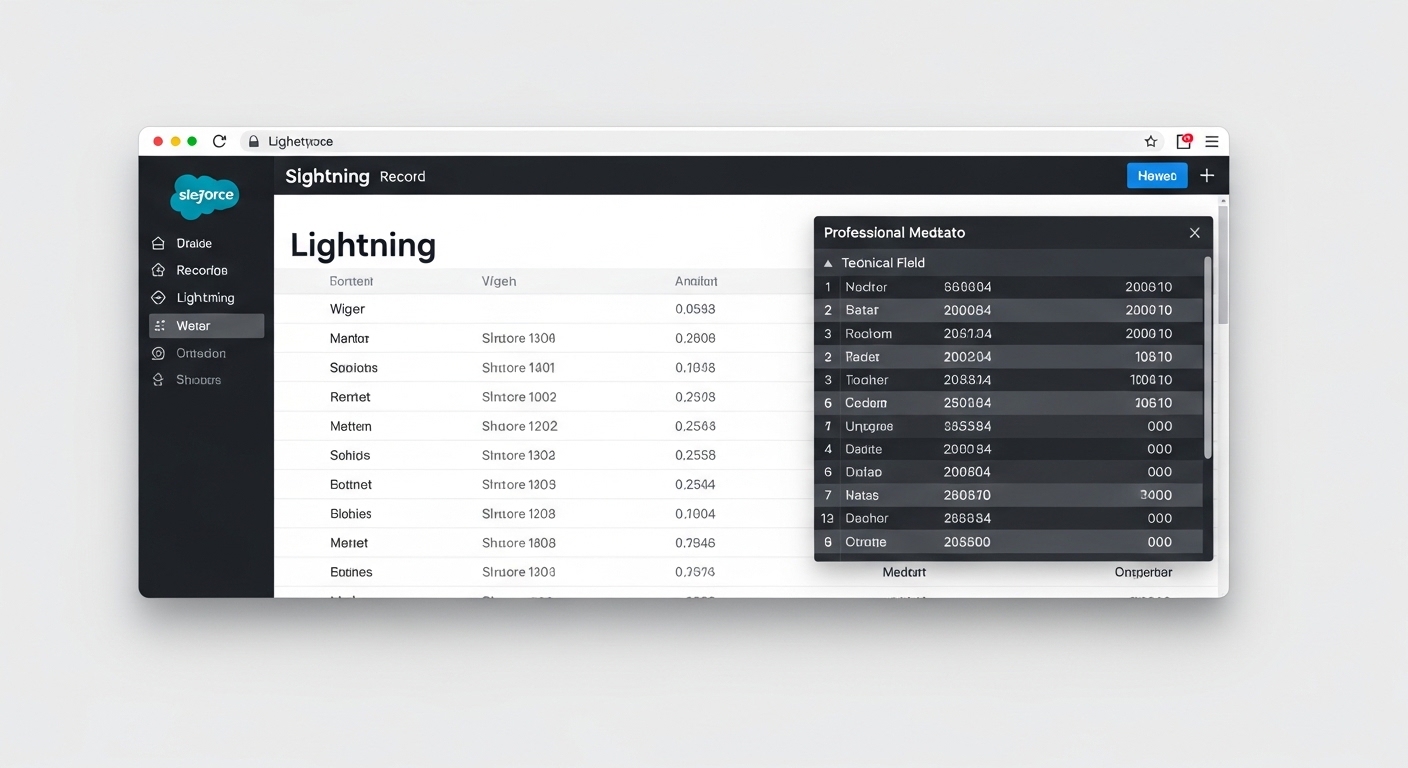
A realistic UI mockup of a Salesforce record page featuring a technical metadata overlay showing field details and data values.
My top 5 Salesforce Chrome extensions
1. Salesforce Inspector
This is the holy grail. Honestly, I don't know how anyone works without it. It's a simple overlay that lets you view all data for a record, even fields that aren't on the page layout. I use the "Data Export" feature constantly to run quick queries without waiting for the Developer Console to load. It's fast, it's ugly in a charming way, and it just works.
2. ORGanizer for Salesforce
If you're a consultant managing five different clients at once, you need this. It helps you color-code your tabs so you don't accidentally run a script in production thinking it's a dev org. We've all been there, and it's never a good day. It also lets you store login tokens so you can hop between environments with one click. It's a massive help for maintaining clarity in your work.
3. Salesforce Advanced Code Searcher
Ever had to find every single place a specific field is mentioned in your Apex code? It's a nightmare if you're doing it manually. This extension lets you search through classes, triggers, and components right from the browser. It's my go-to tool when I'm doing impact analysis for a refactor or trying to figure out why a specific validation rule is firing.
4. Salesforce Tool Suite
Think of this as your Swiss Army knife. It has a built-in SOQL builder and a debug log viewer that is way easier to read than the standard Salesforce logs. I've seen developers use this to quickly monitor logs in real-time while testing a new feature. It's great for when you need a compact toolkit without opening three separate apps.
5. Change Set Helper
Let's be real: the native Change Set UI is painful. You're clicking "Next" through dozens of pages just to find one permission set. This extension adds a search bar, sorting, and the ability to see the "Last Modified" date on components. It makes deployments way less of a chore and helps you avoid missing those tiny dependencies that always seem to break the build.
Pro tip: Use the "Container" feature in your browser along with ORGanizer. It keeps your sessions separate so you don't get those annoying "Session Expired" errors when you have two different orgs open at the same time.
How to pick the right Salesforce Chrome extensions for your role
So what does this actually mean for your daily grind? Not everyone needs all five. If you're an admin, prioritize Salesforce Inspector and Change Set Helper. They'll save you the most time in Setup. If you're a developer, you'll probably live in the Advanced Code Searcher and Tool Suite.
And for the consultants out there? You basically need the whole list. One thing that trips people up is installing too many extensions at once. Start with Inspector and ORGanizer. Once those are part of your muscle memory, add the others. You'll notice the difference in your speed almost immediately.
Key Takeaways
- Salesforce Inspector is the essential tool for viewing hidden data and quick exports.
- Use ORGanizer to keep your sandboxes and production environments clearly separated.
- Advanced Code Searcher is a lifesaver for impact analysis in complex orgs.
- Change Set Helper turns a 30-minute deployment prep into a 5-minute task.
- Always review extension permissions to keep your client data secure.
At the end of the day, these tools are about making the platform work for you, not the other way around. If you're still doing everything through the standard Setup menu, you're leaving a lot of time on the table. Try adding one or two of these to your browser today and see how much faster you can get through your backlog. You'll wonder how you ever worked without them.




Leave a Comment