

I've been digging into the Salesforce Spring '26 preview for the last few weeks, and honestly, there is a lot to get excited about. If you've ever had to move millions of records without hitting a governor limit, you know the struggle is real. We've all spent way too much time chaining Queueables or building complex Batch Apex just to keep the lights on and the limits in check.
But the General Availability of Apex Cursors in this Salesforce Spring '26 release changes the game for how we handle scale. Now, instead of being stuck with the usual 50,000-record limit in a single transaction, we can work with up to 50 million records. It's a massive jump. I've spent years managing large data volumes, and this is the first time it feels like the platform is actually meeting us halfway on high-volume processing.
Handling 50 Million Records with Salesforce Spring '26 Apex Cursors
The best part? Cursors are stateful. You can grab a cursor ID, save it, and come back to it in a different transaction. This is perfect for long-running migrations where you don't want to lose your spot if something breaks. It also makes it much easier to stream large datasets to your UI without timing out. Here is what the basic setup looks like:
// Start a cursor for a big query
Database.Cursor myCursor = Database.getCursor('SELECT Id, Name FROM Contact WHERE CreatedDate = THIS_YEAR');

// Grab records in small chunks
while (myCursor.hasNext()) {
    List<Contact> scope = myCursor.fetch(200);
    // Do your work here
}

// You can even save the ID for later
String savedId = myCursor.getCursorId();
Practical tip: Don't just use cursors for everything. If your dataset is small, a standard SOQL query is still faster. Use cursors when you know you're going to blow past those 50k limits or when you need a consistent view of data across multiple async steps.
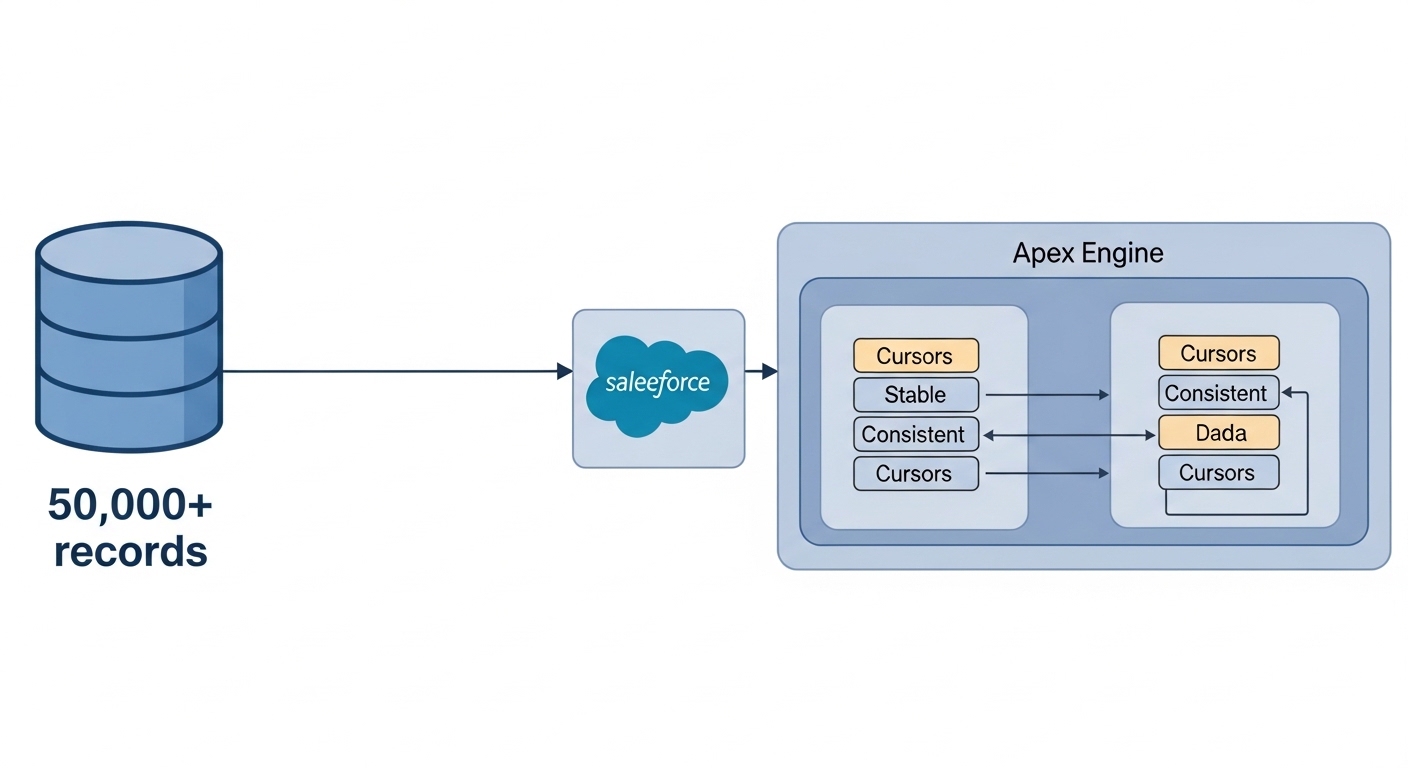
A technical architecture diagram showing how Apex Cursors segment large datasets for consistent asynchronous processing in Salesforce.
Cleaning up Templates with Salesforce Spring '26 LWC Expressions
Let's talk about LWC for a minute. For years, Salesforce told us templates should be logic-less. That sounded great in theory, but it meant we ended up with dozens of tiny getter methods in our JavaScript files just to check if a number was greater than zero or to add two values together. It was messy and, honestly, a chore to maintain. It's one of those things that most teams get wrong because it's just so tedious.
With the Salesforce Spring '26 update, we're finally getting Complex Template Expressions in Beta. You can now do basic math and logic right in the HTML. It makes the code much easier to read at a glance. You don't have to keep flipping back and forth between your JS and HTML files to see why a button is disabled or why a section is hidden. So what does this actually mean for your day-to-day work? It means fewer getters and cleaner JS files.
You can use plus, minus, or even logical operators like "and" or "or". It's a small change that saves a lot of time. Here's a quick look at how much cleaner it is:
<! - Doing math directly in the template - >
<template lwc:if={item.price * item.quantity > 1000}>
    <p>High Value Order: {item.price * item.quantity}</p>
</template>
<template lwc:else>
    <p>Standard Order</p>
</template>
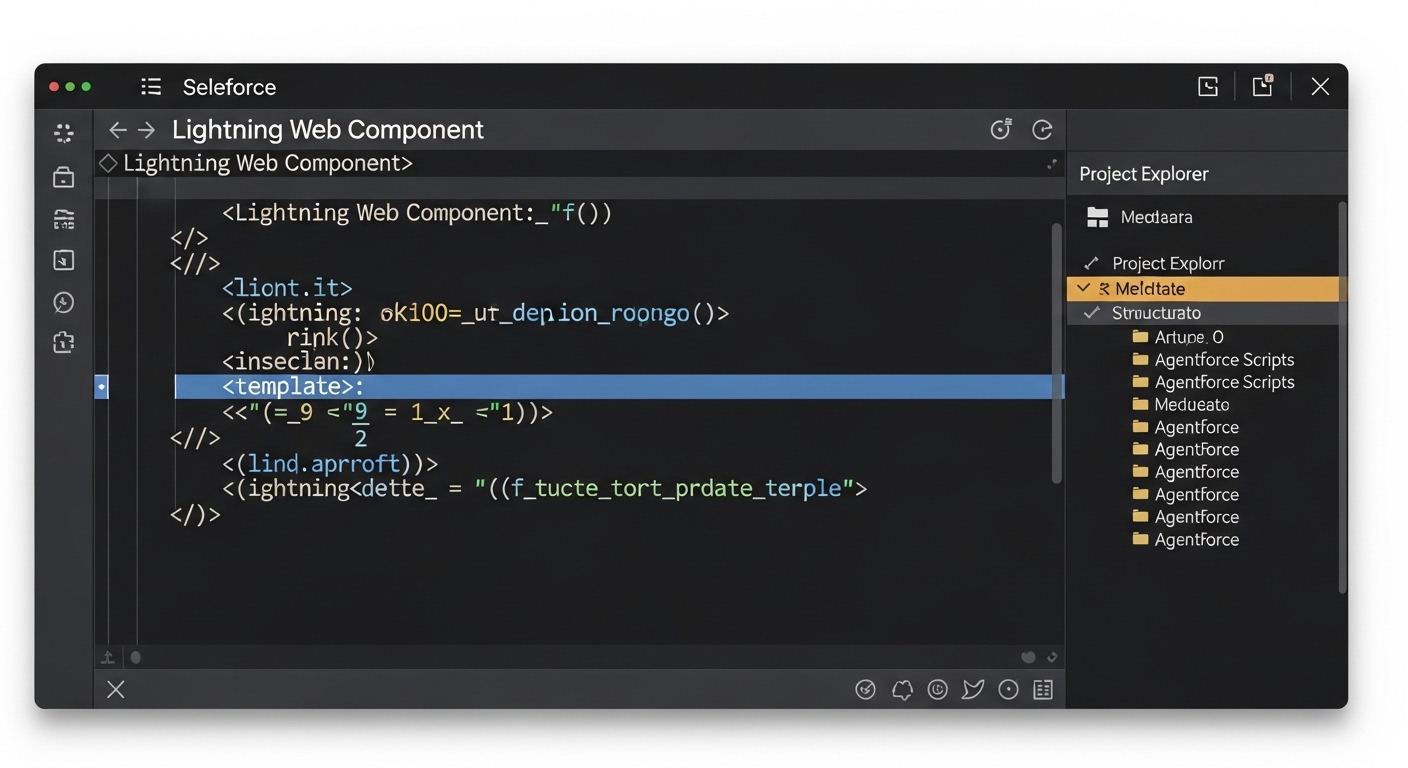
A realistic VS Code editor interface displaying LWC template expressions and the file structure for Agentforce metadata.
Agentforce DX and VS Code Improvements
The AI hype is everywhere, but the new Agentforce DX tools in Salesforce Spring '26 are actually grounded in reality. The new VS Code extension treats Agent Scripts as real metadata. This means you can finally stop clicking around in the browser and start managing your agent logic in your IDE where you actually want to work. I've seen teams lose hours just trying to track changes in the UI, so this is a huge win for version control.
One thing that trips people up with AI is testing. It's expensive and slow to run real prompts every time you change a line of code. The new mocked previews let you test how an agent reacts without burning through your org's resources. If you're looking for Agentforce use cases, these tools make the development cycle feel much more like traditional software engineering.
- Text-based Editing: No more heavy UI - just edit your agent topics in a text editor.
- Execution Tracing: See exactly why an agent made a specific decision.
- Smart Testing: Only run the Apex tests that actually matter for your changes.
Key Takeaways
- Apex Cursors: Now GA and support up to 50 million records. Use them for high-volume data processing where Batch Apex feels too heavy.
- LWC Expressions: Basic math and logic are now allowed in HTML templates. This will significantly reduce the number of "one-liner" getters in your JS.
- Agentforce DX: Moving Agent configuration into VS Code as metadata makes it easier to deploy and track changes.
- Mocked Previews: Test your AI logic without hitting usage limits or waiting for live responses.
Look, the Salesforce Spring '26 release isn't just about AI-it's about fixing some of those long-standing developer pain points we've lived with for years. Whether you're cleaning up your LWC templates or moving massive amounts of data with Cursors, these tools are built to save us time. Start playing with these in your sandbox now so you're ready when they hit production. It's better to find the edge cases today than during a high-stakes deployment next month.




Leave a Comment