


If you're tired of messy string concatenation in your templates, the new LWC class binding is worth a look. Managing dynamic CSS classes used to be one of those small tasks that felt more annoying than it should have been. API 62.0 brings LWC in line with how other modern frameworks handle it.
I've seen so many teams struggle with bugs where a missing space between two class names broke the entire UI. You know the drill: you're building a string in a getter, and you forget that trailing space before the next conditional class. Now we can pass objects or arrays directly to the class attribute and let the framework assemble them.
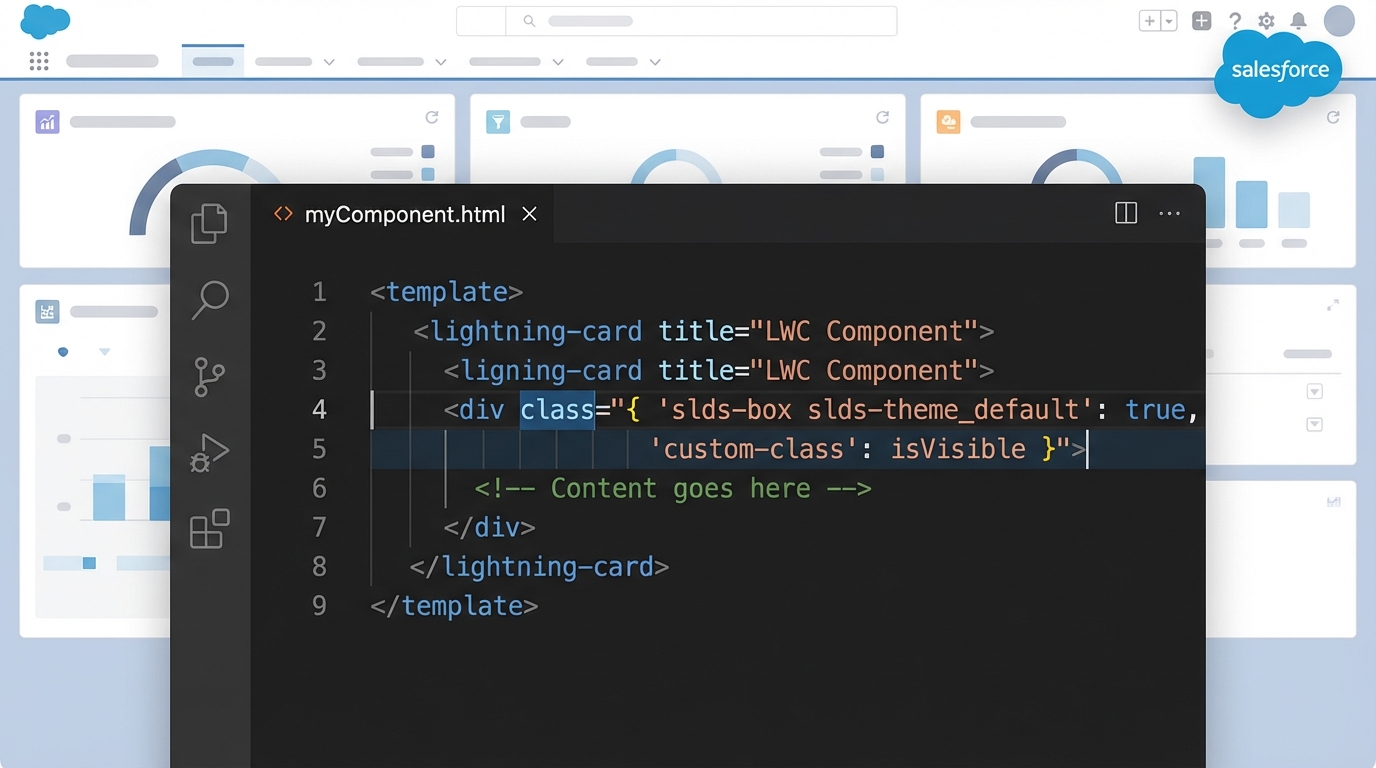
A code editor showing syntax-highlighted LWC code with object-based class binding, next to a blurred Salesforce UI.
Why LWC class binding is a massive upgrade
Before this update, your JavaScript getters usually looked like a series of ternary operators joined by empty strings. It worked, but it was ugly. Now you return a clean object where the keys are your CSS classes and the values are booleans.
It pairs nicely with other recent changes like LWC expressions that are making our templates much more capable. Your code also gets more declarative: you tell the component "show this class when this condition is true" instead of building a long string of text by hand.
How to use LWC class binding in your components
Here is how this works in a real component. The example is a simple box that changes style based on an active state, and the getter gets much cleaner when it returns an object instead of a string.
// myComponent.html
<template>
  <div class={containerClass}>
    The styling here is dynamic!
  </div>
  <button onclick={toggleActive}>Toggle State</button>
</template>

// myComponent.js
import { LightningElement, track } from 'lwc';

export default class MyComponent extends LightningElement {
  @track isActive = false;

  get containerClass() {
    // This is the magic part. No strings, just an object.
    return {
      'slds-box': true,
      'is-active': this.isActive,
      'custom-alert': !this.isActive
    };
  }

  toggleActive() {
    this.isActive = !this.isActive;
  }
}
Pretty straightforward, right? If isActive is true, the is-active class is applied. If it's false, the custom-alert class takes its place. You can also use an array if you just want to dump a list of classes in there without the key-value logic. I stick to objects for conditional styling because it reads better at a glance.
When to use objects vs arrays
In my experience, objects cover about 90% of your use cases. They keep the logic explicit, so you never have to guess what condition triggers which style. Arrays are handy when you're dealing with computed class names, or passing a list of styles down from a parent component.
One thing that trips people up is forgetting to update the component's XML metadata. Class binding won't work if your API version is still set to 61.0 or lower, so double-check your meta file.
Best practices for LWC class binding
- Make sure your component is on API version 62.0 or higher. If it isn't, LWC will just try to turn your object into a string like "[object Object]", which will definitely ruin your layout.
- Keep the logic in the JavaScript and keep it readable. If your object has twenty different keys, it might be time to break that component down into smaller pieces.
- Even with dynamic classes, try to use standard Salesforce Lightning Design System classes wherever you can. It keeps the UI consistent for the users.
If you're working on complex interfaces, my guide on LWC element scrolling covers the user experience side of these dynamic components.
Key takeaways for LWC class binding
- It replaces messy string concatenation with objects or arrays.
- It needs LWC API version 62.0 or higher to work.
- Objects are best for toggling classes based on boolean states.
- Arrays work well for lists of classes that don't need conditional logic.
- It cuts common bugs like missing spaces between class names.
Start using this as soon as you can. It's one of those small quality-of-life updates that adds up when you're maintaining a large codebase, with cleaner templates and JavaScript that's easier to follow. Give it a shot in your next scratch org and see how much boilerplate code you can delete.



Leave a Comment