
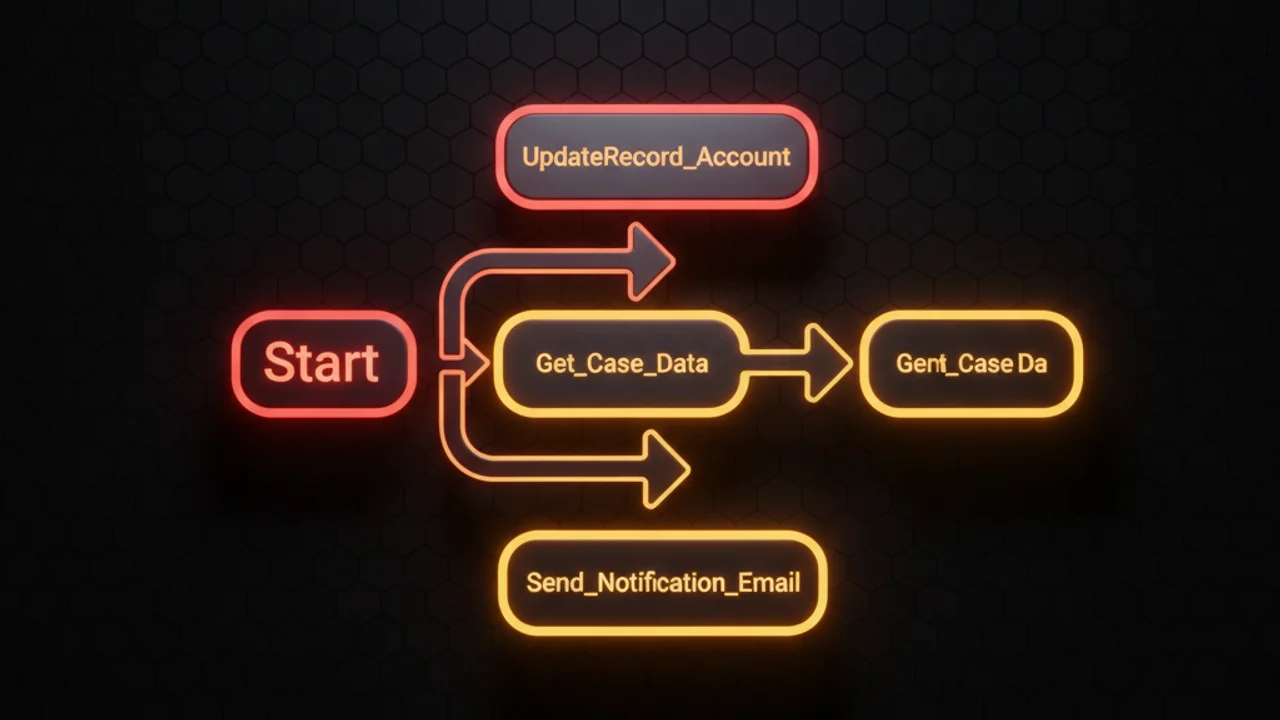

Why naming conventions matter in Salesforce Flows
Clear, consistent names make Flows easier to understand, maintain and govern, and that matters most in orgs where several admins and developers touch the same automation. Good names cut onboarding time, speed up troubleshooting, and stop someone editing the wrong Flow or building a second one that does the same job.
Core principles
- Be descriptive but concise: capture the Flow's purpose in a short phrase.
- Use a consistent structure: include object, action, trigger type, and environment.
- Prefer readability over cleverness: avoid abbreviations that aren't universally understood.
- Include version or status when relevant: Draft, Active, or a semantic version.
Suggested naming pattern
A repeatable pattern helps searchability and governance. The one I keep coming back to:
<Object> - <Trigger> - <Action> - <ExtraInfo>
Examples:
Contact - Before Save - Set Preferred LanguageOpportunity - After Save - Create Renewal TaskCase - Record-Triggered - Escalate to Manager - SLA15
Element-level naming
Name the elements inside the Flow (Get Records, Assignment, Decision) with the same care:
Get Primary Accountinstead ofGet_1Assign: SetRenewalDateinstead ofAssignment2Decision: Is High Value Account?instead ofDecision_3
Prefix the element type if you like, to make it identifiable at a glance on the canvas (G - Get Account, A - Set Flags, D - Check Status).
Include metadata in names
Putting the trigger type and the target object in the name removes ambiguity:
- Trigger type:
Record-Triggered,Scheduled, orScreen. - Action intent:
Create,Update,Notify,Validate. - Scope or conditions:
SLA30,HighValue,AfterClose.
Versioning and drafts
Flows change often. Carry version or status in the name so work in progress stands out from production:
Opportunity - After Save - Send Invoice - v1.2Lead - Screen - Qualification - Draft
Keep transient developer notes out of the name. The Flow description field is where implementation details, logic notes and testing instructions belong.
Governance and naming policy
Write a short naming policy down and enforce it at change review:
- Define the required segments (object, trigger, action).
- Set maximum length guidance, say 80 characters, to keep names readable in the UI.
- Agree on abbreviations and reserved prefixes for managed packages or integrations.
- Use the Flow description for owner, last modified intent, and Jira or issue references.
Searchability tips
Make names findable through Salesforce search and your external documentation:
- Use consistent keywords such as
Notify,Validate,Assign. - Tag Flows with category-like prefixes if your org supports it (
INT-for internal,INTG-for integrations). - Keep the most important terms at the front of the name.
Examples: good vs. bad
Compare these:
- Good:
Account - Before Save - Normalize Phone - Bad:
Flow_update1 - Good:
Case - After Save - Notify Support - SLA72 - Bad:
CaseFlow
Checklist before finalizing a Flow name
- Does the name include the object and trigger type?
- Is the intended action clear?
- Is it consistent with existing naming patterns in the org?
- Is it short enough to read on the canvas and in lists?
- Would the extra context sit better in the description?
Conclusion
Consistent Flow names reduce risk and keep an org readable for whoever inherits it. Document one pattern, <Object> - <Trigger> - <Action> - <ExtraInfo>, enforce it during reviews, and put the deeper technical notes in the description field.



Leave a Comment