

Why you need to know your Salesforce flow types
If you're working in an org today, you know that Salesforce flow types are the foundation of almost everything we build. Gone are the days when we could just lean on a couple of simple Workflow Rules and call it a day. Now, Flow is the heavy lifter. But here's the thing: I've seen brilliant admins get stuck because they picked the wrong tool for the job, leading to hit governor limits or just a messy user experience.
It isn't just about making things work; it's about making them work efficiently. Choosing between these Salesforce flow types can feel a bit overwhelming at first, but once you get the hang of the logic behind each one, it becomes second nature. Let's break down what you actually need to know to keep your org running smoothly.
1. Screen Flows
These are your go-to when you need a human in the loop. Think of them as interactive wizards. If you need a user to enter data, look at a summary, or make a choice before the next step happens, you're looking at a Screen Flow. I use these all the time for things like guided lead conversion or complex intake forms where a standard page layout just doesn't cut it.
2. Record-Triggered Flows
This is where the real magic happens. These flows fire off automatically when a record is created, updated, or deleted. In my experience, this is the type people use the most, but it's also where they make the most mistakes. You've got two main options here:
- Fast Field Updates (Before-Save): Use this if you are only updating fields on the record that triggered the flow. It's incredibly fast and happens before the data even hits the database.
- Actions and Related Records (After-Save): Use this when you need to update other records, send emails, or do anything that needs a record ID.
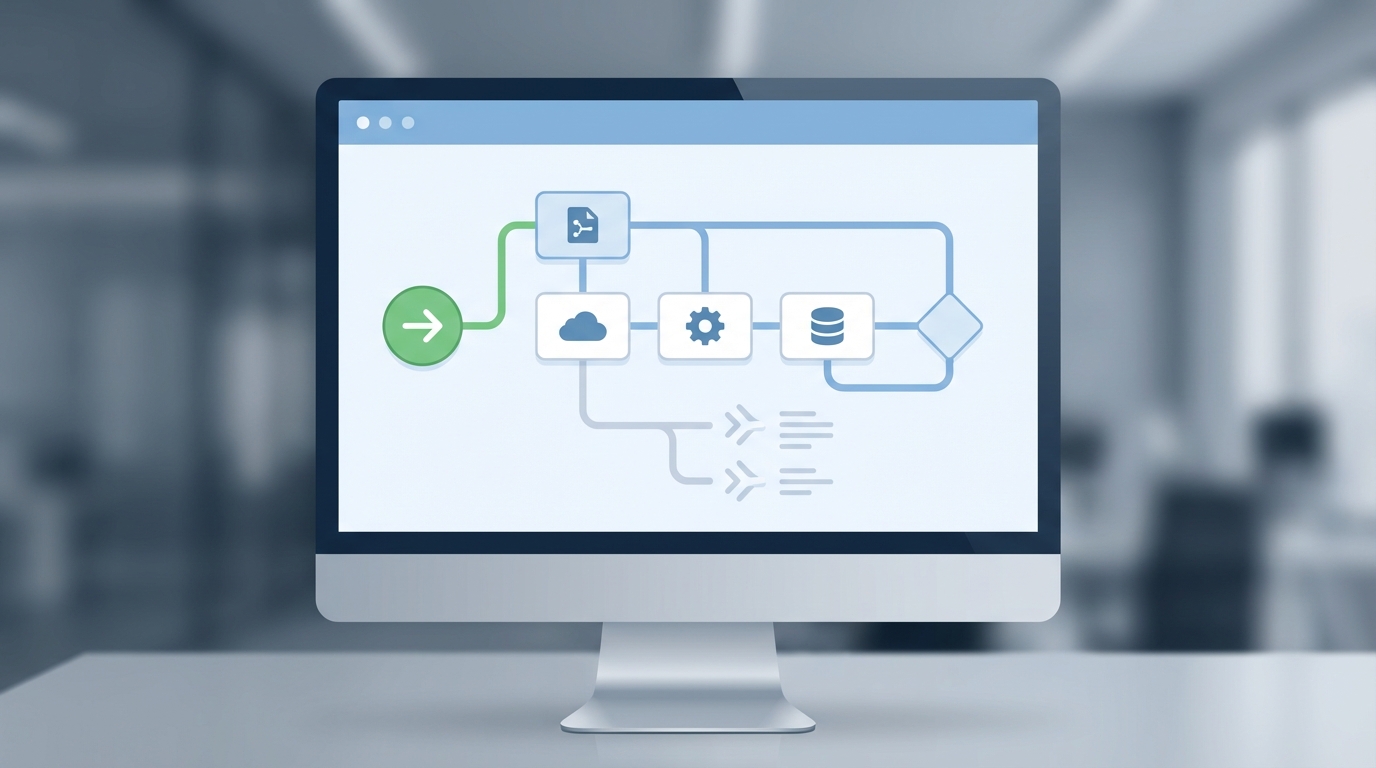
A professional visualization of a Salesforce Flow Builder canvas showing a complex automation workflow with trigger and action nodes.
3. Schedule-Triggered Flows
Think of these as your nightly cleanup crew. They run at a specific time and date, usually on a recurring basis. I've used these to deactivate users who haven't logged in for 90 days or to send out weekly digest emails to account owners. They're great for mass updates that don't need to happen in real-time. Just be careful with your batch sizes so you don't time out.
4. Autolaunched Flows (No Trigger)
These are the "silent" flows. They don't start on their own; something else has to call them. Usually, that's a bit of Apex code, a Subflow, or even a REST API call from an external system. I love using these as Subflows to hold reusable logic. Why build the same complex tax calculation five times when you can build it once in an Autolaunched flow and call it whenever you need it?
5. Platform Event-Triggered Flows
These are a bit more advanced, but they're useful for event-driven architectures. They wait for a Platform Event to be published and then jump into action. If you're dealing with integrations where an external system sends a "ping" to Salesforce, this is often the best way to handle it without tightly coupling your systems.
6. Flow Orchestrator
Now, this is for the big stuff. Orchestrator lets you string multiple flows together across different users and timeframes. If you have a multi-step approval process that involves three different departments and takes two weeks to finish, you're looking at an Orchestration. It's basically a flow of flows.
How to pick between Salesforce flow types for your project
So how do you actually decide? The short answer? It depends on who is starting the process and when it needs to finish. If you're still debating whether to use code or clicks, you might want to look at this guide on Apex vs Flow to see where the line is drawn. For most day-to-day automation, one of the standard Salesforce flow types will do the trick.
Pro Tip: Always start with a Before-Save Record-Triggered flow if you're just updating the same record. It's way easier on your system's resources and keeps things snappy for your users.
Don't forget that handling bulk record processing is non-negotiable. No matter which flow type you choose, if you don't build it to handle 200 records at once, it's going to break the moment someone does a data import. I've learned that lesson the hard way more than once.
Key Takeaways
- Screen Flows are for user interaction and guided steps.
- Record-Triggered Flows replace your old Workflow Rules and Process Builders.
- Before-Save flows are for speed; After-Save flows are for related records and actions.
- Schedule-Triggered Flows handle the heavy lifting for batch jobs.
- Subflows (Autolaunched) are the secret to keeping your automation clean and reusable.
Understanding these Salesforce flow types is the first step toward building a system that doesn't just work, but actually scales. Take a look at some of the new features in the Spring '26 release to see how these tools are getting even better. Start small, test often, and don't be afraid to refactor as your business logic gets more complex. You've got this.



Leave a Comment