

Security First: Permission Changes in Salesforce Winter '26 features
I've been digging through the release notes, and there's a lot to unpack with the new Salesforce Winter '26 features. If you're like me, you've probably grown used to flows just working without worrying too much about the nitty-gritty of user permissions, but that's changing fast. Salesforce is tightening the screws on security, and we need to be ready.
One thing that trips people up every release is a shift in the security model. In this batch of Salesforce Winter '26 features, the big one is that Apex invokable actions now respect user permissions by default. If your flow calls an Apex class, that user actually needs explicit access to the class now. It sounds obvious, but I've seen plenty of orgs where this will break things on day one. So, you'll want to audit those permission sets sooner rather than later.
And it doesn't stop there. The FlowUser permission is now mandatory for running flows. If you've been a bit loose with your permission assignments, it's time to clean that up. We also finally get custom permissions for record-triggered flows. This is great for modular control, especially when you're trying to decide when to use code over automation. It lets you gate logic behind a permission rather than hardcoding IDs or profiles.
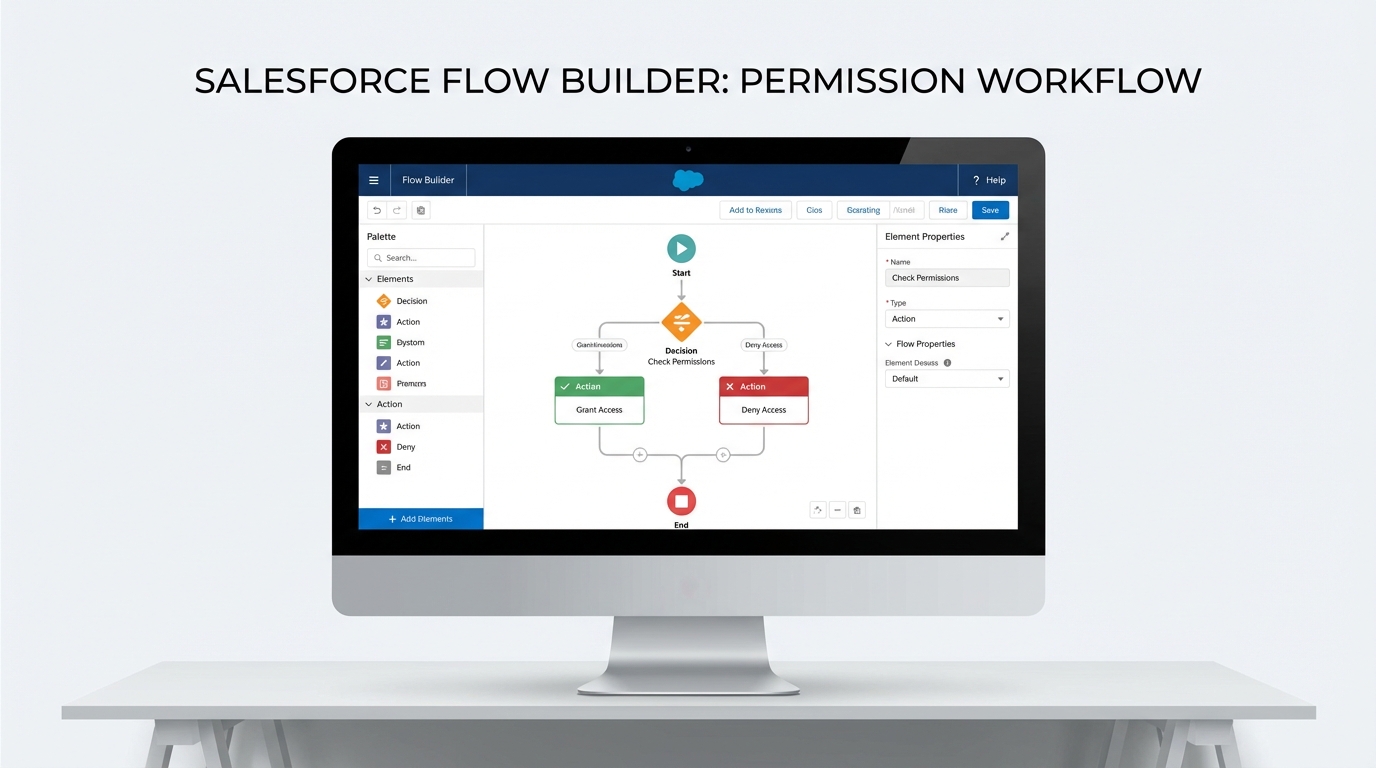
A high-resolution UI mockup of the Salesforce Flow Builder interface showing a complex automation workflow with decision logic and various action nodes.
UI and Tooling in Salesforce Winter '26 features
Now, let's talk about the stuff that actually makes our lives easier. Honestly, the Flow Builder UX has needed a refresh for a while. With these Salesforce Winter '26 features, we can finally copy and paste elements without it being a total headache. The panels are resizable too, which is a small win, but it makes a huge difference when you're working on a laptop screen and trying to see your full logic path.
For those of us dealing with complex data, the Data Table in Flow now supports Apex-defined objects. This means you can build a custom object in Apex and bind it directly to a UI table. It's a lifesaver for performance. If you're worried about how this affects your limits, you might want to check out some tips on Salesforce Flow bulkification to keep things running fast. It's all about keeping the data clean while giving the user a better experience.
DevOps and API Gains
DevOps Center is getting better change tracking and pipeline logs. It's still evolving, but it's becoming a real contender for teams that want to move away from old-school change sets. But here's the thing - you need to test your metadata support early. I've found that GraphQL is also getting a boost with better schema introspection. If you're building modern front-ends or LWC-heavy apps, this is where you should be looking for faster filtered queries.
Practical tip: Audit your Apex classes used in flows right now. Don't wait for the sandbox refresh to find out half your screen flows are throwing "Access Denied" errors because of the new permission enforcement.
Important Housekeeping
Don't ignore the verified email requirement. If you have legacy users created before 2016, they have to verify their emails or system emails will just stop sending. It's a small task that can cause a massive headache if you miss it. Also, the Apex Code Analyzer is getting new rules for LWC and some GitHub Copilot integrations. It's worth running it against your repo to see what it catches before your next deployment. Why do the hard work manually when the tool can show you the bugs first?
Key Takeaways
- User Permissions: Apex actions and Flow execution now require explicit access. You'll need to update your permission sets.
- Flow UX: You can now use copy-paste and resizable panels in the builder to speed up your work.
- Data Tables: You can now use Apex-defined objects directly in UI components without extra conversion steps.
- Security: Record-triggered flows now respect user sharing by default, so test your "Run as System" logic.
- Email: Legacy users must verify their emails to keep system notifications alive.
So, what's the move? Start by hitting your sandboxes and testing your most critical flows under a standard user profile. The biggest takeaway from these Salesforce Winter '26 features is that the "easy" path of ignoring permissions is gone. Get your security model in order, play with the new Flow Builder tools, and you'll be in good shape for the release. It's better to find the breaks now than on a Monday morning after the production update.




Leave a Comment