

Why the Salesforce Order of Execution matters for developers
Ever had a record save and wonder why the data looks totally different than what you expected? It's usually because you didn't account for the Salesforce Order of Execution. I've seen teams spend days chasing bugs that were just the result of a workflow rule firing at the wrong time or a trigger re-running unexpectedly. If you don't know the sequence, you're basically just guessing.
Look, the platform doesn't just run everything at once. It follows a very specific, deterministic path every time a record hits the database. Whether you're a junior dev or a seasoned architect, keeping this list in your back pocket is the only way to build logic that doesn't break when the next person adds a Flow or a validation rule. Let's break down how it actually works in the real world.
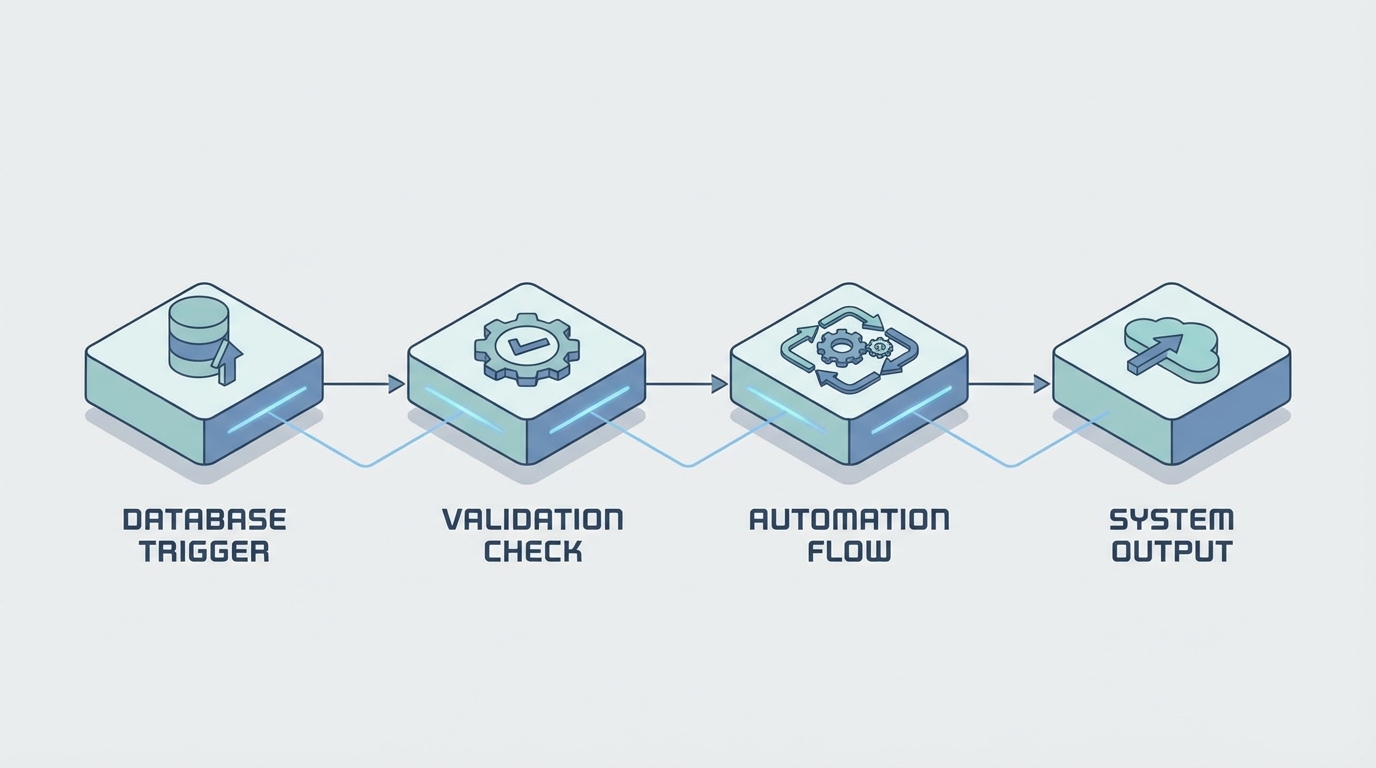
A professional technical diagram illustrating the sequential stages of a system's order of execution logic.
A step-by-step look at the Salesforce Order of Execution
When a DML operation happens - think insert, update, or even a Salesforce upsert trigger event - the engine starts a sequence of about 20 steps. Here's the simplified version of what's happening under the hood.
- System Validation: Salesforce checks the basics. Did you forget a required field? Is the date format wrong? If this fails, it stops right here.
- Before Triggers: This is your chance to update fields on the same record without another DML call. It's much faster than doing it later.
- Custom Validation Rules: Now the platform checks your specific business logic.
- Duplicate Rules: It looks for matches to stop those annoying duplicate records.
- Save to Database: The record is saved but NOT committed. It's in a transit state.
- After Triggers: Use these for logic that needs the Record ID or needs to update other related objects.
- Assignment and Auto-response Rules: These handle things like Lead or Case routing.
- Workflow Rules: If these have field updates, things get messy. Salesforce will re-run before and after triggers one more time.
- Escalation Rules: Mostly for Cases.
- Roll-up Summaries: If a child record changed, the parent gets updated now. This can fire triggers on the parent too.
- Criteria-Based Sharing: The system re-evaluates who can see what.
- Commit: The data is finally permanent in the database.
- Post-Commit Logic: Emails go out and asynchronous jobs get queued up.
Pro Tip: Most developers forget that Workflow field updates make the triggers fire again. If you have heavy logic in your triggers, this can double your execution time and eat up your governor limits fast.
Where things usually go wrong
One thing that trips people up is the "recursion" problem. Since certain steps in the Salesforce Order of Execution can trigger other steps to repeat, you can end up in a loop. I once worked on an org where a Workflow Rule updated a field, which fired a trigger, which updated a field, which fired the Workflow again. It was a nightmare to debug. This is why we tell everyone to use a trigger framework. It helps you control that flow and stop logic from running ten times when it only needs to run once.
Another big one is the difference between "Save" and "Commit". If a validation rule fails at step 3, everything that happened in step 2 is rolled back. But if you have an external callout or an email that fires later, you need to be sure the record actually made it to the commit stage. That's why we use asynchronous paths for things that shouldn't stop the main save process. Staying within asynchronous Apex limits is much easier when you move non-essential logic out of the immediate execution path.
Best practices for a clean execution
- One Trigger Per Object: Seriously, don't create five triggers on Account. You'll have no idea what order they run in.
- Logic-less Triggers: Keep your triggers thin. Put the actual code in a handler class. It's easier to test and much cleaner to read.
- Watch the Flows: In modern orgs, Flow Trigger Explorer is your best friend. Flows are now a huge part of the Salesforce Order of Execution, and they can conflict with Apex if you aren't careful.
- Bulkify Everything: Never put a SOQL query or a DML statement inside a loop. The order of execution runs for the whole batch, so one bad line of code can kill 200 records.
Key Takeaways
- Before triggers are for field updates on the same record; After triggers are for related records.
- Workflow field updates cause triggers to fire a second time.
- Validation rules run before the record is even saved to the database.
- The "Commit" happens at the very end - if anything fails before that, the whole transaction rolls back.
So what does this actually mean for your day-to-day work? It means you should always plan your automation before you start clicking or coding. If you're building a complex system, draw out the path. Know when your validation rules will hit and when your roll-ups will fire. Mastering the Salesforce Order of Execution isn't just about passing a certification; it's about building a system that doesn't fall apart when the data gets heavy. Keep it simple, use frameworks, and always test with bulk data to see how the sequence handles the load.




Leave a Comment