


What is the Salesforce @ReadOnly annotation?
Ever hit that 50,001st row and watched your code fall over? If you're working with big datasets, the Salesforce @ReadOnly annotation is how you get past the standard SOQL row cap. Simple tool, and most people forget it exists until they're staring at a "Too many query rows" error.
The standard governor limits exist for a reason. Salesforce doesn't want one bad query hogging all the resources. But sometimes you genuinely need to pull a massive amount of data for a report or an export. With @ReadOnly, the platform relaxes that rule and lets you query up to 1,000,000 rows in a single request, up from the usual 50,000.
The catch is a big one: you can't change anything. No updates, no inserts, no deletes. Read-only, exactly as advertised. I've watched developers try to sneak a little DML into a read-only method, and the system stops them cold every time.
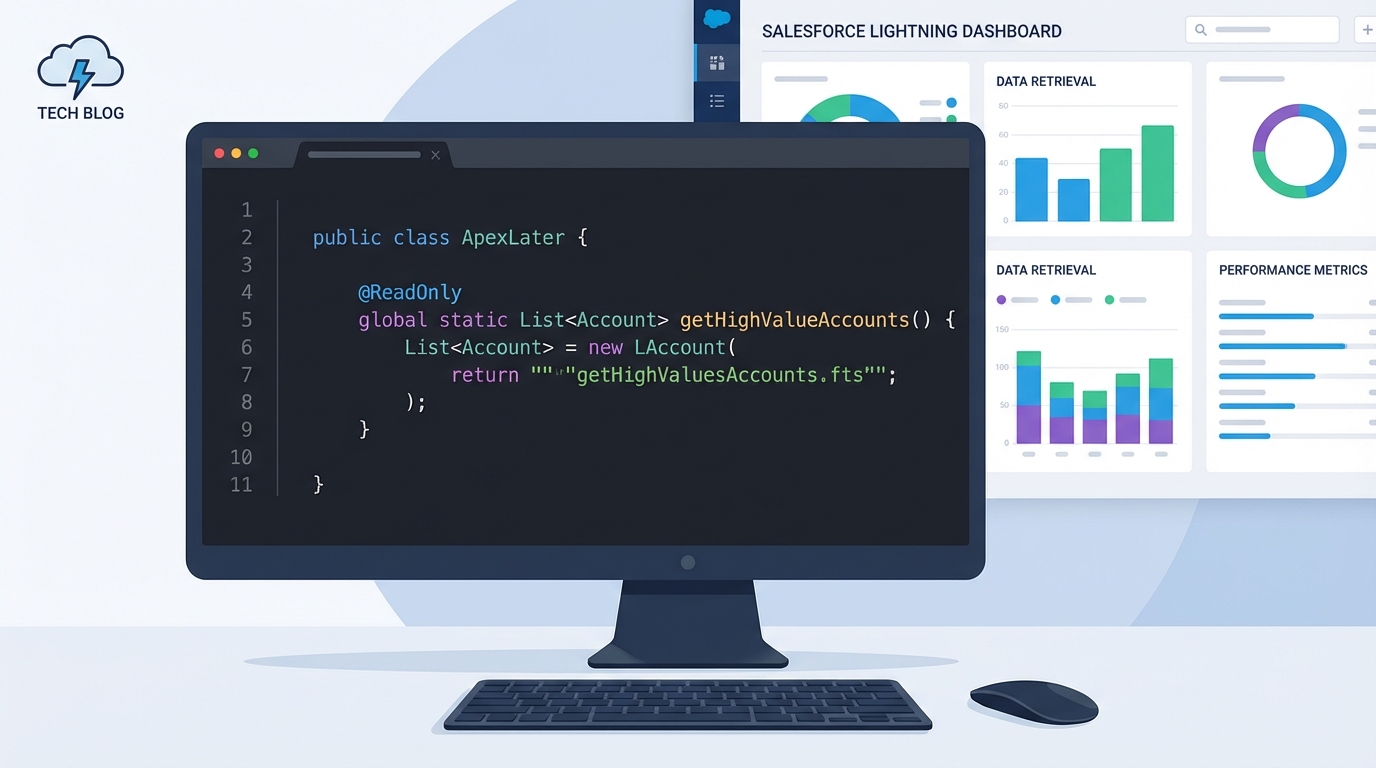
A professional code editor displaying a Salesforce Apex method with the @ReadOnly annotation next to a blurred data dashboard.
When should you use the Salesforce @ReadOnly annotation?
In my experience it earns its place on heavy "view only" work. A custom dashboard that aggregates data from across the entire org, or a scheduled job that prepares data for an external system. If you aren't planning to touch the records, there's no reason to stay under the lower limit.
Common scenarios I've run into include:
- Building custom reporting engines where standard Salesforce reports don't cut it.
- Creating data export tools that need to grab a year's worth of records at once.
- Running complex analytics inside a Schedulable class.
- Powering read-only UI components through Aura or LWC controllers.
Context is what trips people up. You can't throw this annotation on any old method and expect it to work. It only works in specific spots like REST or SOAP web services and classes that implement the Schedulable interface. If you need to handle massive volumes some other way, managing Salesforce large data volumes covers different architectural patterns.
The constraints you need to know
This is not a "get out of jail free" card for every governor limit. The row limit goes up; the others stay exactly where they were. You still have to worry about CPU time and heap size. Query a million rows, try to store them all in a single list, and you'll hit a heap limit error long before you finish. Here's what gets blocked:
- DML operations: No insert, update, delete, or undelete allowed.
- Async jobs: You can't call System.schedule or fire off a Queueable or Future method.
- Email: You can't send emails from within the read-only transaction.
Pro tip: If you're using this in an @AuraEnabled method for a Lightning component, remember the read-only behavior only applies if you actually include the annotation. It's an easy way to speed up data-heavy components without hitting those row limits.
How to implement it in your code
You add it right above your method definition. Here's how I usually set this up for an LWC controller that needs to fetch a large list of accounts from the previous year.
public with sharing class AccountDataService {
    @AuraEnabled
    @ReadOnly
    public static List<Account> getHistoricalAccounts() {
        // This query can now return up to 1 million rows
        return [SELECT Id, Name, Industry, CreatedDate
                FROM Account
                WHERE CreatedDate = LAST_YEAR];
    }
}
Just because you can query a million rows doesn't mean you should do it recklessly. You still need clean, selective SOQL. If your query is slow, @ReadOnly won't make it fast. It gives you more room, that's all. Use indexed fields in your WHERE clause.
Key takeaways
- @ReadOnly raises your SOQL row limit from 50,000 to 1,000,000.
- It only works in specific contexts like Schedulable, REST, and SOAP services.
- You cannot perform any DML (insert, update, delete) while the annotation is active.
- CPU time and heap size limits still apply, so don't try to process all 1 million rows in memory at once.
- It's the tool to reach for on high-volume data exports and heavy reporting.
Should you use it? If you're building something strictly for reading data and you're worried about hitting that 50k limit, then yes. Just watch your heap size. I usually process records in smaller chunks, or use streaming patterns, when memory is a concern.

Leave a Comment