
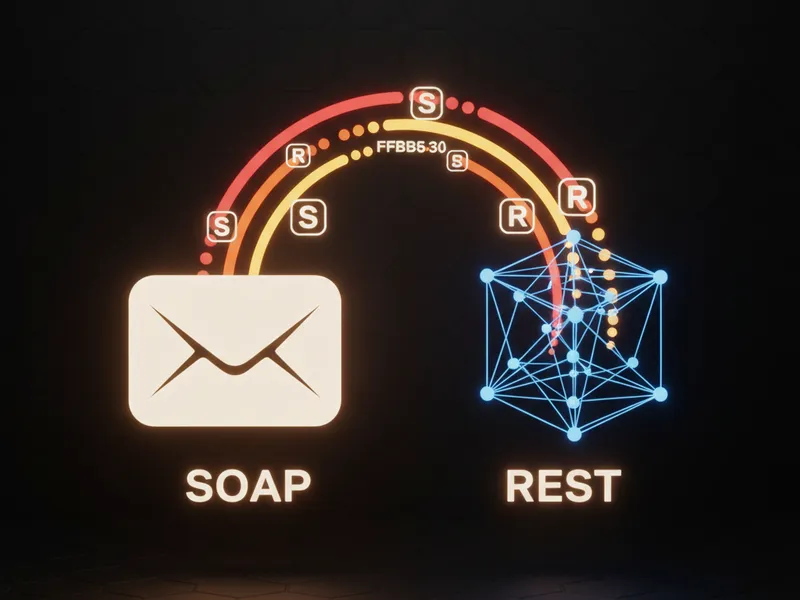
How Salesforce web services actually work
If you've been in the ecosystem for more than a week, you've probably heard someone mention Salesforce web services as the fix for a messy integration. But what are they actually? At the most basic level, a web service is just a way for two different systems to talk to each other over the internet. It doesn't matter if one is written in Java and the other in Apex. They use a standard "language" so they can swap data without a headache.
Think of it like a restaurant. You're the client, the kitchen is the server, and the waiter is the web service. You don't need to know how the chef cooks the steak. You just need to know how to read the menu and tell the waiter what you want. In our world, that "menu" is the API documentation.
What makes a web service tick?
I've seen teams get caught up in the jargon, but most web services share a few core traits. First, they're network-accessible, usually over HTTPS. They're also platform agnostic. This is huge because it means your Salesforce org can talk to an on-premise Oracle database or a tiny Heroku app without caring about the underlying hardware. They also use standard formats like XML or JSON, which are easy for both humans and machines to read. Most modern services are stateless too. That just means the server doesn't remember who you are between requests - every message has to stand on its own.
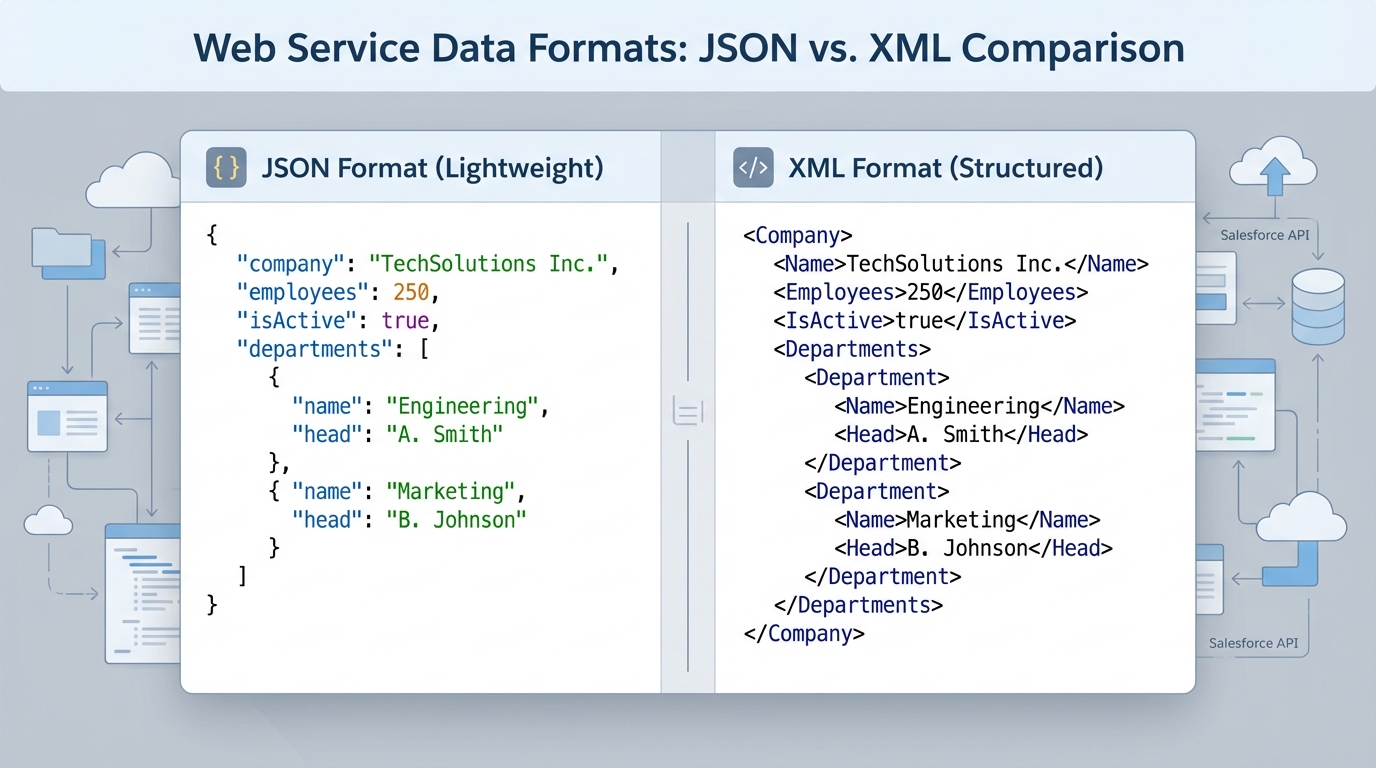
A technical comparison diagram showing the visual structural differences between JSON and XML data formats used in web services.
Choosing between REST and SOAP for Salesforce web services
When you start building Salesforce web services, you'll eventually hit the fork in the road: SOAP or REST? Honestly, this is where most architects spend way too much time debating. Let's break down the reality of both based on what I've seen in the field.
SOAP: The strict older brother
SOAP (Simple Object Access Protocol) is all about rules. It uses XML and relies on a WSDL to define exactly what the data should look like. If you're working with old-school banking systems or enterprise apps that need high-level security and formal contracts, SOAP is usually the go-to. But be warned - it's heavy. The envelopes are bulky and parsing XML can be a bit of a drag. If you're just starting out, you might want to check out the difference between Enterprise and Partner WSDLs before you commit.
REST: The flexible favorite
Now, REST (Representational State Transfer) is what most of us use daily. It's an architectural style, not a strict protocol. It uses standard HTTP methods like GET, POST, and DELETE. It's lightweight, fast, and usually swaps data in JSON. When you're looking at Salesforce API integration strategies for mobile apps or modern web portals, REST is almost always the winner. It's just easier to work with, especially when you're debugging in the browser.
One thing that trips people up is thinking they have to use SOAP for security. That's not true anymore. While SOAP has built-in standards, a well-configured REST API using OAuth 2.0 is plenty secure for 99 percent of the use cases I've handled.
Which one should you pick?
So what does this actually mean for your project? The short answer? Use REST whenever you can. It's easier to scale and easier for other developers to consume. Only reach for SOAP if the system you're connecting to forces you to, or if you absolutely need those formal WS-Security features. I've seen teams try to force SOAP into a modern web app, and it always ends up being a maintenance nightmare.
Best practices for Salesforce web services
Look, building a service is one thing. Building one that doesn't break every time you update a field is another. Here's a few things I've learned the hard way:
- Version your APIs: Never just point to "api/v1". Use versioning in your URL so you don't break your clients' code when you change a data type.
- Keep it simple: Don't try to send 50,000 records in one call. Use pagination. It keeps your response times low and your users happy.
- Document everything: Whether it's a WSDL or an OpenAPI spec, make sure there's a source of truth.
- Secure your endpoints: Use TLS and proper authentication like JWT or OAuth. Don't even think about hardcoding credentials.
One thing that's often overlooked is error handling. Don't just return a generic "500 Server Error." Give the client something they can use, like "Invalid Account ID." It'll save you hours of troubleshooting later. If you're worried about hitting your limits while testing, keep an eye on your asynchronous Apex limits to make sure your integrations aren't hogging all the resources.
Key Takeaways
- Salesforce web services allow different systems to talk using standard languages like JSON or XML.
- REST is the modern standard - lightweight, fast, and uses JSON.
- SOAP is for heavy-duty enterprise work where strict contracts are a must.
- Always use HTTPS and proper authentication to keep your data safe.
- Versioning is your best friend for long-term maintenance.
At the end of the day, web services are just about making life easier by connecting the dots between your apps. Start with a simple REST GET call, get comfortable with the JSON structure, and build up from there. You'll find that once you get the hang of how these services talk, you can automate almost anything in your org.




Leave a Comment