

Why the Salesforce environment switcher is a lifesaver for consultants
If you're tired of logging out and back in just to check a different sandbox, you need to start using the Salesforce environment switcher. It's one of those tools that seems small until you realize how much time it actually saves you. I've seen teams waste hours every week just managing passwords, but this tool changes that dynamic entirely.
Look, we've all been there - you're juggling a production org, three sandboxes, and maybe a developer edition for testing. The Salesforce environment switcher lets you access all those accounts under a single email address. It's practical, it's fast, and honestly, it's how we should have been doing things years ago.
Setting up the Salesforce environment switcher
So how do you actually get this running? It's not complicated, but there's a specific flow you need to follow. Here's the play-by-step for getting your accounts linked up.
- Start with your email: Head over to welcome.salesforce.com and pick the "Log In with Email" option. You'll want to use the email address that's tied to all your different orgs.
- Verify who you are: Salesforce is going to send a code to your inbox. Grab that code, paste it in, and keep moving. This is the main security gate that keeps everything locked down.
- Check your dashboard: Once you're in, you'll see the Salesforce environment switcher dashboard. It's basically a collection of tiles, each representing a different org or user account.
- Jump into an org: Click a tile to enter that environment. Depending on how your admin set things up, you might still need to enter a password or use SSO, but the heavy lifting of finding the right URL is already done.
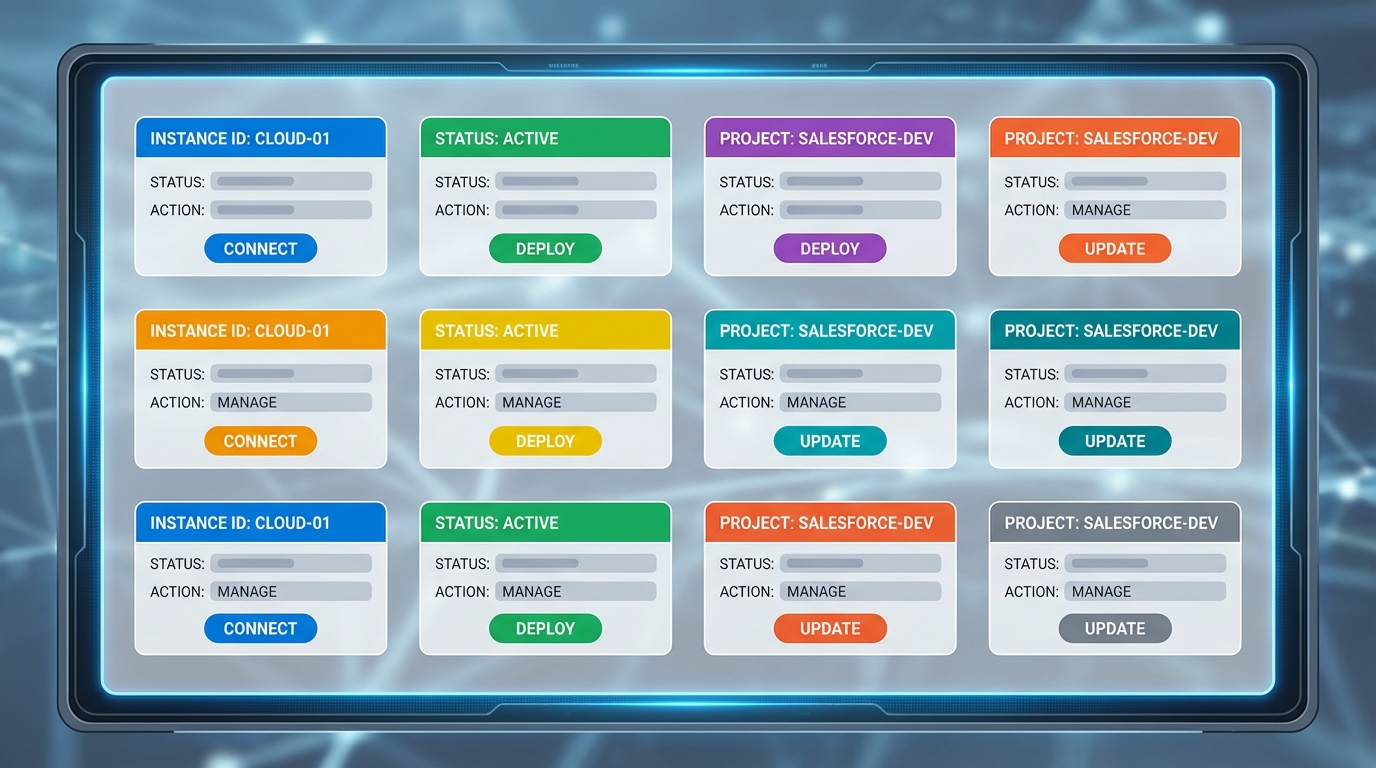
A professional dashboard interface featuring a grid of tiles for switching between different cloud environments and sandboxes.
Making the most of your tiles
One thing that trips people up is having twenty tiles that all look the same. If every tile says "Sandbox," you're going to click the wrong one eventually. Luckily, you can actually edit these tiles to make sense for your specific project.
You can use the search box to filter through your environments if you're working across a massive list. But the real pro tip here is using the "Edit" icon on the tiles. I always rename mine to something like "Project Alpha - UAT" or "Client X - Dev" so I don't accidentally run a script in the wrong place. If you're managing a lot of different environments, you might also want to check out some Salesforce Chrome extensions that can help with org coloring and identification.
In my experience, the biggest win here isn't just the speed - it's the reduced mental load. Not having to remember which username goes with which sandbox is a massive relief when you're deep in a deployment.
Security and best practices
Now, I know what you're thinking - is this safe? Salesforce uses that initial email verification to make sure only you can see the list of accounts. But here's the thing: you still need to be smart about it. Your email account basically becomes the keys to the kingdom, so make sure your email itself is locked down with MFA.
It also helps to know which Salesforce sandbox types you're connecting to. The switcher handles them all, but your login requirements might change if you're jumping from a Developer Pro sandbox to a Full Copy sandbox that requires SSO. Talk to your admin to make sure your login policies don't conflict with the switcher's flow.
Key Takeaways
- The Salesforce environment switcher centralizes all your logins under one email for faster access.
- Always rename your tiles to avoid making mistakes between production and test environments.
- Verification codes add a layer of security, but your email account must be secure.
- It works across different org types, from scratch orgs to full production instances.
Wrapping it up
At the end of the day, the Salesforce environment switcher is about removing friction. If you're an admin or a developer, you've got enough to worry about without fighting your login screen. Give it a try on your next project and see how much faster your workflow gets. It's a simple change, but for anyone managing more than two orgs, it's a total necessity.




Leave a Comment