

Why we still use Salesforce Remote Action today
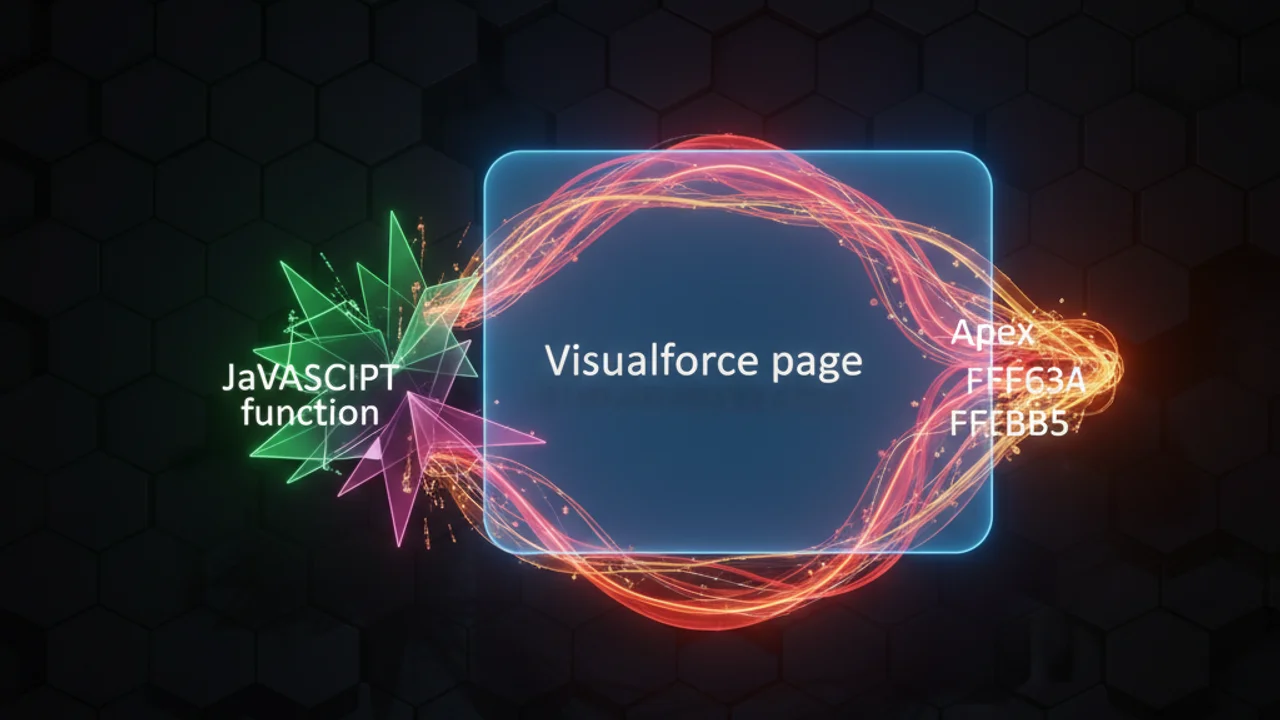
If you've been working in the ecosystem for a while, you've run into a Salesforce Remote Action more than once. Everyone is talking about LWC and Lightning these days, but plenty of us still manage older orgs where Visualforce is the backbone. Salesforce Remote Action (or JavaScript Remoting) is the bridge that lets your Visualforce page talk to your Apex controller without forcing the user to wait for a full page refresh.
Nobody likes a clunky UI. In my experience, users get frustrated the second they see that spinning loading icon for a simple data update. Remoting is an asynchronous way to grab or send data. Because it doesn't use the standard Visualforce view state, it's a lot faster than the old-school way of using action functions or command buttons. If you want to see how this fits into the bigger picture of Asynchronous Apex in Salesforce, remoting is a good place to start.
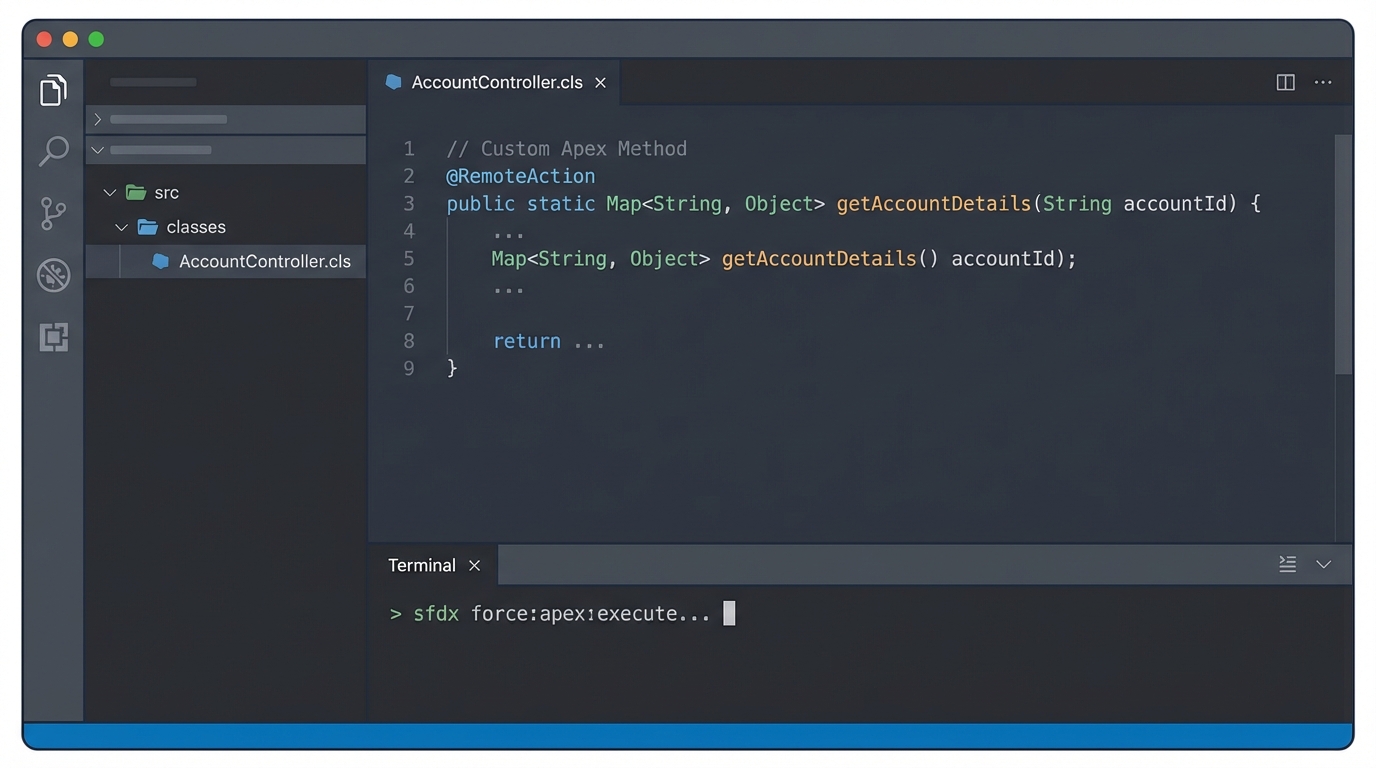
A code editor showing a Salesforce Apex class with a static method and the RemoteAction annotation for JavaScript Remoting.
Setting up your first Salesforce Remote Action
Setting this up is pretty straightforward, but there are a couple of rules you can't break. Your Apex method has to be static, which is a common point of confusion. Because it's static, the method doesn't know about the specific instance of the page you're on, so you have to pass in everything it needs as a parameter. You also have to use the @RemoteAction annotation right above the method definition.
The Apex side of things
Here's a quick look at what a typical controller looks like. Notice the static keyword: it's mandatory.
public with sharing class AccountSearchController {
    @RemoteAction
    public static Account getAccountDetails(Id accId) {
        return [SELECT Id, Name, Industry FROM Account WHERE Id = :accId LIMIT 1];
    }
}
The JavaScript side of things
On the Visualforce page, you call the method directly using the class name. You'll pass your arguments and then a callback function to handle whatever the server sends back. It's a lot like the way we use the @AuraEnabled annotation in modern components, just with a different syntax.
AccountSearchController.getAccountDetails(accId, function(result, event) {
    if (event.status) {
        console.log('Got it: ' + result.Name);
    } else {
        console.error('Something went wrong: ' + event.message);
    }
});
Handling the response and errors
When the server responds, it gives you two things: the result and the event. The result is just your data. If you returned an Account, it's a JSON object representing that Account. The event object tells you whether the call actually worked. I always check event.status first. If it's false, something broke on the server side, and you'll find the error message in event.message.
One thing that trips people up is forgetting that Remote Action calls don't automatically show errors on the page. You have to write the code to show that error to the user, or they'll just be sitting there wondering why nothing happened.
Limitations and what to watch out for
A Salesforce Remote Action still has limits. Every time you call one, it counts as a synchronous Apex execution, so firing off dozens of calls at once might put you into governor limit territory. Keep your data small, too. I've seen teams try to pass massive lists of records through a single remoting call, and it just kills the page performance.
And don't forget about security. Since these methods are static, you need to manually enforce sharing rules and object-level security. Using with sharing on the class doesn't mean you can skip checking whether the user actually has permission to see the fields you're returning. A few things to keep in mind:
- Methods must be global or public and static.
- The view state is bypassed, which is great for speed but means you can't access non-static variables.
- Data is sent as JSON, so it's very lightweight.
- Always handle the "exception" event type in your callback.
Key takeaways
- Remoting is the best way to make Visualforce feel like a modern, snappy app.
- Your Apex methods must be static and marked with
@RemoteAction. - Skipping the view state reduces the payload size significantly compared to standard postbacks.
- You are responsible for checking CRUD and FLS within the Apex method.
So, should you use it? If you're building new stuff, you should probably be looking at LWC. But if you're stuck in a Visualforce environment and need to make it faster, Salesforce Remote Action is a solid, reliable tool that has saved me from many "this page is too slow" complaints over the years. Just keep your methods clean, handle your errors, and keep an eye on those governor limits.
Leave a Comment