

The Flow Send Email action just got a massive quality-of-life update in the Summer ’25 release, and it is about time. If you have spent any time building complex notifications, you know the old way of handling multiple recipients was, frankly, a bit of a mess.
In the past, if you wanted to CC or BCC a bunch of people, you had to manually build a long string of email addresses separated by commas. It was tedious, prone to formatting errors, and usually required a loop or a messy formula. But now, we can finally pass a Text Collection variable directly into those fields. Let’s look at why this actually changes things for your day-to-day builds.
Setting up the Flow Send Email action with collections
The core change is simple: the CC and BCC recipient fields now accept lists. Instead of fighting with string concatenation, you can use the Salesforce Flow Transform element or a standard loop to gather email addresses from related records, like an Account Team or a group of Project Stakeholders, and shove them straight into a collection variable.
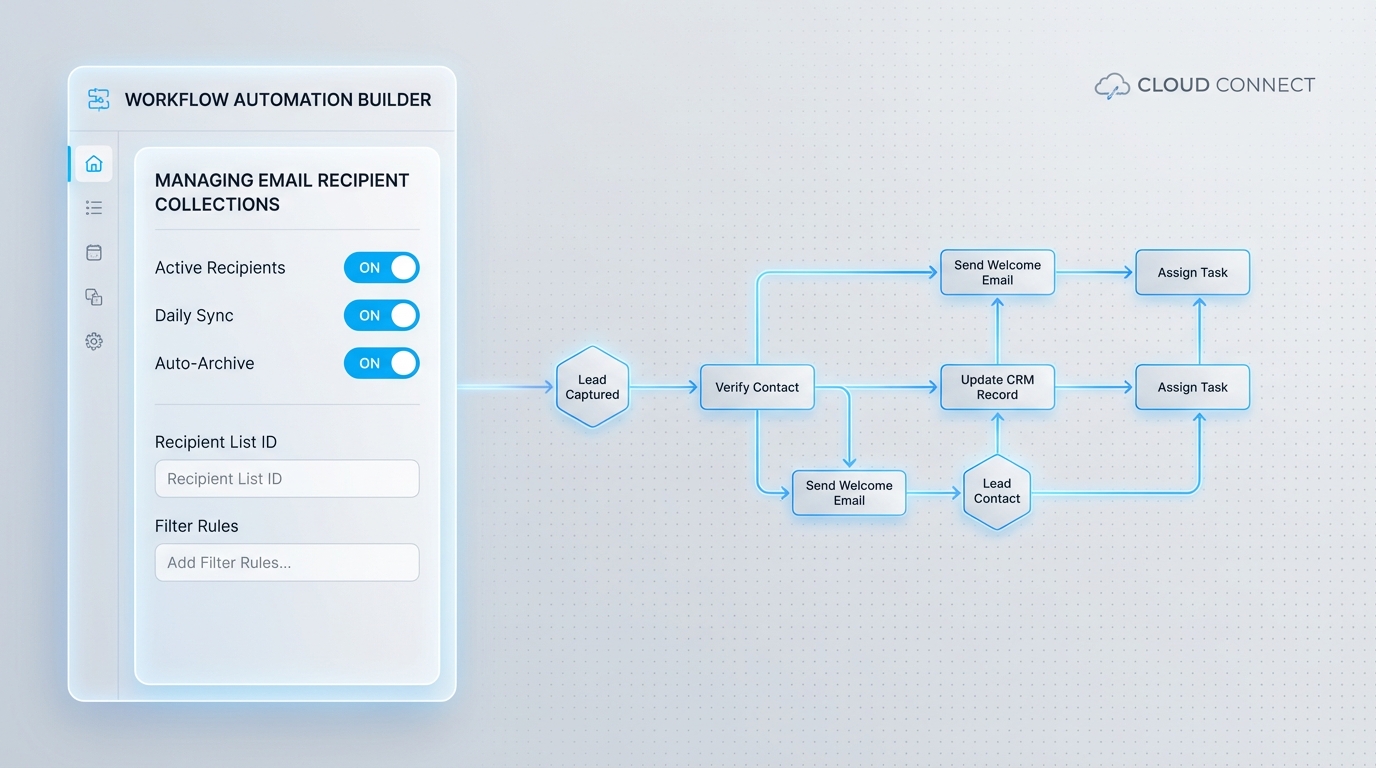
Once you have your collection ready, you just toggle the “CC Recipient Address Collection” or “BCC Recipient Address Collection” switch in the Flow Send Email action and map your variable. It is clean, it is native, and it makes your Flow canvas look a lot less like a bowl of spaghetti.
Why the Flow Send Email action update matters for admins
I’ve seen so many teams resort to custom Apex just to handle multi-recipient emails because the standard Flow Send Email action was too limited. That usually creates a maintenance headache later when the original developer leaves. This update effectively closes that gap for most common use cases.
Pro tip: Even though Flow handles the collection now, it won’t automatically clean up your data. If your collection has duplicate email addresses, you might hit limits or cause weird delivery issues. Always use a quick deduplication step before you hit the send button.
Think about a scenario where you need to notify an entire Account Team when a high-priority Case is closed. In the old days, you’d loop through the team, add each email to a string, and hope you didn’t miss a comma. Now? Just grab the emails, put them in a collection, and you’re done. It’s much harder to break.
Handling dynamic recipient lists
One thing that trips people up is what happens when a recipient list is empty. If your collection is empty and you try to run the Flow Send Email action, it might throw an error depending on how your logic is structured. I usually add a simple Decision element to check if my collection “is null” is false before calling the email action. It’s a small step that saves you from a lot of “Flow Failed” emails in your inbox.
Staying within the limits
Look, just because it’s easier to send emails to a crowd doesn’t mean you should ignore your org limits. Salesforce still has daily caps on how many emails you can send. If you are building something that triggers on a bulk data load, you need to be careful. If you’re worried about hitting those ceilings, you might want to check out my guide on Salesforce Flow bulkification to make sure your logic is efficient.
Key Takeaways
- No more comma-separated strings: You can now use Text Collections for CC and BCC fields.
- Less Apex, more Flow: Most multi-recipient needs can now stay in the declarative world.
- Better maintenance: It’s much easier for a peer to look at your Flow and understand who is being emailed.
- Validation is still on you: You still need to make sure those email addresses are valid and deduplicated before sending.
So, is this the biggest update in Salesforce history? Probably not. But for anyone who spends their week deep in automation, this is the kind of change that actually makes the job easier. It’s one less workaround to remember and one less reason to write code when a Flow would do just fine. If you’re still debating when to use which tool, take a look at my breakdown of Apex vs Flow for some perspective.
Go ahead and try this out in your Summer ’25 sandbox. You’ll find that it makes your notification logic a lot more resilient and much faster to build. Just remember to keep an eye on those collection counts and keep your data clean.