

Look, we’ve all been there. You build a beautiful automation, it works in the sandbox, but then you realize your Salesforce Flow data integrity is non-existent because a user found a way to bypass a rule. If you aren’t thinking about how to keep your data clean from the start, you’re just building a faster way to create bad data.
I’ve seen plenty of orgs where Flows just “fire and forget.” But here’s the thing – when your automation starts making changes, it needs to be predictable. You don’t want one update to trigger a cascading mess that breaks your integrations or leaves your records in a half-finished state.
Why Salesforce Flow data integrity matters more than you think
It’s not just about keeping the admins happy. It’s about trust. If your sales team can’t trust the data because a Flow overwrote a field it shouldn’t have, they’ll stop using the system. I once worked on a project where a single loop without a filter created 10,000 duplicate tasks in ten minutes. That’s a bad day for everyone.
When we talk about Salesforce Flow data integrity, we’re really talking about making sure every change is valid, secure, and stays within the rules of your business. You want your transactions to either work perfectly or not happen at all. No in-between stuff.
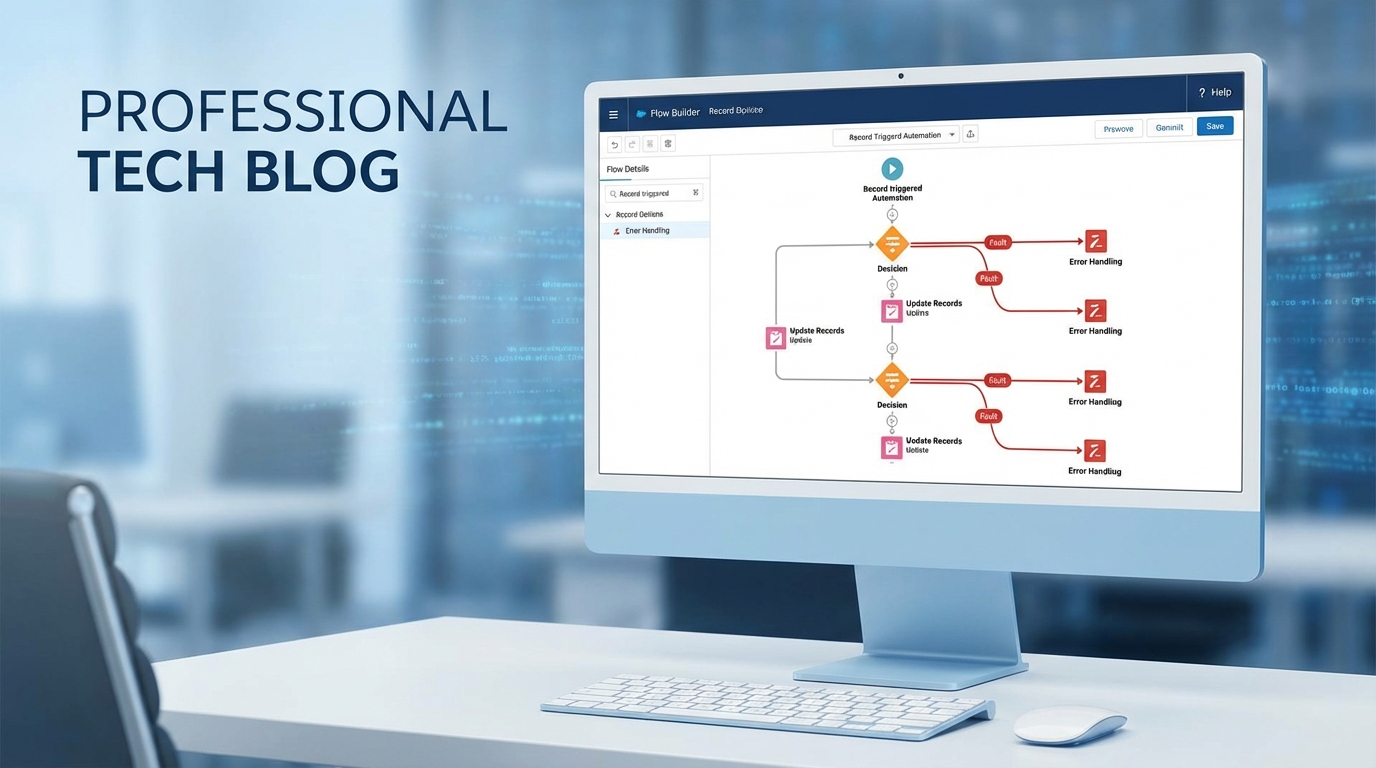
Tactics to improve Salesforce Flow data integrity
So, how do we actually do this? It’s not about one single setting. It’s about a few habits you should bake into every build. Let’s break down what actually works in the real world.
1) Get picky with entry criteria
Don’t let every record trigger your Flow. I’ve seen teams leave the entry criteria wide open and then wonder why their org is slow. Use the “Formula Evaluates to True” or specific field filters to make sure the Flow only runs when it absolutely has to. It’s the first line of defense for your data.
2) Use Before-Save Flows for the simple stuff
If you’re just updating fields on the same record that triggered the Flow, use “Fast Field Updates” (before-save). They’re way faster and they run before the data even hits the database. This is the best place to normalize values or set defaults. Honestly, most teams get this wrong and use after-save Flows for everything, which just adds extra overhead.
3) Don’t ignore Fault Paths
I’ve seen teams skip fault paths because they’re “in a rush.” Don’t be that person. If a DML operation fails, you need to know why. I usually point my fault paths to a simple subflow that logs the error to a custom “Flow Error Log” object. It makes debugging so much easier when you can see the exact error message and record ID.
Practical tip: Always capture the
$Flow.FaultMessagein your error logs. It’s the difference between knowing “something broke” and knowing exactly which validation rule stopped the save.
4) Keep DML out of loops
This is Flow 101, but it still trips people up. If you’re doing a “Get Records” or “Update Records” inside a loop, you’re going to hit governor limits. You’ve got to learn how to handle bulk record processing in Flows by using collections. It’s safer for your data and your org’s performance.
5) Respect the Security model
Flows are powerful because they can run in “System Mode,” but that’s also a risk. If a user shouldn’t be able to edit a field, your Flow shouldn’t let them do it just because it’s running with elevated permissions. Always think about whether your Flow should run in “User Context” to respect FLS and sharing rules.
6) Use Validation Rules as your anchor
Sometimes the best way to handle Salesforce Flow data integrity isn’t in the Flow at all. If a business rule is absolute, put it in a standard Validation Rule. These are enforced everywhere – UI, API, and Flows. If you have really complex logic that a Validation Rule can’t handle, that’s when you might consider when to use Apex over Flow to keep things tight.
7) Watch out for Race Conditions
When you have multiple Flows, Triggers, and integrations all hitting the same record at once, things get weird. Records get locked, or worse, data gets overwritten by whichever process finished last. If you’re seeing record lock errors, it might be time to move some logic to asynchronous paths or use Platform Events to decouple the processes.
Key Takeaways for Salesforce Flow data integrity
- Validate early: Use entry criteria and before-save logic to catch errors before they happen.
- Bulkify everything: Never put DML or queries inside a loop. Use collections instead.
- Log your failures: Use fault paths to catch errors and store them in a custom log object.
- Stay secure: Be intentional about running in System vs. User mode.
- Test with bulk: Don’t just test one record. Throw 200 records at your Flow in a sandbox to see if it holds up.
At the end of the day, building for Salesforce Flow data integrity is about being intentional. Don’t just build for the “happy path” where everything works perfectly. Build for the “what if this breaks” path too. Your future self – and the person who has to maintain your Flow in two years – will thank you for it.
Start small. Add a fault path to your next update element. Tighten up your entry criteria. These small changes add up to a much more reliable system.