

Introduction to Agentforce agents
Agentforce moves past the static LLM chatbot. A chatbot gives you guidance; an Agentforce agent executes the task, working against your CRM data and business processes. If you have spent time in Flow Builder, Agent Builder is the equivalent for the agentic era.
Understanding the Agent Builder environment
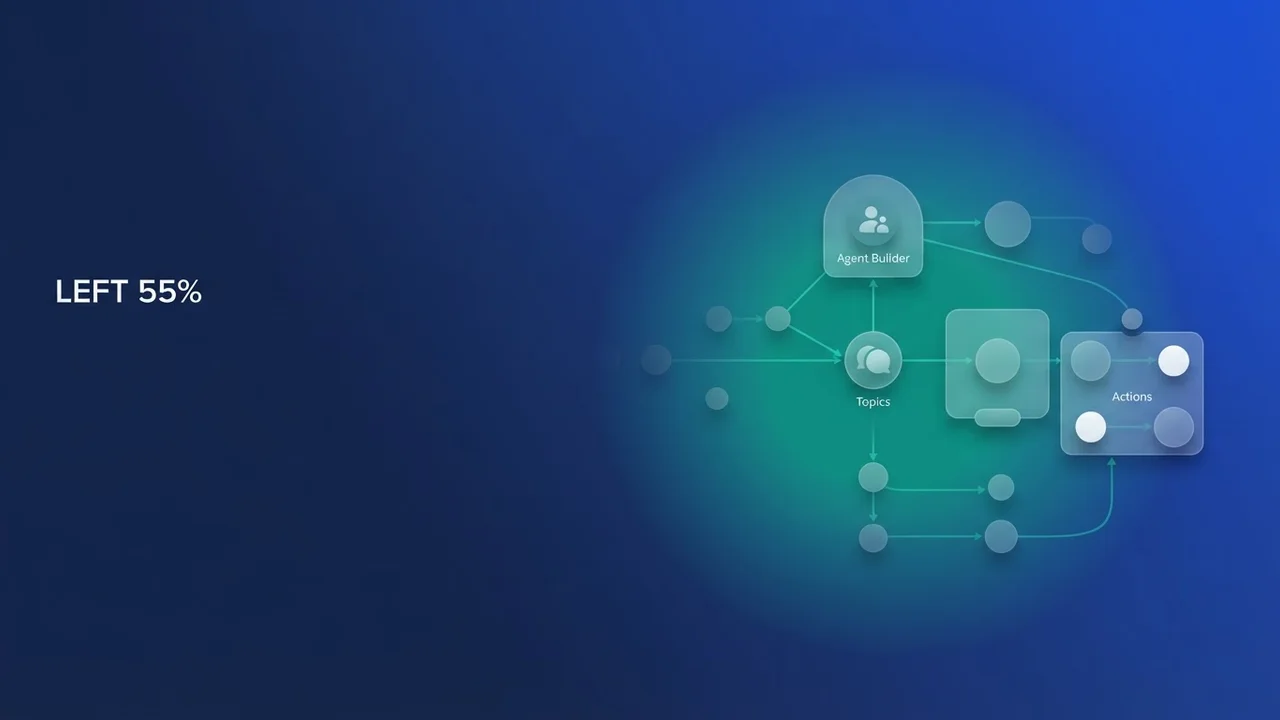
Agent Builder is the main interface inside Agentforce Studio, and it is laid out like an IDE. The Explorer organizes your Settings, Topics, Variables and Connections. The Canvas and Script View show the agent's logic flow. Sitting alongside those is an AI Assistant, a second agent that answers questions while you build.
Building your first agent
Open the Agentforce Studio app and pick New Agent. Templates give you a foundation to start from, but build modularly and give each agent a specific role instead of one jack-of-all-trades bot.
1. Configure topics and actions
Topics are the agent's domains of expertise. Each one is grounded by specific instructions and mapped to Actions. To create a custom Topic, give it a clear name and a concise description, then map Actions to it. Custom Actions bridge the gap between the agent and your internal logic, and Template-Triggered Flows are the main mechanism for executing that logic.
2. Implementation logic
For a Service Agent, the Flow takes Case.Id as an input variable, looks up the related account cases, and outputs a structured response for the LLM to interpret.
3. Debugging and refinement
When something errors, go to the Script View. The agent's YAML-like structure makes the problem easy to spot. Paste the failing snippet into the AI Assistant in the sidebar and it will come back with a fix.
Best practices for agent design
Write explicit system instructions in the System tab so the agent's persona and objective are grounded. Define a custom Error Message for unexpected inputs and data gaps. And spend real time on Action descriptions, because how well the reasoning engine decides is directly proportional to how well you described the tool. Write clear, objective-driven descriptions for every action the agent can reach.



Leave a Comment