

Closing your Dispatcher Console custom action programmatically
If you build for Field Service, you have probably had to write a Dispatcher Console custom action for some piece of business logic. Most of us reach for a Visualforce page because it gives us room to move. Then the logic finishes and the modal hangs there, staring back at the dispatcher, who now has to close it by hand.
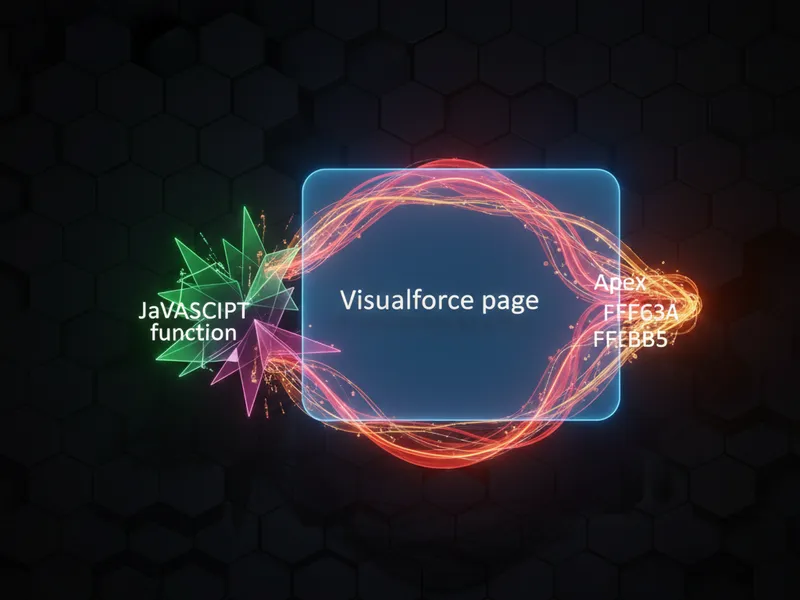
You cannot use a standard window.close() here. The Visualforce page runs inside an iframe within the soql-in-loops-security-review-impact-for-managed-packages/" class="auto-link">managed package, so it has no authority to close its own container. You have to talk to the parent frame.
That is what postMessage is for. Your page sends a signal to the Dispatcher Console telling it to pack up the lightbox, and the lightbox goes away. One line does it.
parent.postMessage('closeLightbox', '*');
Common pitfalls with a Dispatcher Console custom action
The first time I worked on one of these I tried everything to get that window to shut. I've seen teams redirect to a "success" page or build out window hierarchies, and the dispatcher still ends up clicking the X. Most teams get this wrong because they treat the modal like a standard browser popup.
The Dispatcher Console is a large application, and it is listening for very specific events. Send anything other than the exact string 'closeLightbox' and nothing happens. It works the way LWC component communication does elsewhere in Salesforce, even though we are technically in a Visualforce context here.
Pro tip: save your data before you send the close message. There's nothing worse than a dispatcher thinking a job is done when the record never actually updated because the window closed too fast.
This matters because dispatchers are handling dozens of service appointments at once. An extra click on every custom action is friction you are adding to their day for no reason.
When to trigger the close event
- After a successful DML operation in your controller.
- When the user clicks a "Cancel" or "Done" button on your page.
- Once a specific navigation step is completed.
Why postMessage is the right tool
postMessage is the safe way to handle cross window communication. Your Visualforce page and the Dispatcher Console may sit on different subdomains, and browsers block direct script access across them for security reasons. postMessage gets around the Same-Origin policy by sending a signal the parent frame is already waiting for.
If you are weighing code against standard tools for extensions like this, it helps to think about the complexity you are taking on. I usually check the current Apex vs Flow guidelines, though for the Dispatcher Console, Visualforce and custom actions are still the standard for deep UI work.
Key takeaways
- Standard
window.close()does nothing inside the Dispatcher Console lightbox. - Use
parent.postMessage('closeLightbox', '*')to trigger the close event. - Finish your background processing before you send the message.
- The string
'closeLightbox'is case-sensitive and has to be exact. - Test the custom action to be sure the UI refreshes once the modal disappears.
Your job is to make the dispatcher's day easier. Try it on your next FSL project. It is one line, and the dispatcher stops closing your window by hand.

Leave a Comment