

I've spent years looking at messy Apex code, and if there's one thing that saves my sanity, it's using the right Salesforce design patterns. Look, we've all been there-you open a class that's been touched by ten different developers and it's just a mountain of spaghetti logic. It's hard to read, impossible to test, and it's probably one record away from hitting a governor limit.
Design patterns aren't just for people who want to sound smart in architect meetings. They're practical tools that help you write code that doesn't break every time someone breathes on it. In my experience, you don't need to know every pattern in the book, but there are four that I use almost every single day. Let's break them down.
Why You Need Salesforce Design Patterns in Your Apex Code
Here's the thing: Apex isn't like Java or C#. We're running on a multi-tenant platform where every CPU millisecond and SOQL query counts. If you're constantly re-querying the same metadata or building massive if-else chains, you're going to run into trouble. Using established Salesforce design patterns helps you stay under those asynchronous Apex limits and makes your code much easier to hand off to the next dev.
1. The Singleton Pattern
This is probably the most common pattern I use. The goal is simple: make sure a class only gets instantiated once during a single transaction. I see people query Custom Metadata or Custom Settings inside a loop all the time. That's a great way to burn through your limits. With a Singleton, you load it once and you're done.
public class AppConfig {
    private static AppConfig instance;
    public String apiKey;
    public String endpoint;

    private AppConfig() {
        App_Settings__mdt setting = [SELECT API_Key__c, Endpoint__c FROM App_Settings__mdt LIMIT 1];
        apiKey = setting.API_Key__c;
        endpoint = setting.Endpoint__c;
    }

    public static AppConfig getInstance() {
        if (instance == null) {
            instance = new AppConfig();
        }
        return instance;
    }
}
Now, whenever you need that API key, you just call AppConfig.getInstance().apiKey. It doesn't matter if you call it once or a hundred times; that SOQL query only runs once. It's a small win that adds up fast in a complex Apex Trigger.
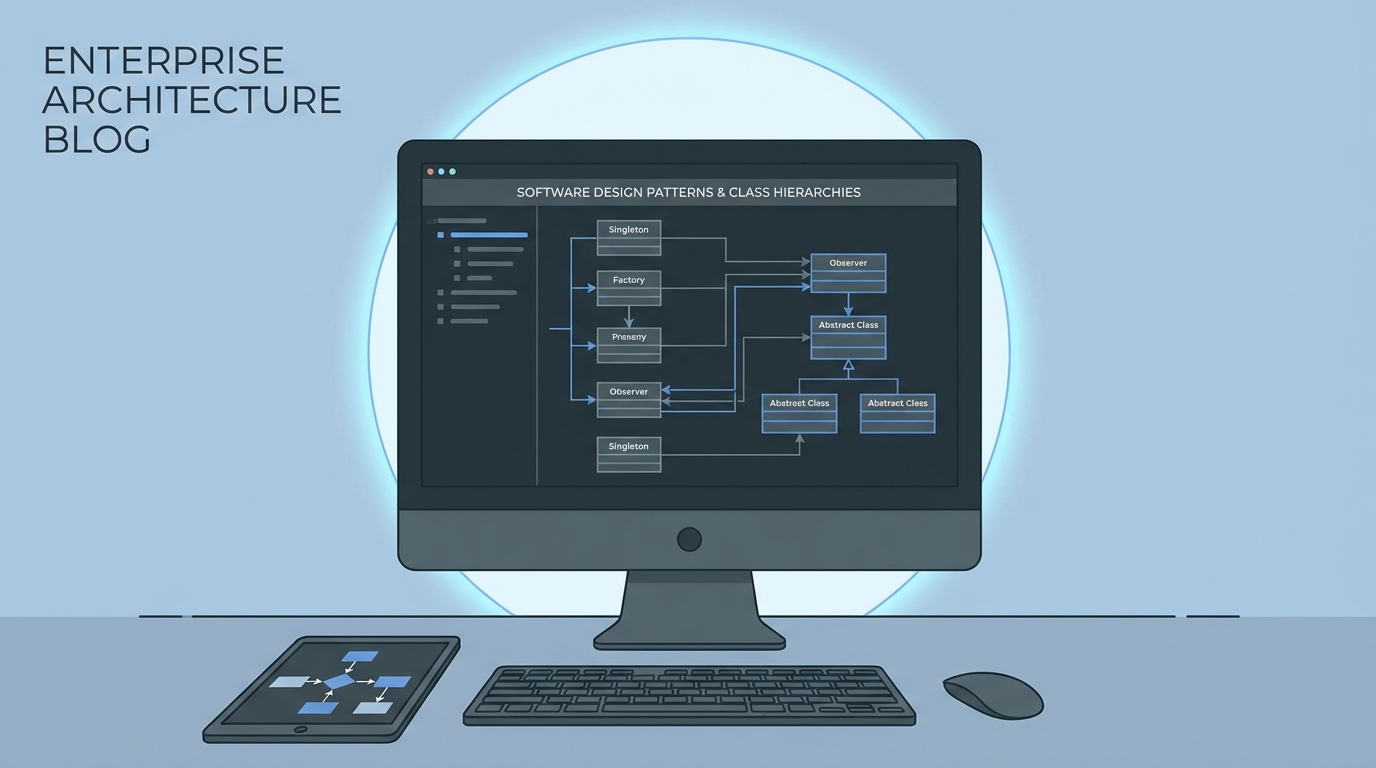
A professional system architecture diagram on a computer screen showing the logical flow of a software design pattern.
2. The Factory Pattern
One thing that trips people up is having too many "new" keywords scattered across their codebase. The Factory pattern centralizes how you create objects. I find this super helpful when I'm dealing with different types of integrations or payment processors. Instead of the calling code knowing which class to use, the Factory decides for you.
public class PaymentFactory {
    public static PaymentProcessor getProcessor(String type) {
        if (type == 'PayPal') return new PayPalProcessor();
        if (type == 'Stripe') return new StripeProcessor();
        throw new IllegalArgumentException('We dont support this payment type yet.');
    }
}
This makes your life so much easier when the business decides to add a third payment option. You update the Factory, and you don't have to hunt through twenty different classes to change the logic. It's clean, and it keeps your business logic separated from your object creation.
Mastering Common Salesforce Design Patterns
Now that we've covered the basics, let's look at two patterns that really separate the senior devs from the juniors. These are about handling complex business rules and data operations without making a mess.
3. The Strategy Pattern
I've seen teams build 500-line methods full of nested if-else statements to handle regional tax rules or discount logic. Honestly, it's a nightmare to maintain. The Strategy pattern lets you pull those "strategies" into their own classes. You swap them out at runtime based on what you need.
Practical tip: If you find yourself writing a switch statement that keeps growing every month, that's a huge red flag. You should probably be using the Strategy pattern instead.
By using an interface, you can have a USDiscountStrategy and a UKDiscountStrategy. Your main code doesn't care which one it's using; it just knows it can call apply(). This makes unit testing a breeze because you can test each rule in isolation.
4. The Unit of Work Pattern
This is the big one for anyone doing a Salesforce API integration or complex data processing. The Unit of Work pattern tracks every change you want to make-inserts, updates, deletes-and commits them all at once at the very end.
Why bother? Because it's the ultimate way to avoid the "DML in a loop" trap. It also ensures that if one part of your transaction fails, you have better control over the rollback. Most people use the fflib implementation, but even a simple custom version can save you from hitting governor limits when your data volume starts to scale.
public class UnitOfWork {
    private List<Account> accsToUpdate = new List<Account>();

    public void registerDirty(Account acc) {
        accsToUpdate.add(acc);
    }

    public void commitWork() {
        if (!accsToUpdate.isEmpty()) {
            update accsToUpdate;
        }
    }
}
Key Takeaways
- Singleton: Best for shared config and saving SOQL queries on metadata.
- Factory: Use this to stop hardcoding class names and centralize object creation.
- Strategy: Perfect for replacing long, messy if-else blocks with clean, swappable logic.
- Unit of Work: Your best friend for batching DML and keeping transactions consistent.
At the end of the day, these Salesforce design patterns are about making your future self's life easier. We've all had to fix a bug in a class we wrote six months ago and thought, "What was I thinking?" Patterns give you a roadmap so you don't have to reinvent the wheel every time you start a new project. Start small-maybe try a Singleton in your next trigger-and you'll see the difference in your code quality pretty quickly.




Leave a Comment