


I've spent years looking at messy Apex code, and the thing that saves my sanity is using the right Salesforce design patterns. We've all been there. You open a class that ten different developers have touched and it's a mountain of spaghetti logic: hard to read, impossible to test, and probably one record away from hitting a governor limit.
Design patterns are practical tools that help you write code that doesn't break every time someone breathes on it. In my experience, you don't need to know every pattern in the book. There are four I use almost every single day.
Why you need Salesforce design patterns in your Apex code
Apex isn't Java or C#. We're running on a multi-tenant platform where every CPU millisecond and SOQL query counts. If you're constantly re-querying the same metadata or building massive if-else chains, you're going to run into trouble. Using established Salesforce design patterns helps you stay under those asynchronous Apex limits and makes your code much easier to hand off to the next dev.
1. The Singleton Pattern
This is probably the most common pattern I use. The goal is simple: make sure a class only gets instantiated once during a single transaction. I see people query Custom Metadata or Custom Settings inside a loop all the time, which is a great way to burn through your limits. With a Singleton, you load it once and you're done.
public class AppConfig {
    private static AppConfig instance;
    public String apiKey;
    public String endpoint;

    private AppConfig() {
        App_Settings__mdt setting = [SELECT API_Key__c, Endpoint__c FROM App_Settings__mdt LIMIT 1];
        apiKey = setting.API_Key__c;
        endpoint = setting.Endpoint__c;
    }

    public static AppConfig getInstance() {
        if (instance == null) {
            instance = new AppConfig();
        }
        return instance;
    }
}
Whenever you need that API key, you call AppConfig.getInstance().apiKey. Call it once or a hundred times; that SOQL query only runs once. It's a small win that adds up fast in a complex Apex Trigger.
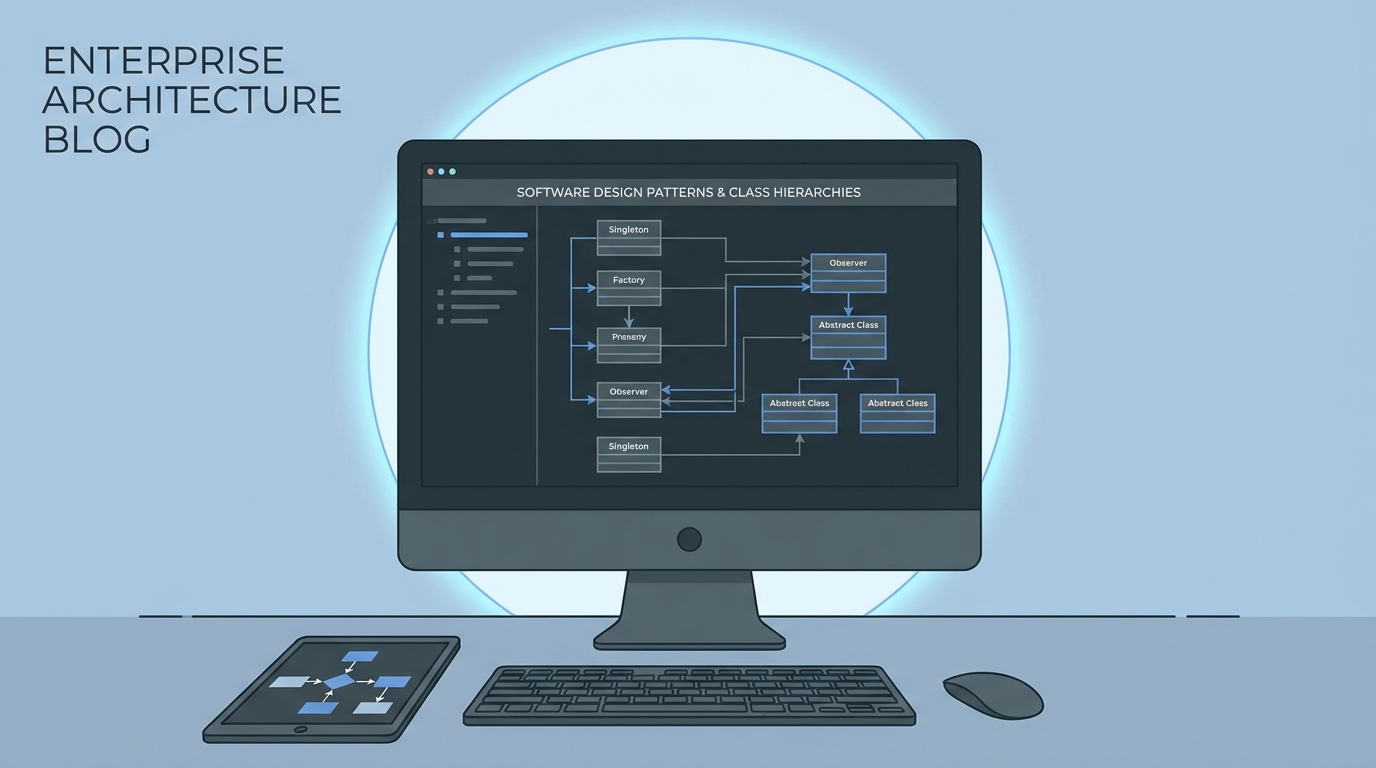
The logical flow of a design pattern, drawn out as an architecture diagram.
2. The Factory Pattern
One thing that trips people up is having too many "new" keywords scattered across their codebase. The Factory pattern centralizes how you create objects. I find this helpful when I'm dealing with different types of integrations or payment processors. The calling code doesn't have to know which class to use, because the Factory decides.
public class PaymentFactory {
    public static PaymentProcessor getProcessor(String type) {
        if (type == 'PayPal') return new PayPalProcessor();
        if (type == 'Stripe') return new StripeProcessor();
        throw new IllegalArgumentException('We dont support this payment type yet.');
    }
}
This makes your life much easier when the business decides to add a third payment option. You update the Factory, and you don't have to hunt through twenty different classes to change the logic. It's clean, and it keeps your business logic separated from your object creation.
Mastering common Salesforce design patterns
The next two patterns are about handling complex business rules and data operations without making a mess.
3. The Strategy Pattern
I've seen teams build 500-line methods full of nested if-else statements to handle regional tax rules or discount logic. It's a nightmare to maintain. The Strategy pattern lets you pull those "strategies" into their own classes and swap them out at runtime based on what you need.
Practical tip: If you find yourself writing a switch statement that keeps growing every month, that's a huge red flag. You should probably be using the Strategy pattern instead.
By using an interface, you can have a USDiscountStrategy and a UKDiscountStrategy. Your main code doesn't care which one it's using; it just knows it can call apply(). Unit testing gets much easier because you can test each rule in isolation.
4. The Unit of Work Pattern
This is the big one for anyone doing a Salesforce API integration or complex data processing. The Unit of Work pattern tracks every change you want to make (inserts, updates, deletes) and commits them all at once at the very end.
Why bother? Because it keeps you out of the "DML in a loop" trap. It also gives you better control over the rollback if one part of your transaction fails. Most people use the fflib implementation, but even a simple custom version can save you from hitting governor limits when your data volume starts to scale.
public class UnitOfWork {
    private List<Account> accsToUpdate = new List<Account>();

    public void registerDirty(Account acc) {
        accsToUpdate.add(acc);
    }

    public void commitWork() {
        if (!accsToUpdate.isEmpty()) {
            update accsToUpdate;
        }
    }
}
Key takeaways
- Singleton: Best for shared config and saving SOQL queries on metadata.
- Factory: Use this to stop hardcoding class names and centralize object creation.
- Strategy: Perfect for replacing long, messy if-else blocks with clean, swappable logic.
- Unit of Work: Your best friend for batching DML and keeping transactions consistent.
These Salesforce design patterns are about making your future self's life easier. We've all had to fix a bug in a class we wrote six months ago and thought, "What was I thinking?" Patterns give you a roadmap so you don't have to reinvent the wheel every time you start a new project. Start small. Try a Singleton in your next trigger and you'll see the difference in your code quality pretty quickly.



Leave a Comment