

Can you actually do a Data Loader hard delete?
Ever had a client ask to wipe thousands of records without leaving a trace? The short answer is yes, you can perform a Data Loader hard delete, but there is a catch. Most people just hit the standard delete button and wonder why their storage usage hasn't budged. That is because a normal delete just moves things to the Recycle Bin. If you want them gone for good, you have to go a step further.
I have seen teams struggle with storage limits for months because they didn't realize their "deleted" data was still sitting in the bin for 15 days. When you are managing Salesforce large data volumes, knowing how to bypass that bin is a lifesaver. But look, this isn't something to play around with. Once it's gone, it's gone.
How to set up a Data Loader hard delete
Before you even look at the delete button, you need to check your settings. By default, the hard delete option is usually hidden or greyed out. It's not just a matter of clicking a box; your org and your user profile need to be ready for it.
First, you need the "Bulk API Hard Delete" permission. Usually, this comes with the "Modify All Data" permission, but it's worth double-checking if you are using a custom admin profile. If you don't have this, the option simply won't show up in the tool. Here's the thing: you also have to enable the Bulk API within the Data Loader settings themselves. Without the Bulk API, the hard delete operation doesn't even exist.
Pro tip: Always run a full export of the records you're about to kill. I've been in situations where a "test" delete accidentally wiped out live production data because of a messy CSV filter. Don't be that person - keep a backup on your local drive.
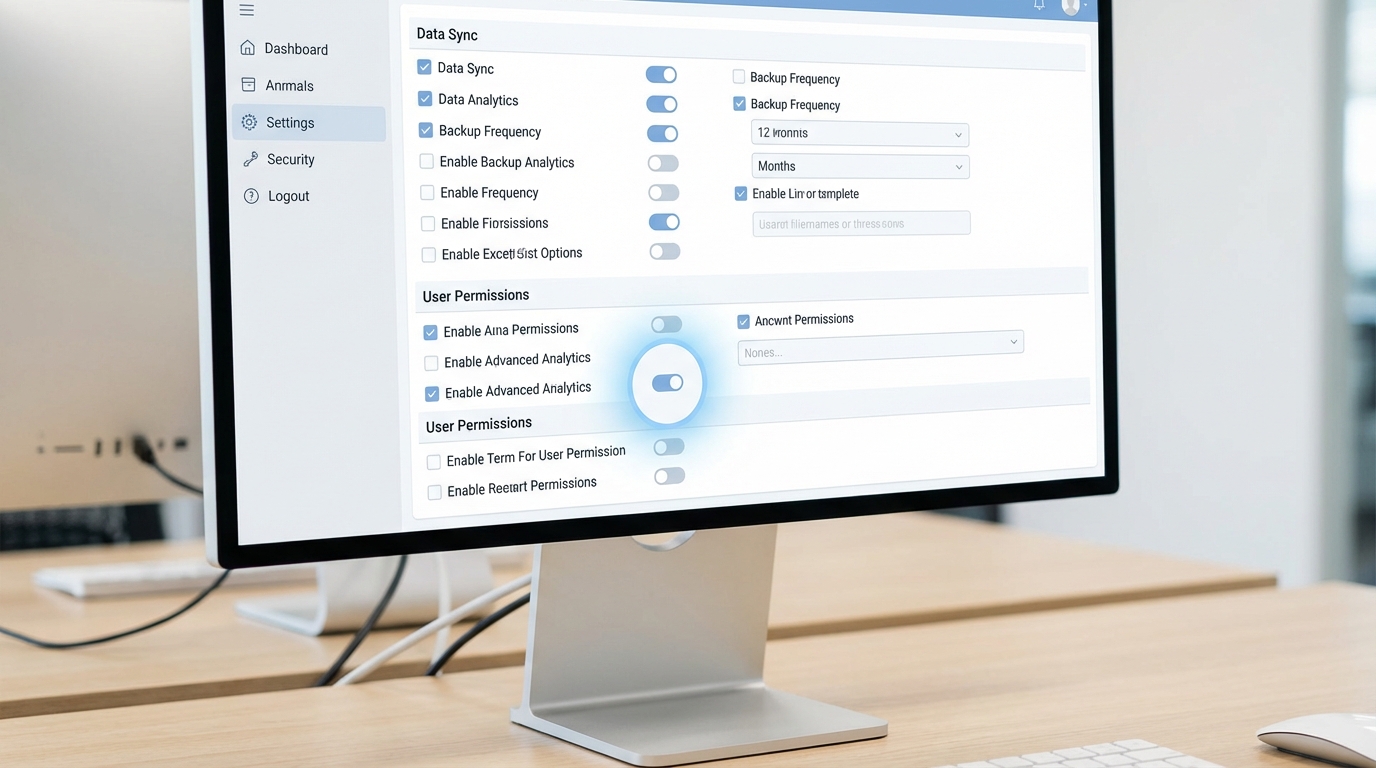
A realistic software interface mockup showing a settings configuration panel with checkboxes for data processing options.
Running the delete through the UI
If you prefer clicking through the desktop app, here is the workflow. It's pretty straightforward once you've got the permissions sorted. Just follow these steps:
- Open Data Loader and go to Settings.
- Check the box for Use Bulk API. This is mandatory.
- Check the box for Enable Hard Delete. If it's greyed out, check your permissions.
- Click the Hard Delete button on the main screen.
- Select your object and upload your CSV (you only need the Record ID column).
- Map your fields and finish the job.
Using the CLI for automation
Now, if you are doing this regularly, you'll probably want to automate it. I've used the command-line interface (CLI) for monthly clean-up scripts, and it works like a charm. You just need to set your process.operation to hardDelete in your process-conf.xml file. Here's a quick look at how that entry should look:
<entry key="sfdc.entity" value="Lead"/>
<entry key="process.operation" value="hardDelete"/>
<entry key="dataAccess.name" value="delete_list.csv"/>
<entry key="sfdc.bulkApiSerialMode" value="true"/>
Common mistakes with Data Loader hard delete
One thing that trips people up is referential integrity. Just because you are doing a Data Loader hard delete doesn't mean you can ignore record relationships. If you try to delete a parent record that has restricted children, the system will still block you. It won't just "force" it through.
Another issue is validation rules. People often forget that even deletes can trigger system logic. If you have a validation rule or a trigger that prevents a record from being removed under certain conditions, your hard delete will fail. It's a good idea to check what to check before you delete anything significant in an org to avoid these headaches.
Key Takeaways
- Bulk API is required: You cannot hard delete using the standard SOAP API.
- It's permanent: Records bypassed the Recycle Bin and cannot be recovered by an admin.
- Permissions matter: You need the "Bulk API Hard Delete" user permission.
- Backups are non-negotiable: Export your data before you run the operation.
- Check dependencies: Look out for master-detail relationships that might block the process.
So, should you use it? If you're cleaning up sandbox junk or purging sensitive data for GDPR compliance, then absolutely. It's the most efficient way to keep your org lean. Just remember that there is no "undo" button here. Start with a small batch of five or ten records to make sure your mapping and permissions are right before you pull the trigger on a million rows. You'll thank yourself later.




Leave a Comment