

Why you actually need Salesforce Flow logging
We've all been there. You get a notification that a Flow failed, but the debug email is a mess or, even worse, it never arrived at all. Salesforce Flow logging is honestly the answer we've been waiting for to stop the guessing game. I've spent way too many hours digging through debug logs, and this shift to using Data Cloud for run data is a massive time-saver.
Look, standard fault paths are fine for catching a single mistake. But they don't give you the big picture of your org's health. When I first worked with this, I realized the real value isn't just in fixing one error. It's about seeing patterns across all your automation. Are certain Flows always slow on Tuesday mornings? Now you can actually report on that without pulling your hair out. It's a huge step up from the usual Salesforce Flow best practices we've been following for years.
What Salesforce Flow logging actually tracks
So what does this actually look like in practice? Instead of a wall of text in a debug log, you get structured data. Salesforce Flow logging captures the specific details you need to actually do your job. It's not just about the error message; it's about the context of what was happening when things went south. Sound familiar?
- The specific Flow name and which version was running.
- Exactly when it started, when it ended, and how long it took.
- Which elements actually ran and where the failure happened.
- The values inside your variables at the time of the run.
- Who ran it and which record triggered the whole thing.
Pro tip from the field: I've seen teams try to log every single Flow in their org on day one. Don't do that. You'll just end up with a mountain of data you don't need. Start with your high-volume, mission-critical Flows first.
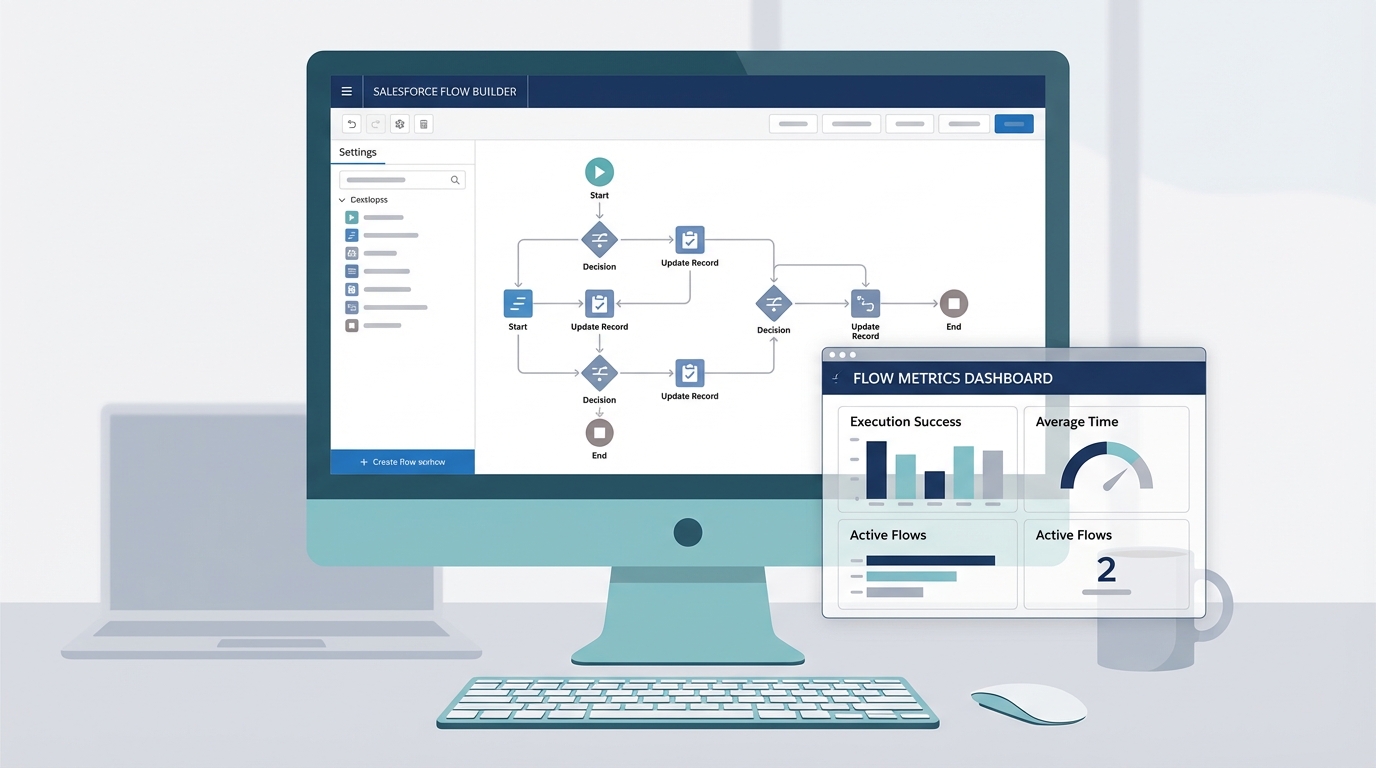
A professional visualization of the Salesforce Flow Builder interface and a performance monitoring dashboard showing flow execution data.
How to set up Salesforce Flow logging
Setting this up isn't nearly as scary as it sounds. You don't need to be a developer to get this running. Here's the high-level workflow I usually follow when I'm setting this up for a client. The short answer? It's all about getting that data into a format you can actually use.
- Turn on Flow Logging in your Setup menu to start sending data to Data Cloud.
- Check your data mappings in Data Cloud to make sure everything is landing where it should.
- Create a standard Salesforce report using the Flow run dataset.
- Put together a simple dashboard for your admin team to watch for spikes in errors.
But here is the thing: you need to be smart about your data. If you're handling sensitive info, make sure you aren't logging PII that could get you in trouble with compliance. This is a bit different than standard error handling where the data stays mostly hidden. Once it's in a report, more people can see it. You have to balance visibility with data integrity and security.
Best practices for the real world
I've seen a few things trip people up with this. First, don't forget about your existing monitoring tools. Salesforce Flow logging is great, but it works best when you use it alongside things like Apex logs or platform events. It's about building a full picture, not just replacing what you already have.
Another thing? Set up alerts. There's no point in having a beautiful dashboard if nobody looks at it. I like to set up a scheduled report that hits my inbox every morning. If I see a spike in "slow runs" or "failed elements," I know exactly where to start my day. It makes you look like a hero when you fix a problem before the users even notice it.
Key Takeaways
- Salesforce Flow logging turns messy debug emails into clean, reportable data.
- It stores everything in Data Cloud, so you can see trends over time.
- You can finally build dashboards to monitor automation health in real-time.
- Start small with your most important Flows to avoid data overload.
- Always keep an eye on PII and data governance when logging variable values.
At the end of the day, this is about moving away from reactive firefighting. We've all spent too much time being the person who "fixes the Flow" after everyone is already complaining. By using Salesforce Flow logging, you're getting ahead of the curve. You'll find the bottlenecks, fix the bugs faster, and actually have the data to prove your automation is working the way it's supposed to. Give it a shot in a sandbox first and see how much easier your life gets.



Leave a Comment