

Ever felt like you're killing your org's performance with a hundred tiny HTTP calls? That's where the Salesforce Composite API comes in. It's one of those tools that, once you start using it, you'll wonder how you ever managed without it. I've seen teams struggle with latency and hitting daily limits just because they were making separate calls for every single record update. But it doesn't have to be that way.
Why you should care about the Salesforce Composite API
Look, the math is simple. Every time your external system talks to Salesforce, there's overhead. You've got the handshake, the headers, and the network travel time. If you're doing that 50 times for 50 records, you're wasting resources. The Salesforce Composite API lets you bundle those operations into one single request. So instead of 50 round-trips, you do one. It's a huge part of building a Salesforce API Integration that actually scales as your data grows.
And it's not just about speed. One of the best things here is transactional control. If you're creating an Account and a Contact, you probably don't want the Account to exist if the Contact fails. With the right settings, this API can handle that "all-or-none" logic for you. If you're already familiar with REST integrations, you know how much of a headache manual rollbacks can be.
Here's a tip: Always use the referenceId. It's the secret sauce that lets you link records together in one go without waiting for the first one to finish and returning the ID to your client.
Breaking down the Salesforce Composite API endpoints
Not all composite requests are the same. Salesforce gives us a few different flavors depending on what we're trying to do. Here's the breakdown of what I actually use in the field:
- /composite - This is the heavy lifter. You can mix and match different objects and even different methods (like a POST and a PATCH) in one call. You can use the ID from the first step in the second step.
- /composite/batch - Think of this as a bucket of unrelated tasks. You can send up to 25 subrequests, but they don't talk to each other. If one fails, the others keep going.
- /composite/tree/sObjectName - Honestly, this is the best way to handle parent-child relationships. You send a nested JSON, and Salesforce builds the whole tree for you in one shot.
- /composite/sobjects - For those times when you have a bunch of records of the same type, this is your friend. It's a solid way of managing Salesforce large data volumes without moving all the way to the Bulk API.
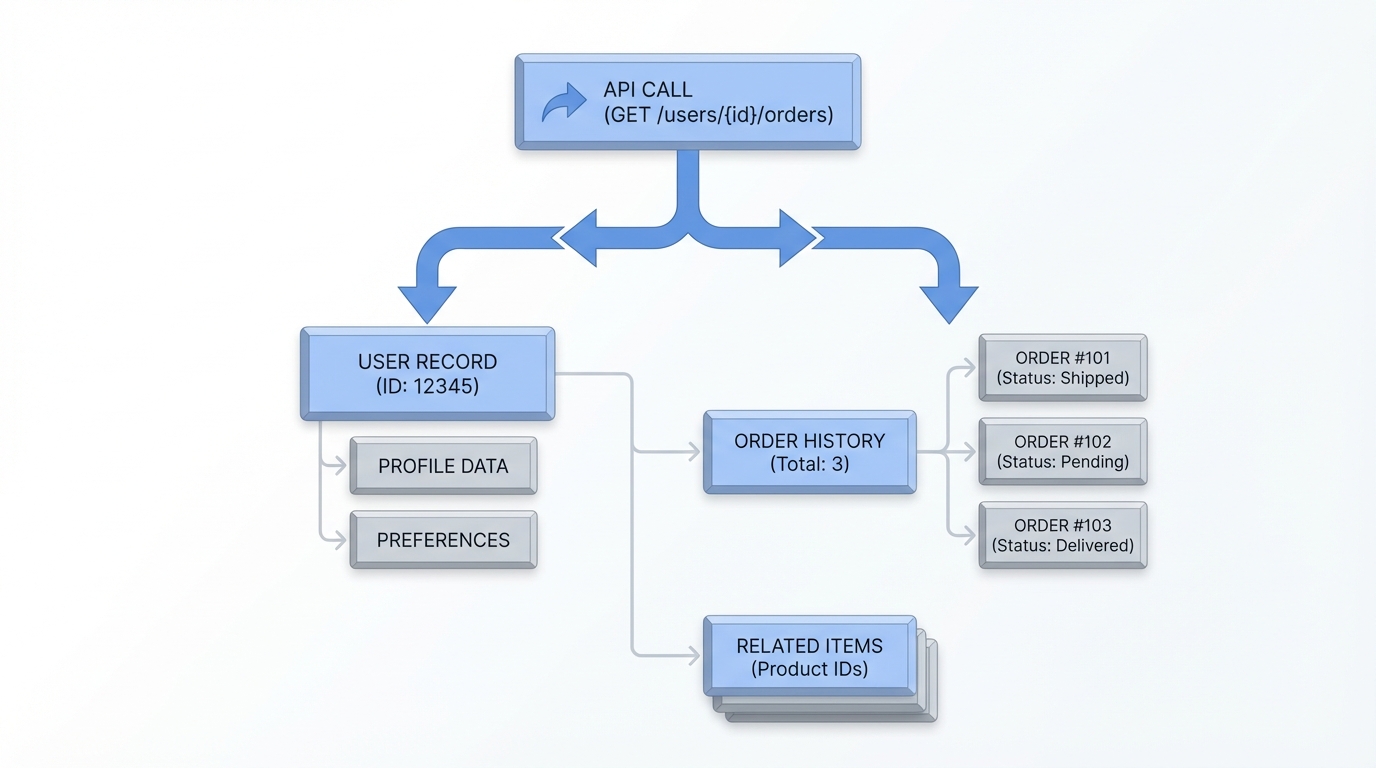
An architectural diagram illustrating a single API request creating multiple linked parent and child records in a cloud database.
Example: Linking an Account and Contact
In my experience, this is the most common use case. You want to create a customer and their primary contact at the same time. Here is how that looks in a standard composite request. Notice how we use the referenceId to link them.
POST /services/data/v60.0/composite
{
  "allOrNone" : true,
  "compositeRequest" : [
    {
      "method" : "POST",
      "url" : "/services/data/v60.0/sobjects/Account",
      "referenceId" : "newAcc",
      "body" : { "Name" : "Cloud Tech Inc" }
    },
    {
      "method" : "POST",
      "url" : "/services/data/v60.0/sobjects/Contact",
      "referenceId" : "newCon",
      "body" : {
        "FirstName" : "Alex",
        "LastName" : "Smith",
        "AccountId" : "@{newAcc.id}"
      }
    }
  ]
}
So what happened there? We told Salesforce to create the Account first. Then, we used @{newAcc.id} to tell the Contact which Account it belongs to. The system handles the ID mapping internally. No extra code is needed on your end. It's clean and efficient.
Example: Using the Tree Resource
Now, if you're doing a deep hierarchy, the Tree resource is even easier. You don't even need the @{...} syntax because the nesting implies the relationship. Here's a quick look at that:
POST /services/data/v60.0/composite/tree/Account
{
  "records" : [
    {
      "attributes" : { "type" : "Account", "referenceId" : "ref1" },
      "Name" : "Global Corp",
      "Contacts" : {
        "records" : [
          { "attributes" : { "type" : "Contact", "referenceId" : "con1" }, "FirstName" : "Sarah", "LastName" : "Connor" }
        ]
      }
    }
  ]
}
Things that might trip you up
Here's the thing: just because it's one HTTP request doesn't mean you've escaped governor limits. One thing that trips people up is thinking this is a "get out of jail free" card for SOQL or DML limits. It isn't. Each subrequest still counts against your transaction limits. If your triggers are heavy, you can still hit CPU timeouts.
Error handling also gets a bit more interesting. When you use allOrNone=true, the whole thing rolls back if one piece fails. That's great for data integrity, but your error parsing logic needs to be ready for it. You'll get a response body that tells you exactly which subrequest failed and why. Don't just check for a 200 OK status; you need to look at the status of each item in the results array.
Key Takeaways
- The Salesforce Composite API dramatically reduces network latency by bundling calls.
- Use
/compositewhen you need to link different objects usingreferenceId. - Use
/composite/treefor simple parent-child record creation. - Remember that governor limits (CPU, DML, SOQL) still apply to every subrequest.
- Set
allOrNoneto true if you need the entire batch to succeed or fail together.
Start by identifying your most chatty integrations. If you see a pattern of creating a parent and then immediately creating children, that's your first candidate for a rewrite. It'll save your API limits and make your external systems feel much faster. It takes a little more effort to build the JSON payload, but the performance gains are worth it every single time.




Leave a Comment