
The deal with reusing code in your Aura controller method
Ever found yourself copy-pasting the same five lines of code because you weren't sure how to trigger one Aura controller method from another? It happens to everyone when they first start building components. You have an init function that loads data, and then you have a "Refresh" button that needs to do the exact same thing. Writing that logic twice is a recipe for bugs down the road.
But here's the thing: Aura isn't always intuitive about how these functions talk to each other. In my experience, most developers fall into one of two camps. Either they move everything to a helper file, or they try to force a direct call within the controller. Let's look at how to handle this without making your code a total mess.
The right way: Moving logic out of the Aura controller method
If you ask any seasoned architect, they'll tell you the same thing: keep your controller thin. The Aura controller method should really just be a traffic cop. It catches the event, maybe pulls a couple of parameters, and then hands the actual work off to the helper. This makes your logic much easier to reuse across different actions.
When I first worked with complex Aura components, I tried to keep everything in the controller because I didn't want to flip between two files. That was a mistake. Once your component grows, having a shared helper function is the only way to stay sane. If you're also calling Apex, you'll definitely want to understand why we use the @AuraEnabled annotation to make those server-side connections work.
// controller.js
({
    doInit : function(component, event, helper) {
        // Just tell the helper to do the heavy lifting
        helper.fetchData(component);
    },

    handleRefresh : function(component, event, helper) {
        // Reuse the exact same logic here
        helper.fetchData(component);
    }
})

// helper.js
({
    fetchData : function(component) {
        var action = component.get("c.getAccountList");
        action.setCallback(this, function(response) {
            if (response.getState() === "SUCCESS") {
                component.set("v.accounts", response.getReturnValue());
            }
        });
        $A.enqueueAction(action);
    }
})
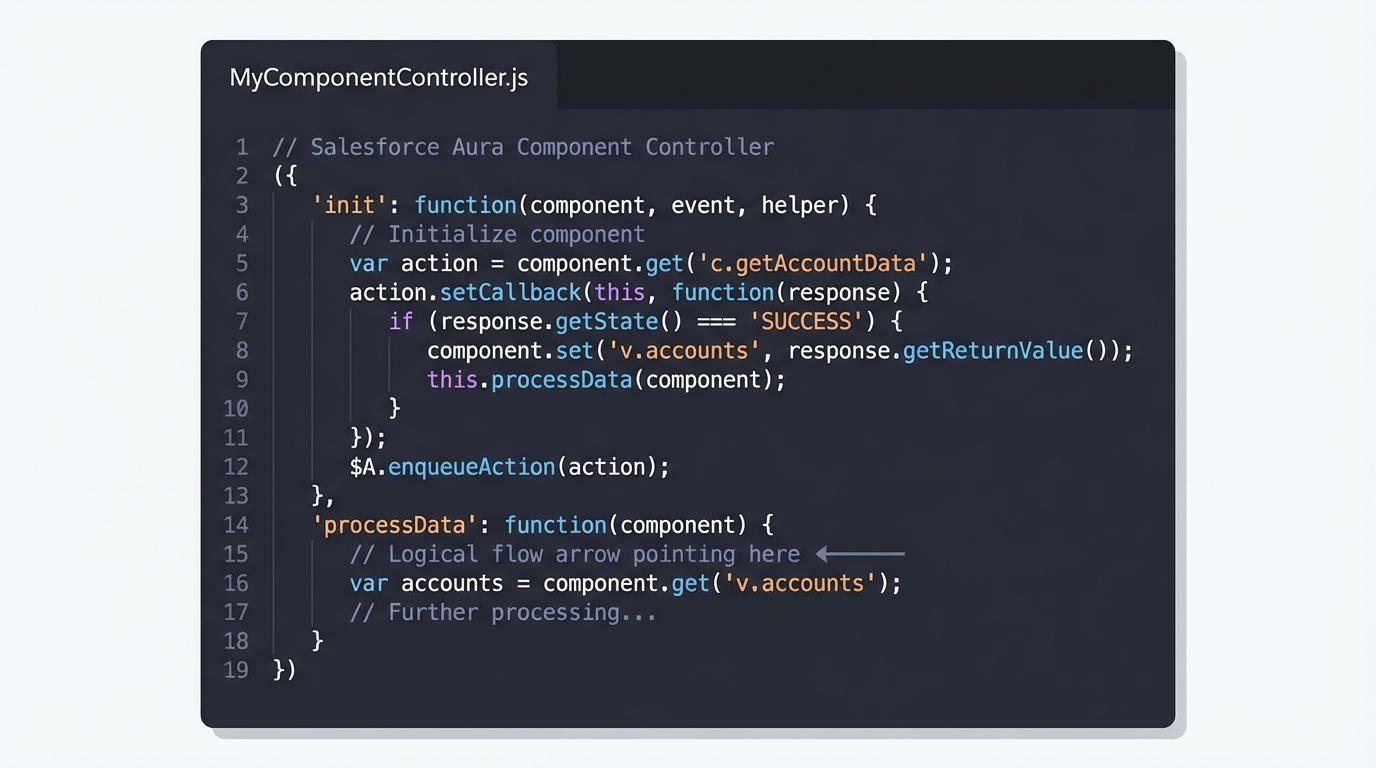
A professional code editor view showing the JavaScript structure of a Salesforce Aura controller with multiple methods.
The quick way: Calling an Aura controller method directly
Now, sometimes you just want a quick fix and don't want to refactor everything into a helper. You actually can call one Aura controller method from another using this. Since all the functions in your controller are just properties of the same JavaScript object, this.methodName works just fine.
But be careful. I've seen teams get into trouble with this because they forget to pass the component, event, and helper arguments. If you don't pass those along, the second method will crash the moment it tries to do anything useful. Use this approach for small, internal UI logic, but don't make it your default strategy.
// controller.js
({
    firstAction : function(component, event, helper) {
        console.log('Doing something first...');

        // Call the other method in this same file
        this.secondAction(component, event, helper);
    },

    secondAction : function(component, event, helper) {
        console.log('Doing the second part now.');
        // Logic goes here
    }
})
One thing that trips people up
The this keyword in JavaScript is notoriously slippery. If you start using arrow functions or try to call a controller method from a callback (like inside a setTimeout or an action callback), this might not point to your controller anymore. That is why the helper approach is generally safer - it doesn't rely on the "this" context of the controller object.
Pro Tip: If you find yourself needing to call a method from a child component up to a parent, don't try to use direct JS calls. Use component events or an
aura:methodinstead. It keeps your components decoupled and much easier to maintain.
If you're starting to feel like Aura is a bit clunky, you're not alone. Most of the ecosystem is moving toward LWC these days. If you're curious about the difference, check out how LWC component communication works compared to what we're doing here. It's much closer to standard web development.
Key Takeaways
- Use Helpers: This is the standard best practice for a reason. It makes your code reusable and keeps the controller clean.
- Pass Arguments: If you call a method directly using
this, you must passcomponent, event, helperor the receiving function won't have the context it needs. - Watch your "this": Avoid arrow functions for your main controller methods because they can mess up the execution context.
- Events for Parents: Use events for cross-component communication rather than trying to hack a direct JS call between files.
Which one should you use?
So what's the final verdict? Honestly, just use the helper. It takes an extra ten seconds to set up, but it saves you from "this" context headaches and makes your code look professional. Use the direct this.methodName approach only when you're dealing with very simple, local logic that will never be needed by another component. Stick to the helper and your future self will thank you when you're debugging this six months from now.




Leave a Comment