

If you are getting ready for a round of Salesforce Flow interview questions, you have probably realized that recruiters aren't just asking about loops and variables anymore. These days, they want to know how you connect Salesforce to the rest of the world using web services.
Look, I have seen plenty of developers sweat when an interviewer asks how to handle a real-time data sync with an external ERP. But it doesn't have to be that complicated. Web service flow is just a fancy way of describing how data moves in and out of your org. Whether it's an Apex callout or a Flow calling an External Service, the logic stays the same. Let's break down what you actually need to know to sound like a pro.
Common Salesforce Flow interview questions regarding Web Services
When someone brings up Salesforce Flow interview questions in the context of integrations, they are usually looking for your experience with "Inbound" vs "Outbound" calls. In simple terms, is the external system knocking on our door, or are we knocking on theirs?
- Inbound: An external system (like a website or a shipping provider) sends data to Salesforce. We usually handle this with a REST API or a SOAP service.
- Outbound: Salesforce sends data out. This is where you'll use Apex callouts or the newer "External Services" feature in Flow.
I remember a project where we had to sync order status from a legacy warehouse system. We tried using Outbound Messaging first, but it was too limited. We ended up building a custom REST endpoint because we needed to send back a specific success code. That's the kind of detail interviewers love to hear.
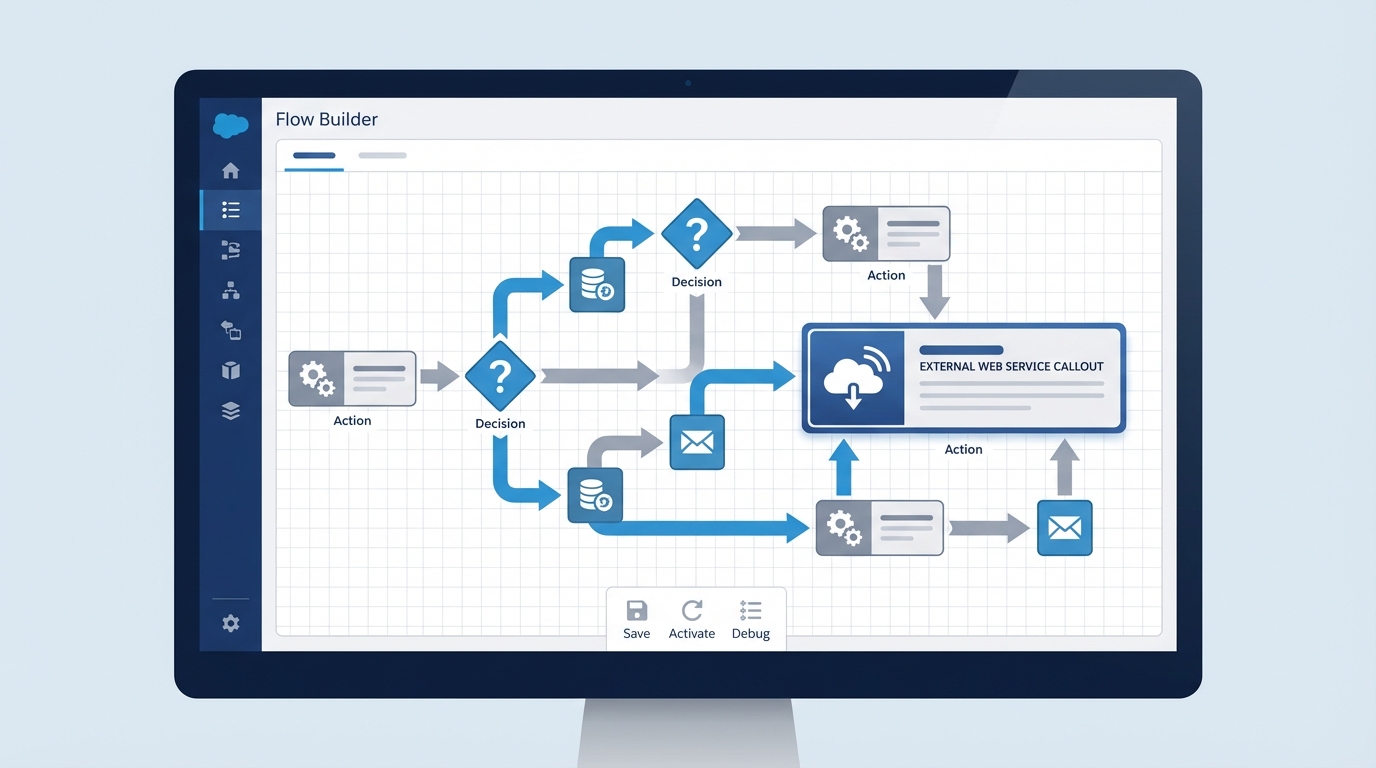
A realistic Salesforce Flow Builder interface showing a workflow designed for an external web service integration.
Mastering Salesforce Flow interview questions about External Services
One of the most popular Salesforce Flow interview questions lately is about how to integrate without writing a single line of Apex. The answer is usually External Services. You take a Swagger/OpenAPI schema, upload it, and suddenly your external API looks like a regular action in the Flow Builder.
But here's the thing: you still need to understand the underlying protocols. If you're asked about Salesforce SOAP vs REST, remember that REST is the go-to for almost everything modern. It's lightweight and uses JSON. SOAP is the "old school" way - it's strict, uses XML, and is mostly found in older enterprise systems.
The Inbound Flow: REST and SOAP
If you're building an inbound REST service, you'll use the @RestResource annotation. It looks something like this:
@RestResource(urlMapping='/v1/LeadGenerator/*')
global with sharing class LeadApi {
    @HttpPost
    global static String createLead(String email, String lastName) {
        Lead l = new Lead(Email = email, LastName = lastName, Company = 'Unknown');
        insert l;
        return 'Success: ' + l.Id;
    }
}
This allows an external system to "POST" data directly into your custom logic. It's fast, but you have to be careful with security. Always mention OAuth 2.0 or Named Credentials when you're talking about authentication. Honestly, if you don't mention Named Credentials, it's a red flag for most senior roles.
Handling Limits and Errors
Another big part of Salesforce Flow interview questions involves governor limits. You can't just fire off a million callouts and hope for the best. Salesforce limits you to 100 callouts in a single transaction. If you're processing a big batch of records, you'll hit that wall fast.
So how do you fix it? You go asynchronous. I usually recommend using Queueable Apex or Platform Events to handle the heavy lifting. This keeps the UI snappy for the user while the integration runs in the background. If you're working with large datasets, you might also want to look into Salesforce Flow bulkification to make sure your automation doesn't choke when things scale up.
Pro tip: Always use
HttpCalloutMockin your unit tests. You can't make real callouts during a test run, and I've seen many developers fail their deployments because they forgot to write a proper mock class.
Why Named Credentials Matter
If I'm interviewing someone and they don't know what a Named Credential is, I'm worried. It's a lifesaver. It handles the endpoint URL and the authentication (like passwords or tokens) in one place. No hardcoding URLs in your Apex or Flow. If the password changes, you update it in Setup, not in your code. It's just cleaner.
Key Takeaways for your Interview
- Understand the Direction: Know if you're talking about Inbound (RestResource) or Outbound (HttpRequest).
- Mention Security: Always talk about OAuth and Named Credentials.
- Respect the Limits: Remember the 100-callout limit and the 120-second timeout.
- Think Async: Use asynchronous Apex to handle long-running processes.
- Mock your Tests: You must use a mock class to test any web service logic.
Wrapping it up
Preparing for Salesforce Flow interview questions doesn't mean you just memorize the documentation. It's about showing that you've been in the trenches and know what happens when an integration fails. Talk about error handling, talk about retry logic, and definitely talk about why you chose one protocol over another. That's what separates a junior dev from a consultant who actually gets things done.
Next time you're asked about web service flow, don't just list features. Tell a story about a time you used a Named Credential to save a project from a security nightmare. That's what gets you hired.




Leave a Comment