


If you're getting ready for a round of Salesforce Flow interview questions, you've probably noticed that recruiters have moved past loops and variables. They want to know how you connect Salesforce to the rest of the world using web services.
I've watched plenty of developers sweat when an interviewer asks how they'd handle a real-time data sync with an external ERP. It doesn't have to be that complicated. Web service flow is a fancy way of describing how data moves in and out of your org, and whether it's an Apex callout or a Flow calling an External Service, the logic stays the same. Here's what you actually need to know.
Common Salesforce Flow interview questions about web services
When the questions turn to integrations, the interviewer is usually after your experience with "Inbound" versus "Outbound" calls. Is the external system knocking on our door, or are we knocking on theirs?
- Inbound. An external system (like a website or a shipping provider) sends data to Salesforce. We usually handle this with a REST API or a SOAP service.
- Outbound. Salesforce sends data out. This is where you'll use Apex callouts or the newer "External Services" feature in Flow.
I remember a project where we had to sync order status from a legacy warehouse system. We tried using Outbound Messaging first, but it was too limited. We ended up building a custom REST endpoint because we needed to send back a specific success code. That's the kind of detail interviewers love to hear.
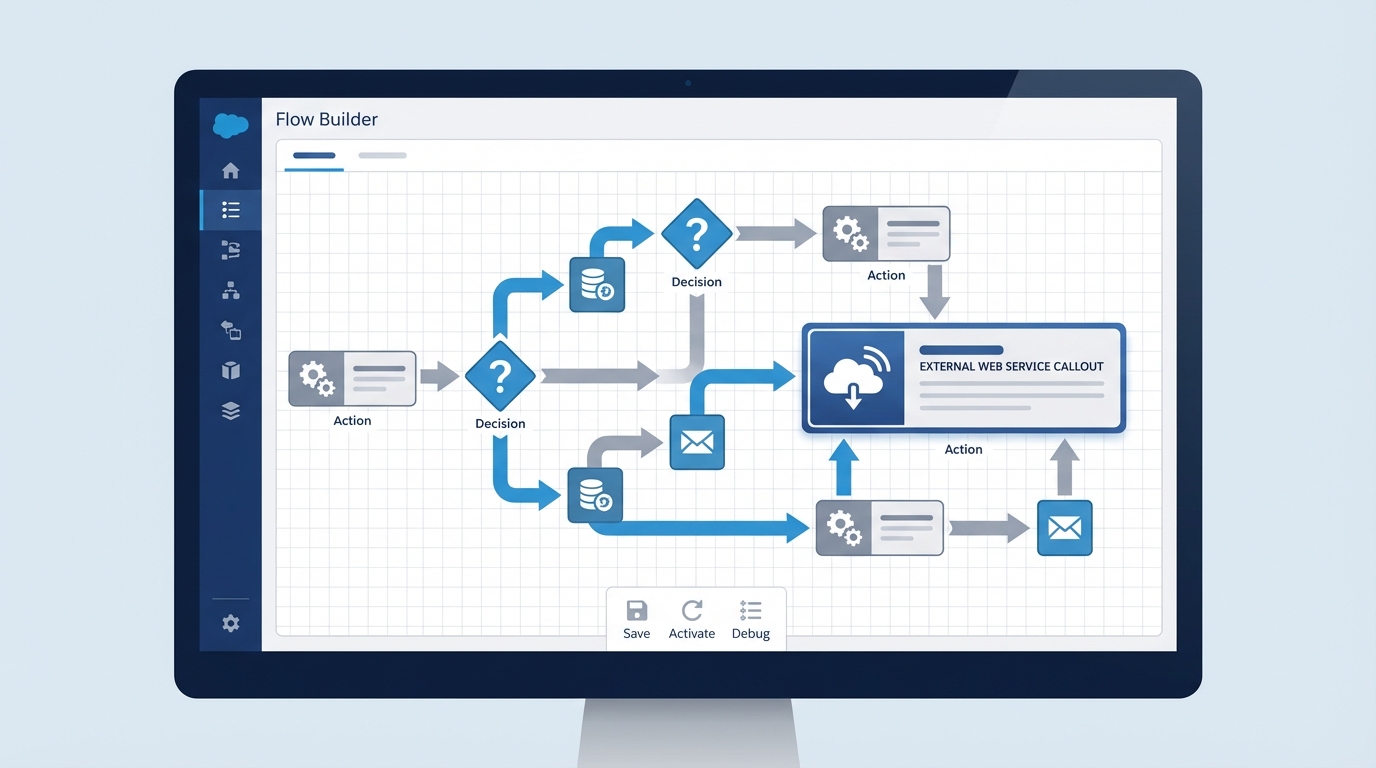
A Flow Builder canvas wired up for an external web service integration.
Salesforce Flow interview questions about External Services
A popular question lately is how to integrate without writing a single line of Apex. The answer is usually External Services. You take a Swagger/OpenAPI schema, upload it, and your external API shows up as a regular action in Flow Builder.
You still need to understand the protocols underneath, though. If you're asked about Salesforce SOAP vs REST, REST is the default for almost everything modern. It's lightweight and uses JSON. SOAP is the "old school" way: strict, XML, and mostly found in older enterprise systems.
The inbound flow: REST and SOAP
If you're building an inbound REST service, you'll use the @RestResource annotation. It looks something like this:
@RestResource(urlMapping='/v1/LeadGenerator/*')
global with sharing class LeadApi {
    @HttpPost
    global static String createLead(String email, String lastName) {
        Lead l = new Lead(Email = email, LastName = lastName, Company = 'Unknown');
        insert l;
        return 'Success: ' + l.Id;
    }
}
This allows an external system to "POST" data directly into your custom logic. It's fast, but you have to be careful with security. Always mention OAuth 2.0 or Named Credentials when you're talking about authentication. Honestly, if you don't mention Named Credentials, it's a red flag for most senior roles.
Handling limits and errors
Governor limits come up in almost every one of these interviews. You can't fire off a million callouts and hope for the best. Salesforce limits you to 100 callouts in a single transaction, and a big batch of records hits that wall fast.
So how do you fix it? You go asynchronous. I usually recommend Queueable Apex or Platform Events for the heavy lifting, which keeps the UI snappy for the user while the integration runs in the background. If you're working with large datasets, look into Salesforce Flow bulkification too, so your automation doesn't choke when things scale up.
Always use
HttpCalloutMockin your unit tests. You can't make real callouts during a test run, and I've seen plenty of developers fail a deployment because they forgot to write a proper mock class.
Why Named Credentials matter
If I'm interviewing someone and they don't know what a Named Credential is, I start to worry. It holds the endpoint URL and the authentication (passwords, tokens) in one place. No hardcoded URLs in your Apex or Flow, and when the password changes you update it in Setup instead of in your code. It's just cleaner.
Key takeaways for your interview
- Understand the direction. Know whether you're talking about Inbound (RestResource) or Outbound (HttpRequest).
- Mention security. Always talk about OAuth and Named Credentials.
- Respect the limits. Remember the 100-callout limit and the 120-second timeout.
- Think async. Use asynchronous Apex to handle long-running processes.
- Mock your tests. You must use a mock class to test any web service logic.
Wrapping it up
Preparing for Salesforce Flow interview questions is mostly about showing you've been in the trenches and know what happens when an integration fails. Talk about your error handling and your retry logic, and say why you picked one protocol over another. That's what separates a junior dev from a consultant who actually gets things done.
Next time you're asked about web service flow, skip the feature list and tell the story of the time you used a Named Credential to save a project from a security nightmare.


Leave a Comment