


Getting started with the Salesforce Flow HTTP Callout
I remember when any integration meant calling a developer and waiting for a sprint to open up. If you wanted data from an external system, you were writing Apex classes and test methods. The Salesforce Flow HTTP Callout feature changed that: declarative builders can do the same work now without a line of code.
You can connect to external APIs directly from a Screen Flow or an Autolaunched Flow. I've used it for everything from simple weather lookups to shipping status updates.
Why the Salesforce Flow HTTP Callout matters
Before this feature existed, we weighed the Apex vs Flow debate every time an external system was involved. Code almost always won because Flow couldn't talk to the outside world easily. Salesforce now creates the External Service and the invocable actions for you in the background.
You can prototype an integration in a sandbox in an afternoon instead of waiting weeks for a dev resource. You still need to understand how APIs work, though: your GETs from your POSTs, and how to read a JSON structure.
1. Set up your Named Credential
Authentication is where people get stuck. For this example we'll keep it simple with the Chuck Norris Jokes API. Go to Setup, find Named Credentials, and create a New Legacy credential. I prefer the legacy option for simple, public APIs because it's faster to configure.
- Label: ChuckNorrisAPI
- URL: https://api.chucknorris.io/jokes/search
- Identity Type: Anonymous (since it's a public API)
Named Credentials are one of the Salesforce Flow best practices I never skip. They keep your URLs and secrets out of the Flow itself, which makes moving from Sandbox to Production much cleaner.
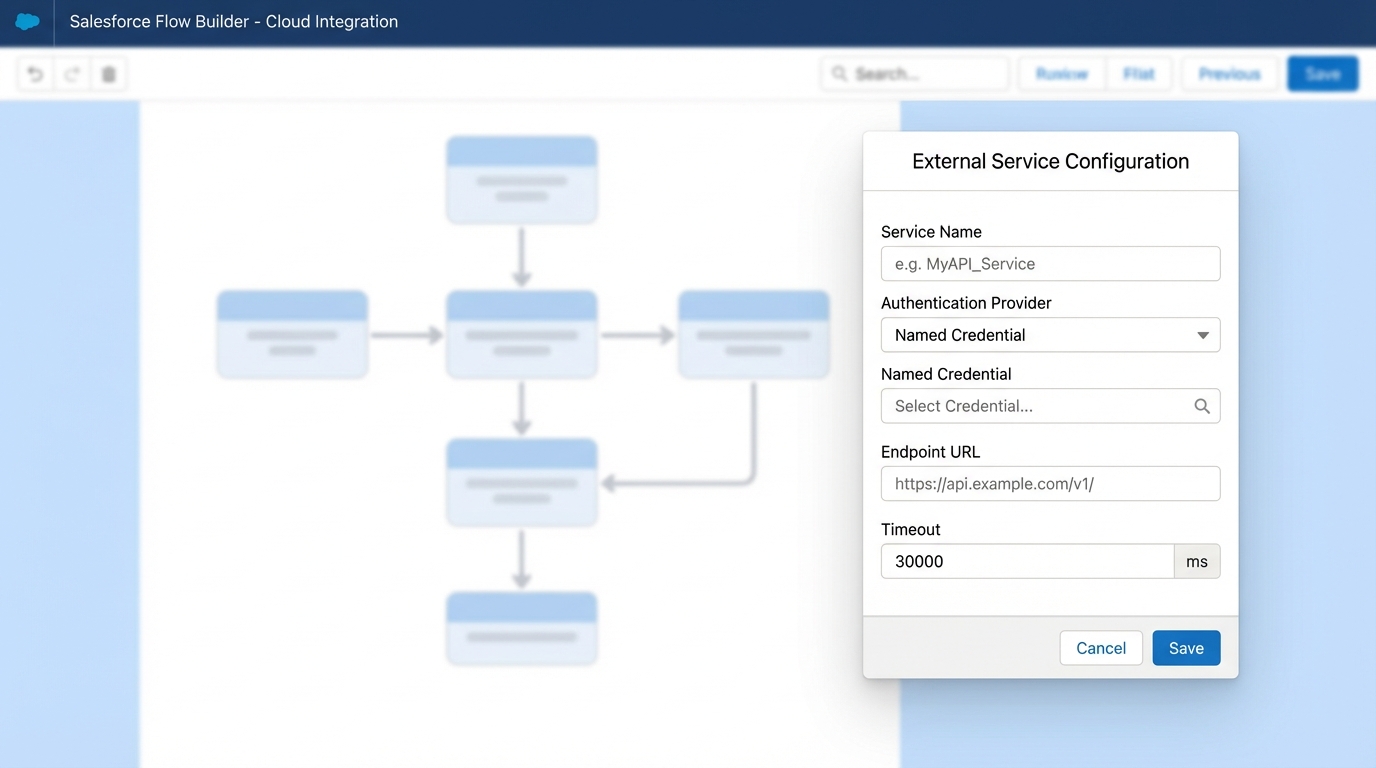
The HTTP callout configuration panel in Flow Builder.
2. Create the Action in Flow Builder
Open a Screen Flow. Add a new Action and click Create HTTP Callout, then pick the Named Credential you just made. Define the method (GET) and provide a sample JSON response. Salesforce uses that sample to build the data structure for you.
For the joke search, add a URL parameter called query. That lets the user type a word like "work" or "gym" to find specific jokes. When you provide the sample JSON, Salesforce creates the Apex types behind the scenes. You never have to touch them, but they're there doing the work.
Handling the Salesforce Flow HTTP Callout response
When the callout runs it returns a response, usually with a 2XX code if it worked. The data comes back as a collection or a single record depending on the API. In the Chuck Norris example it returns a list of jokes in a "result" array.
Pro tip: Always check the status code before you try to use the data. If the API is down or the search term is invalid, your Flow will crash when it loops through a null collection.
You can take that "result" collection and feed it straight into a Data Table component. It is genuinely satisfying to watch live data from another system land on a Salesforce screen with no JavaScript or Apex behind it.
Practical use cases I've seen
Teams have used the Salesforce Flow HTTP Callout for some clever things lately, well past joke lookups. If you want a Salesforce API integration strategy that's easy to maintain, this is it.
- Send a shipping address to an address validation service like SmartyStreets before the record is saved.
- Grab live exchange rates for currency conversion on custom pricing fields.
- Send a POST request to a Slack webhook when a big deal closes.
- Check whether a customer has an overdue balance in an external ERP or accounting system before allowing a new order.
Key takeaways
- Start in a sandbox. APIs can be finicky, so test your callouts somewhere safe.
- Don't hardcode URLs. It's a security risk and a deployment nightmare, so Named Credentials are mandatory.
- Make sure your sample JSON is accurate, or Salesforce won't map the fields correctly.
- Use decision elements to handle non-200 responses gracefully.
- Watch callout timeouts and governor limits in high-volume flows.
Final thoughts
The Salesforce Flow HTTP Callout closes the gap between what an admin can do and what a developer used to own. If you haven't built one yet, give it an afternoon.
It takes practice to get the JSON mapping right, but once it clicks you start seeing integration opportunities everywhere. Keep your flows clean and handle your errors.



Leave a Comment