

The truth about the roll-up summary formula field
Ever tried to build a roll-up summary formula field that points to a child record, only to realize that child record is pulling its value from a third object? It is a classic Salesforce "gotcha" that I have seen trip up even senior devs. You set everything up, the formula looks perfect, but then you change the grandparent record and... nothing. The roll-up doesn't budge.
The short answer? It won't work automatically if your child formula uses a cross-object reference. Salesforce is very specific about what triggers a recalculation. If the child record itself doesn't undergo a DML update (a save operation), the parent record has no idea that the value sitting in that child formula has actually changed.
Why your roll-up summary formula field stays stuck
Look, here is the technical reason why this happens. Roll-up summary fields are event-driven. They only wake up and do work when a child record is created, updated, or deleted. When you change a field on a "grandparent" or some other lookup record, the formula on the child record updates visually in the UI, but it doesn't actually save the child record.
Since there is no "save" happening on the child, the parent record doesn't get the memo to recalculate. I have seen teams waste hours trying to refresh pages or clear caches, but the data just won't sync because the DML event never fired. It is one of those things that works in your head but fails in the database logic.
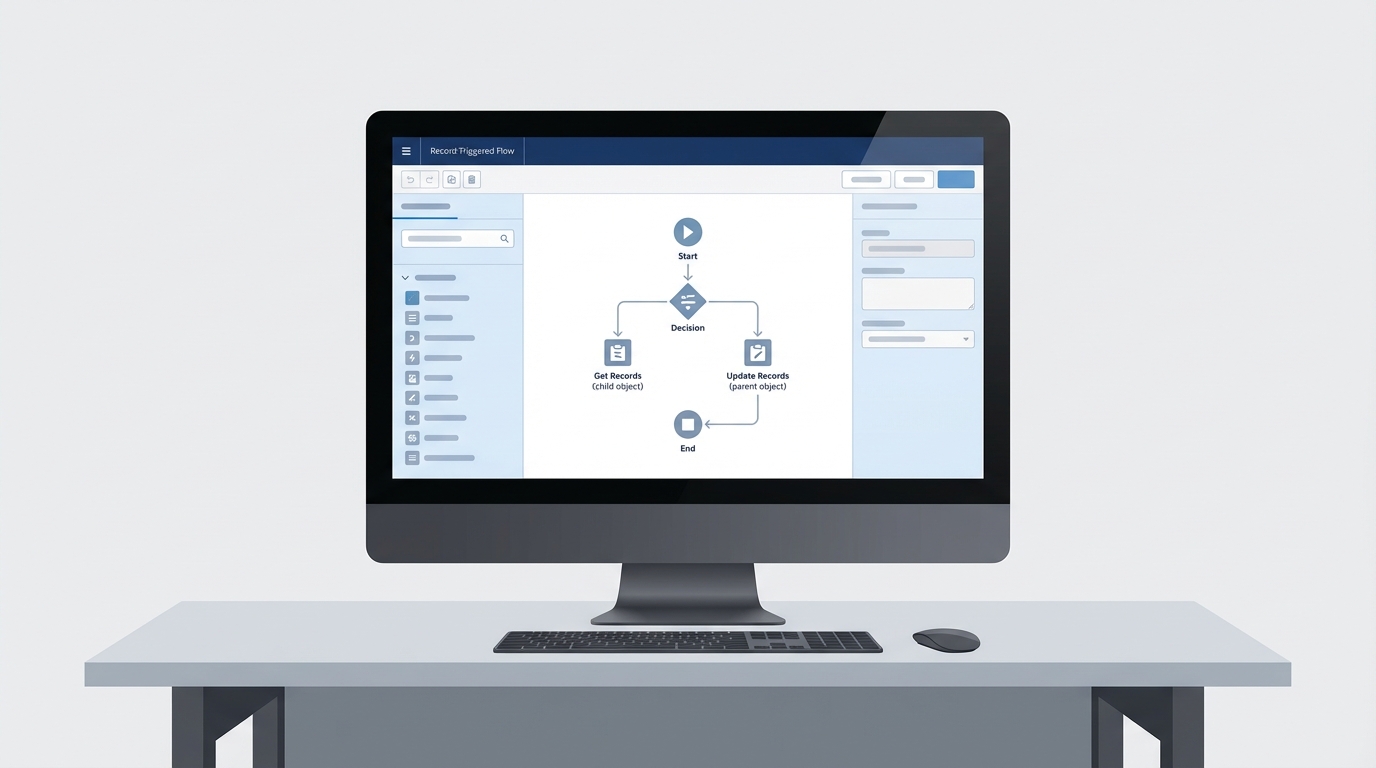
A realistic screenshot of a Salesforce Flow Builder canvas showing an automation path designed to sync data between related objects.
Reliable ways to use a roll-up summary formula field
So, how do we actually make this work? If you absolutely need a roll-up summary formula field to reflect changes from another object, you have to force Salesforce to see that change. In my experience, the most common way to do this is the "touch" method.
You can build a record-triggered Flow on the object that the child formula references. When that record changes, the Flow finds the related child records and performs a "dummy update" on them. This could be as simple as checking and unchecking a hidden checkbox. This tiny update is enough to trigger the parent to recalculate its roll-up.
Pro Tip: When you are "touching" hundreds of child records via Flow, make sure you understand Salesforce Flow bulkification. If you don't, you'll hit governor limits faster than you can say "System.LimitException".
Choosing between Flow, Apex, or DLRS
Now, you might be wondering if you should use code or a declarative tool. It usually comes down to the complexity of your data model. If you are dealing with a simple relationship, a Flow is usually fine. But if you have a massive data volume or complex logic, you might want to look at Apex vs Flow to see which one handles the load better.
- DLRS (Declarative Lookup Rollup Summaries): This is a community-favorite tool. It handles lookup roll-ups (which native Salesforce doesn't) and can be set to run on a schedule or in real-time.
- Scheduled Flows: If you don't need the number to be accurate to the second, just run a scheduled Flow every night to recalculate the totals. It is much easier on your system resources.
- Apex Triggers: This is the "heavy hitter" option. If you need absolute control and the highest performance for large batches, a trigger is the way to go.
// Simple snippet to 'touch' child records
List<Child_Object__c> childrenToUpdate = [SELECT Id FROM Child_Object__c WHERE Parent_Lookup__c IN :ids];
for(Child_Object__c c : childrenToUpdate) {
    c.Force_Recalc_Check__c = !c.Force_Recalc_Check__c;
}
update childrenToUpdate;
Key Takeaways for your roll-up summary formula field
- A roll-up summary formula field only works automatically if the formula stays on the child record itself.
- Cross-object formulas in a roll-up will not trigger updates when the distant record changes.
- Use a "touch" mechanism (Flow or Trigger) to force a child record save if you need real-time updates.
- Consider DLRS if you need to roll up values over a lookup relationship instead of a Master-Detail.
- Always test your solution with bulk data to ensure you aren't hitting limits.
Final thoughts on implementation
At the end of the day, the roll-up summary formula field is a powerful tool, but it has its limits. Don't try to fight the platform logic. If the native roll-up isn't cutting it because of a cross-object formula, move to a Flow or a scheduled job. I have found that being honest about these limitations early in a project saves a lot of headache during UAT. Pick the simplest tool that gets the job done without breaking your governor limits.




Leave a Comment