

Have you ever wondered if your code will actually survive a massive spike in traffic? That's where Apex Hammer comes in. It's a lightweight tool used by developers and architects to stress test Apex logic and see how it handles concurrency before things go south in production.
What exactly is Apex Hammer?
Think of it as a way to put your org under a microscope while someone else shakes the table. Apex Hammer isn't just a single button in the Setup menu; it's a concept and a set of tools designed to simulate real-world traffic. It helps us find those annoying governor limit issues that only pop up when fifty people try to do the same thing at the exact same time.
The tool works by running your Apex code repeatedly and in parallel. You can point it at an anonymous Apex block or a specific REST endpoint. It then hammers that logic with multiple threads to see where the breaking point is. It's especially useful when you're trying to stay under asynchronous Apex limits because those bottlenecks don't always show up with a single user test run.
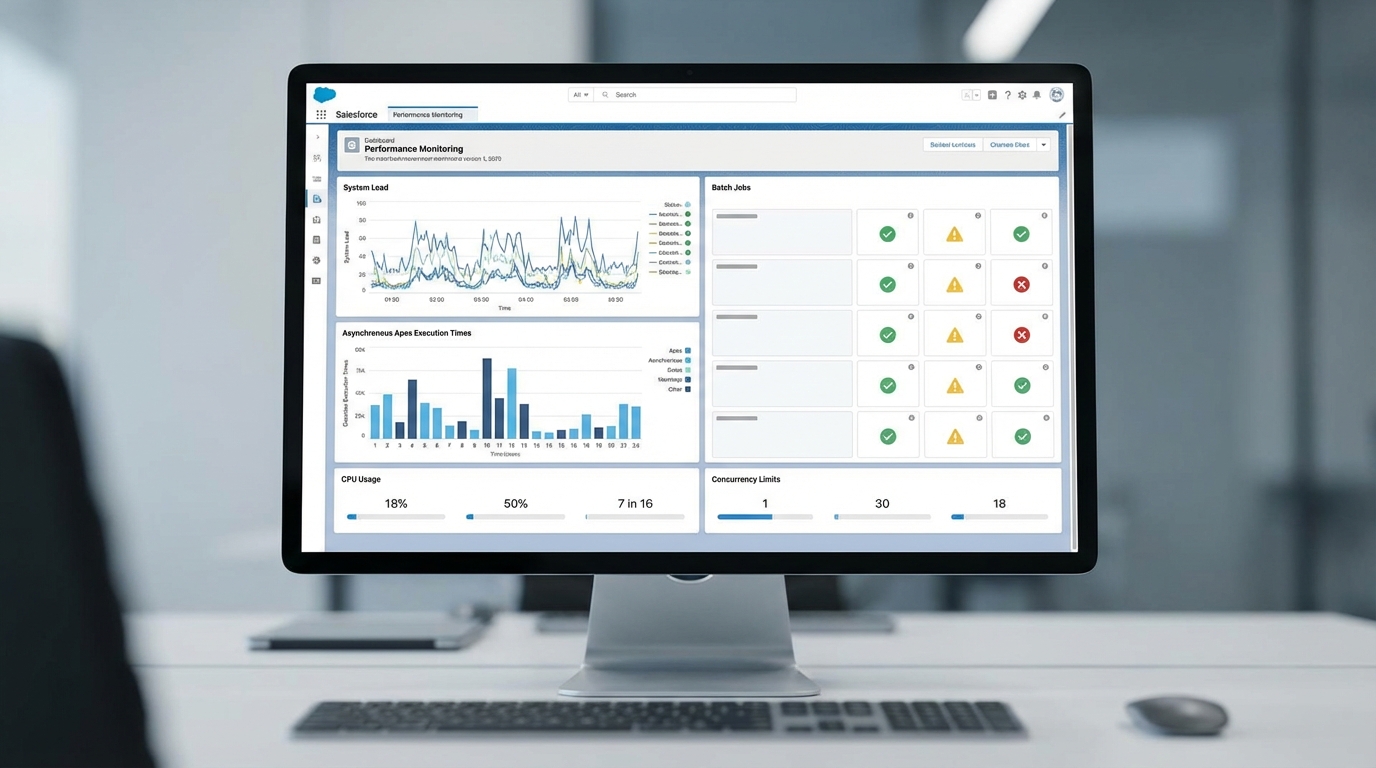
A professional performance monitoring dashboard showing system load graphs and Apex job execution metrics for Salesforce development.
Why you should use Apex Hammer for load testing
I've seen teams build what they thought was a perfect integration, only to realize their batch jobs were hitting row locks every five minutes. Apex Hammer helps you catch that early. Here is why you should actually care about using it:
- It validates that your bulk code holds up when multiple users hit it at once.
- It identifies CPU time and heap usage spikes that unit tests usually miss.
- It helps you benchmark performance after you've refactored a messy trigger.
- It's great for simulating a Salesforce API integration hitting your endpoints at scale.
One thing that trips people up is thinking they can skip load testing because their unit tests passed. Unit tests check if the code works; load tests like Apex Hammer check if the system stays standing when 100 people hit it at once.
Safety first: Don't break production
Look, this should go without saying, but never run a stress test against your production org. You'll end up locking out users or hitting limits that affect the whole business. Always use the right Salesforce sandbox types-ideally a Full or Partial sandbox-to get realistic results without the risk.
Start with a low number of threads and slowly ramp up. If you jump straight to 50 concurrent threads, you might crash your session before you even get any useful data. Now, if you're looking for a conceptual way to run this, most scripts look something like this:
apex-hammer - org sandbox.dev - threads 10 - iterations 100 - apex-file myTest.apex
Interview tips for the Apex Hammer question
If this comes up in an interview, don't just give a textbook definition. Explain that it's a tool for validating behavior under load. Mention that you know the risks of running it on production and talk about alternatives like JMeter or custom Node.js scripts. This shows you've actually been in the trenches and understand the risks.
But what if you need something more heavy-duty? Sometimes a lightweight script isn't enough. In those cases, I usually recommend looking at Apache JMeter with a Salesforce plugin or even custom SFDX scripts using jsforce to orchestrate the load. It's all about choosing the right tool for the specific bottleneck you're trying to find.
Key Takeaways
- Apex Hammer is for load and stress testing, not just functional testing.
- It helps find concurrency issues like row locks and CPU timeouts.
- Always run these tests in a sandbox, never in production.
- Use it to benchmark your code before and after major architectural changes.
- If you need more features, look into JMeter or custom JS scripts.
So, the next time you're worried about a new integration melting your org, give a tool like Apex Hammer a shot. It's much better to find your breaking point on a Tuesday afternoon in a sandbox than on a Monday morning during a global rollout. Just keep your threads low to start and watch those debug logs closely.




Leave a Comment