

OmniScript naming conventions is reshaping how Salesforce professionals work — and this article breaks down everything you need to know.
If you have ever opened a Salesforce Industries org and seen a list of components named "Test1" or "UpdateAccount_Final_v2", you know the headache I am talking about. Getting your OmniScript naming conventions right from day one is the only way to stay sane as your project grows. I have seen teams spend hours just trying to find the right DataRaptor because nobody agreed on a prefix. It is a mess you want to avoid.
Why you need solid OmniScript naming conventions
Look, I have been there. You are in the middle of a sprint, and you just want to build the logic. But when you are working with OmniStudio (formerly Vlocity), you aren't just building one thing. You are juggling OmniScripts, Integration Procedures, and DataRaptors. Without a plan, your metadata becomes a black hole.
In my experience, clear OmniScript naming conventions make life easier for everyone. It helps developers find what they need, makes deployments less of a gamble, and helps release engineers know exactly what they are moving between environments. If you are already thinking like a Salesforce Architect, you know that consistency is the foundation of a scalable system.
General rules of the road
Keep things simple. Use underscores to separate words, not spaces. Keep the names machine-friendly but easy enough for a human to read at a glance. And please, avoid special characters. They only cause trouble when you start using DevOps tools or scripts. Here is the thing: your API name should be descriptive enough that I don't have to open the component to know what it does.
A standard structure for OmniScript naming conventions
So, what does a good name actually look like? I usually recommend a pattern that covers the "what," the "where," and the "version." It looks something like this:
Prefix_Project_Feature_Action_vVersion
Let's break that down. The Prefix tells you the type of component. The Project code keeps things organized if you have multiple workstreams. The Feature or Object tells you the business area (like Account or Quote), and the Action describes the goal (like Create or Update). Finally, the Version helps you track major changes.
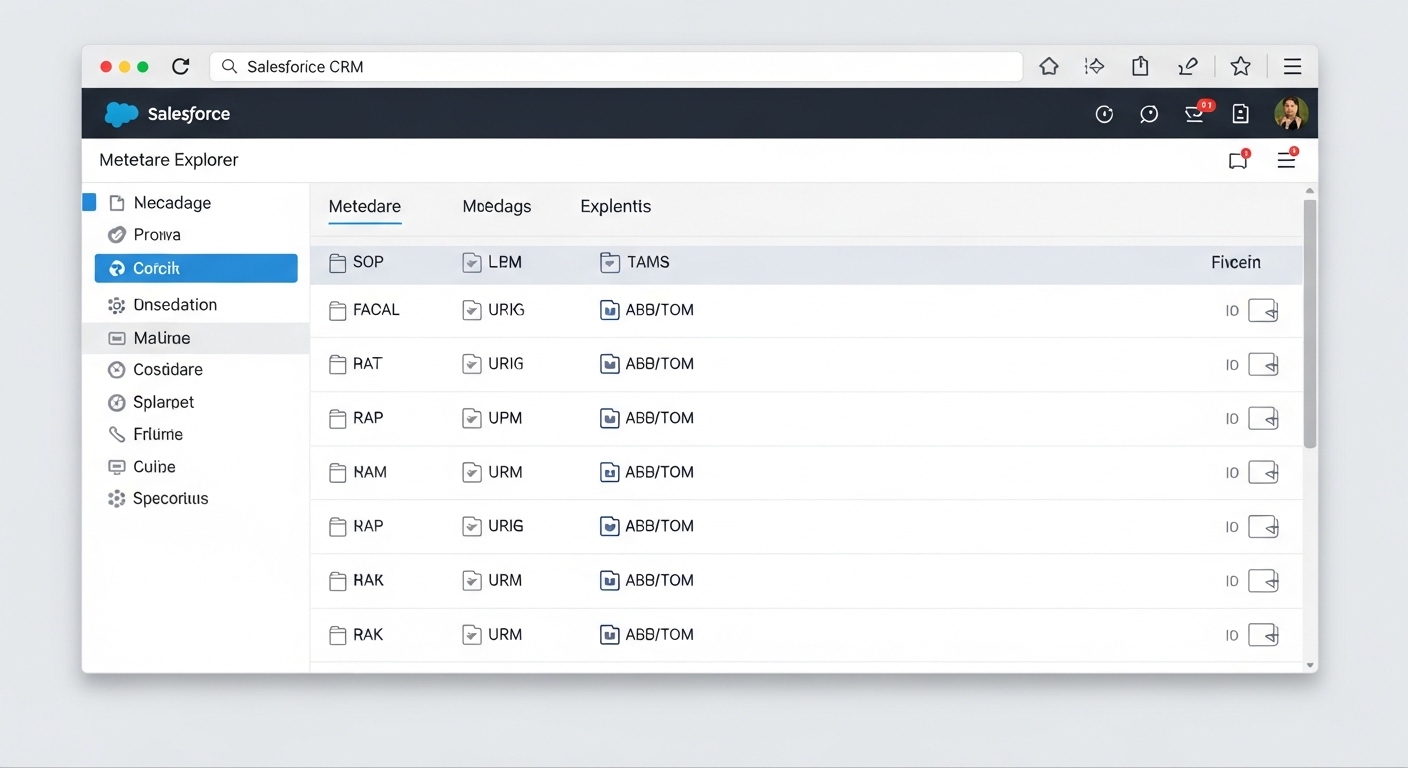
A clean and organized Salesforce-style list view showing a structured hierarchy of technical assets and metadata.
Common component prefixes
Using short prefixes is a lifesaver when you are scanning a long list in the OmniStudio console. Here are the ones I use on almost every project:
- OS - OmniScript (e.g., OS_CRM_Account_Create_v01)
- OSF - OmniScript Fragment (those reusable parts we all love)
- DR - DataRaptor (Extract, Load, or Transform)
- IP - Integration Procedure
- AC - Action or custom wrapper
If you are also working with FlexCards, you should check out these naming conventions for FlexCards to keep your entire UI layer consistent.
Naming elements inside the OmniScript
It isn't just about the top-level name. The API names for your Steps, Blocks, and Inputs matter too. I have seen people leave these as "Step1" or "TextBlock1," which makes mapping data a nightmare. Don't do that.
Pick a casing style-either camelCase or snake_case-and stick to it across the whole project. I usually prefer snake_case for elements because it stands out against the standard Salesforce field names. For example, use customer_info_step or billing_address_block. It makes the JSON data much easier to read when you are debugging an Integration Procedure later on.
Pro tip: Always append a suffix like _step or _input to your element names. It sounds redundant until you are trying to find a specific JSON key in a massive payload and realized you named the step and the input the same thing.
Managing versions and breaking changes
When should you bump the version number in the name? This is where most teams get tripped up. If you are just fixing a typo in a label or changing some help text, you probably don't need a new version name. But if you are changing the data contract-like adding a required input or changing the JSON structure-you should definitely increment that version (e.g., v01 to v02).
This keeps your deployments safe. You can deploy the new version without breaking the old one that might still be running in production. It gives you a safety net, and honestly, we all need one of those in this job.
Key Takeaways
- Always use a prefix (OS, DR, IP) to make components searchable.
- Include the business object or feature name in the title.
- Use underscores instead of spaces for all API names.
- Give your internal elements (Steps and Blocks) descriptive names.
- Stick to your OmniScript naming conventions even when you are in a rush.
Setting up these OmniScript naming conventions might feel like extra work at the start of a project, but it pays off every single time. You'll thank yourself six months from now when you have to troubleshoot a complex flow and you can actually find the components you're looking for. Keep it simple, keep it consistent, and your team will love you for it.




Leave a Comment