

Why we still care about Salesforce SOAP vs REST
If you’ve spent more than five minutes in the ecosystem, you’ve definitely run into the Salesforce SOAP vs REST debate. It’s one of those topics that feels like it should be settled by now, but it keeps coming up because the “right” answer depends entirely on what you’re trying to build. I’ve seen teams struggle for weeks because they picked the wrong one for their specific use case, and honestly, it’s a headache you don’t need.
So, let’s break this down like we’re just talking shop. We’re not looking at textbook definitions here. We’re looking at how these two actually behave when you’re trying to push data in or out of an org. Whether you’re a seasoned architect or just getting started, understanding the trade-offs is what keeps your integrations from breaking at 2:00 AM.
Protocol vs Architectural Style
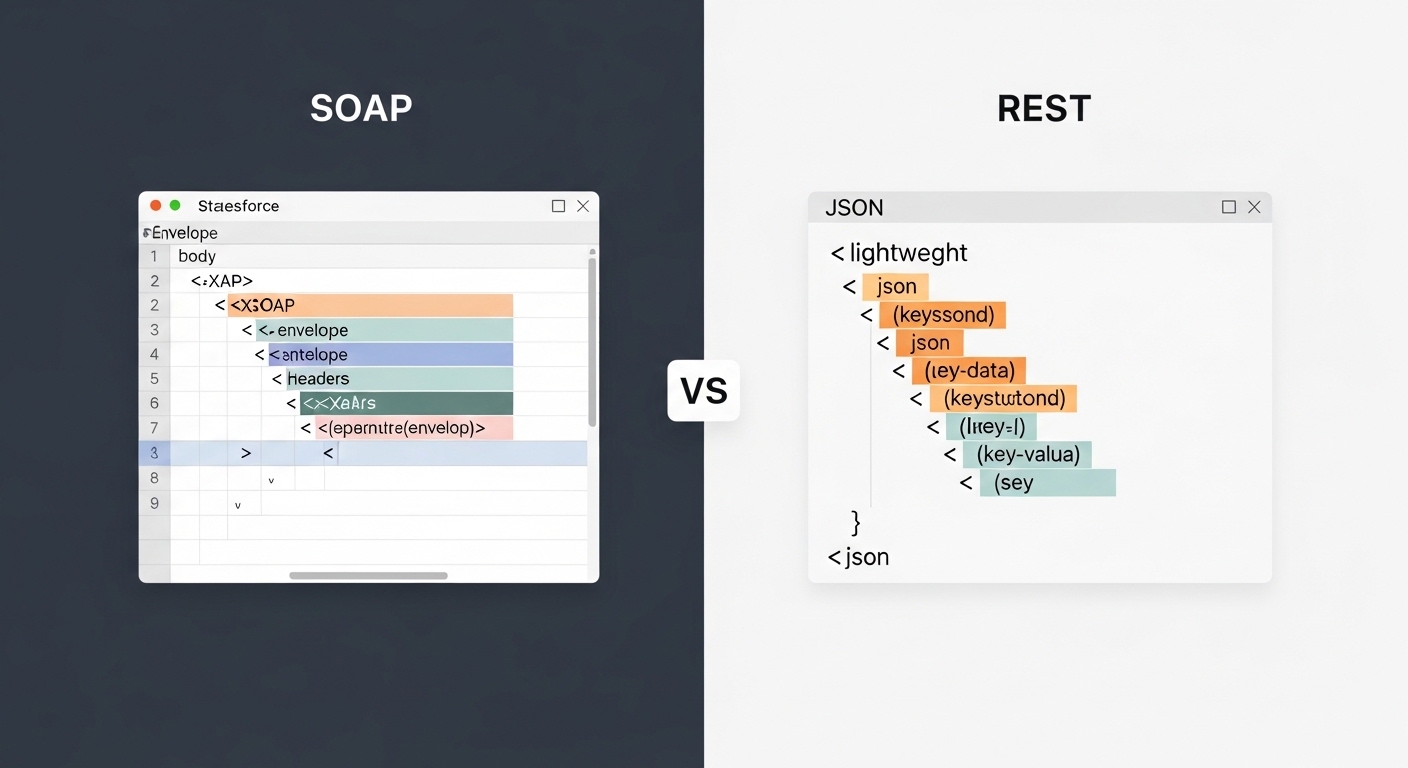
Here’s the thing: SOAP is a formal protocol. It’s got strict rules, a defined envelope, and it’s very particular about how things are done. Think of it like a registered letter from a lawyer. It’s heavy, it’s formal, but you know exactly what’s inside because the standards are set by the W3C. In the world of Salesforce, this usually means dealing with XML and WSDL files.
REST, on the other hand, isn’t even a protocol – it’s an architectural style. It’s much more relaxed. It uses standard HTTP methods and doesn’t care if you use JSON, XML, or even plain text. Most of us prefer JSON because it’s easier to read and way less bulky. If SOAP is a formal letter, REST is more like a quick text message. It’s fast, efficient, and gets the job done without the extra fluff.
Real-world scenarios for Salesforce SOAP vs REST
When I first started working with integrations, I thought REST was always the winner because it felt “modern.” But I quickly learned that SOAP still has a massive seat at the table, especially in enterprise environments. If you’re looking at what all integration options are available in Salesforce, you’ll see that both have their place depending on the “who” and the “where.”
The Message Format Battle
SOAP is strictly XML. Every single request is wrapped in a soap:Envelope. It’s verbose, which is a fancy way of saying it’s a bit of a data hog. But that bulk comes with built-in error handling and a very specific structure. REST usually leans on JSON. It’s much lighter on bandwidth, which is a huge deal if you’re building a mobile app or something that needs to be lightning fast. When I’m building for mobile, I don’t even look at SOAP. It’s just too much overhead.
Security and Standards
This is where SOAP usually wins the “enterprise” crowd. It supports WS-Security and has formal contracts. If you’re working with a bank or a government agency, they might demand SOAP because of these rigid standards. REST is a bit more “DIY” in this department. It uses TLS/HTTPS and OAuth 2.0, which is great for most web apps, but you have to handle some of the more complex security logic at the application layer. One thing that trips people up is assuming REST is less secure – it’s not, it’s just less standardized out of the box.
Pro tip: If you’re going the SOAP route, pay close attention to which WSDL you use. Choosing between the Enterprise WSDL vs Partner WSDL can make or break your project’s flexibility down the road.
Which one should you actually use?
Look, the short answer is that for 90% of modern web and mobile projects, you’ll want to go with the REST API. It’s just easier to work with, especially with modern JavaScript frameworks. But don’t count SOAP out yet. Here’s a quick guide to help you decide on Salesforce SOAP vs REST based on your specific needs.
| Feature | SOAP API | REST API |
|---|---|---|
| Data Format | XML Only | JSON, XML, Text | Contract | WSDL (Strict) | Flexible |
| Performance | Heavier/Slower | Lighter/Faster |
| Statefulness | Can be stateful | Stateless |
| Best For | Legacy/Enterprise | Mobile/Web/Modern Apps |
When to stick with SOAP
- You’re integrating with a legacy system that requires a formal WSDL contract.
- You need built-in support for complex transactions or reliable messaging.
- Your middleware or client-side tools are specifically designed to consume SOAP services.
When to move to REST
- You’re building a mobile app or a Lightning Web Component that needs to be fast.
- You want to use JSON and keep your payloads small.
- You prefer using standard HTTP verbs like GET, POST, and PATCH to manage your data.
The Salesforce Context
Salesforce is pretty great about giving us the choice. The Salesforce SOAP API is heavy-duty and perfect for those deep enterprise integrations where you need strong typing. But the Salesforce REST API is usually the better fit for connected apps and anything involving OAuth. I’ve seen teams try to use SOAP for a simple web-to-lead style integration, and honestly, it’s just overkill. Keep it simple where you can.
Key Takeaways
- Salesforce SOAP vs REST isn’t about which is “better,” but which fits your architecture.
- Use SOAP if you need strict contracts (WSDL) and advanced enterprise security features.
- Choose REST for almost everything else, especially mobile and modern web apps.
- Remember that SOAP is always XML, while REST loves JSON.
- Check your bandwidth – SOAP is much more “chatty” and consumes more data.
At the end of the day, the goal is to build something that works and is easy to maintain. If you’re starting a brand new project today, start with REST. It’s where the industry is heading and it’s what most developers are comfortable with. Only reach for SOAP if you have a specific requirement that demands that extra layer of formality and structure. Trust me, your future self will thank you for keeping things as lightweight as possible.