

I've been digging into Vibe coding lately, and it's clear that the practical Agentforce use cases for developers go way beyond just spitting out a few lines of code. It's more like having a senior dev sitting next to you who has already read every single file in your repository.
Look, we've all been there-you jump into a legacy project and the documentation is either non-existent or five years out of date. That's where this context-aware approach really shines. It doesn't just know Apex; it knows YOUR Apex. Let's talk about how this actually looks in a daily dev workflow.
8 Agentforce use cases that actually save time
I've seen teams struggle with onboarding because their codebase is a tangled mess of triggers and utility classes. One of the best Agentforce use cases is simply asking questions grounded in your own files. Instead of searching through folders, you can just ask where a specific logic lives. It's a massive help for getting new people up to speed without burning half your day on Zoom calls.
1. Grounded coding questions
You can get explanations and examples that actually use your project's naming conventions and patterns. It's not giving you generic Stack Overflow answers; it's looking at how you specifically handle error logging or DML operations.
2. Auto-generating documentation
Nobody likes writing Markdown files. But we all like having them. You can use a workflow to produce consistent documentation across dozens of classes at once. Whether it's a per-class breakdown or one big README, it keeps the team on the same page without the manual grind.
3. Finding existing patterns
One thing that trips people up is reinventing the wheel. I can't tell you how many times I've found three different "StringUtility" classes in one org. You can use this to search for existing patterns and utilities before you start building something new. It's all about encouraging reuse.
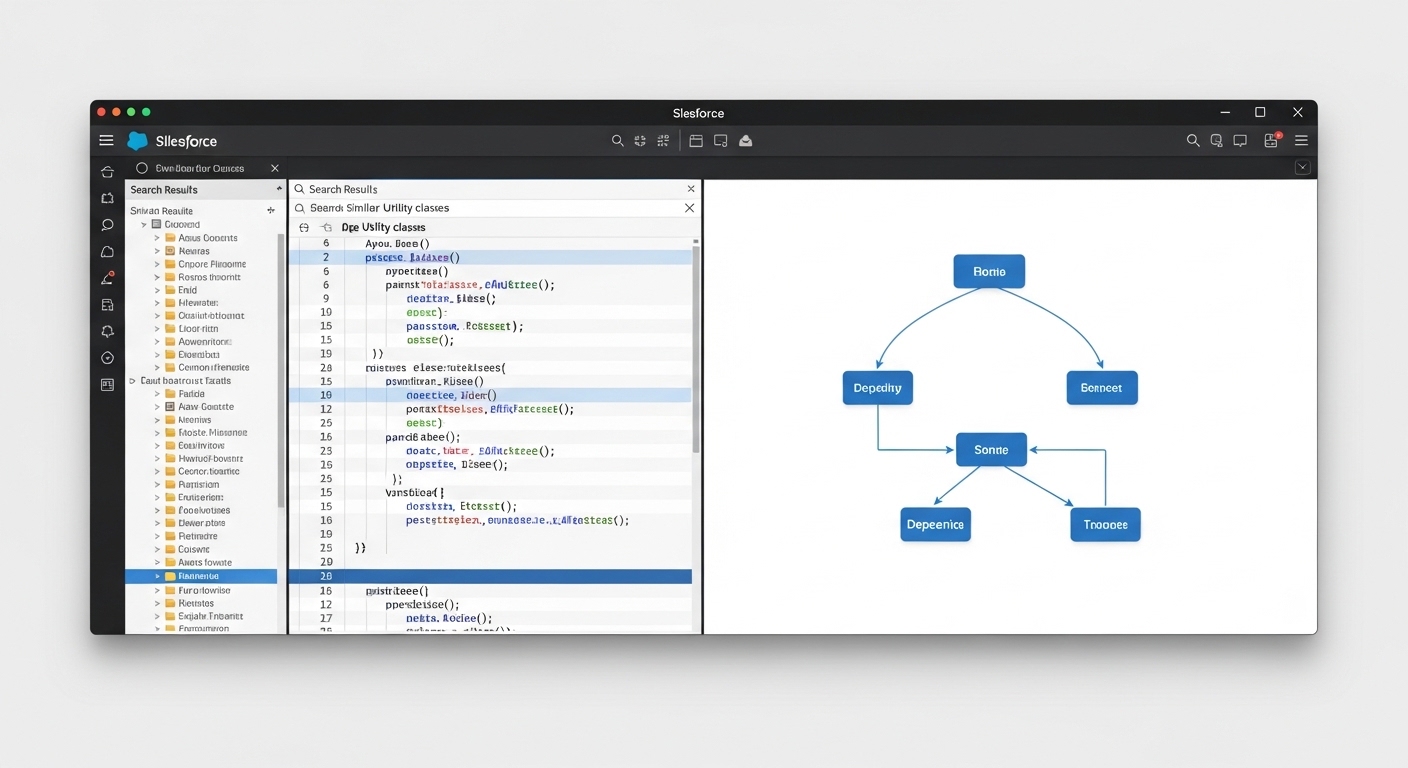
A professional code editor interface showing a search for duplicate utility classes alongside a visual dependency map for code refactoring.
4. Refactoring with Deep Planning
This is probably the most overlooked feature. Before you start hacking away at a legacy trigger, you can let the tool build a clear plan. It analyzes the dependencies and suggests a safe path for the refactor. Honestly, most teams get this wrong by rushing in-this forces you to think before you click.
5. Adding inline comments
We've all promised to go back and add comments "later." Later never comes. You can generate docblocks or single-line comments on the fly. It makes the code readable for the next person, which, let's be honest, is usually you in six months when you've forgotten why you wrote that logic.
I've found that the best way to use these tools is to treat them like a pair programmer. Don't just blindly accept what it gives you. Review the plan, tweak the prompt, and then let it do the heavy lifting.
6. Building Visualforce PDFs
Visualforce isn't exactly the "cool new thing," but we still need it for PDF generation. Scaffolding those layouts and getting the CSS right for a PDF engine is a headache. You can quickly generate the structure and styling guidance to get a professional-looking document without the usual trial and error.
7. JSON to Apex wrapper classes
If you're doing a lot of integration work, you're constantly mapping JSON to Apex. It's tedious work. You can auto-generate those nested wrapper classes and even get sample JSON for your test classes in seconds. This is a perfect example of how knowing when to use Apex for complex data structures becomes much easier with the right tools.
8. Meaningful Git commits
"Fixed bug" is not a commit message. But when you're tired, it's tempting. You can use the tool to look at your diffs and write a descriptive summary of what actually changed. It makes your repository history actually useful for the rest of the team.
Why these Agentforce use cases matter for your team
So what does this actually mean for a working professional? It's about reducing friction. When you use grounding your data and code within your assistant, you stop wasting time on the "where is this?" and "how do I format this?" questions. You get to focus on the actual architecture and business logic.
But here's the thing: you still need to know your fundamentals. These Agentforce use cases are meant to augment your skills, not replace them. If you don't understand how the order of execution works, no amount of AI-generated code is going to save your production org from a mess of recursive triggers.
Best practices for the real world
- Keep your source control clean. Always commit your work before you let an assistant run a large refactor. If things go sideways, you want an easy way back.
- Use specific file paths in your prompts. The more context you give, the better the output. Don't just say "fix this class," say "refactor the DML logic in force-app/main/default/classes/AccountTriggerHandler.cls."
- Build reusable workflows. If you find yourself asking for the same type of documentation every Friday, automate that prompt.
Key Takeaways
- Context is king: The tool is only as good as the metadata it can see.
- Documentation doesn't have to suck: Use automated workflows to keep your READMEs and docblocks fresh.
- Plan before you code: Deep Planning helps you avoid breaking dependencies during refactors.
- Stay in control: Use these tools to handle the boilerplate so you can focus on high-level architecture.
At the end of the day, these Agentforce use cases are about making our lives easier. Whether you're a solo dev or part of a massive enterprise team, the goal is the same: move faster without breaking things. Start small-maybe just use it for your next set of unit test wrappers-and see how it fits into your flow. You'll probably find that once you start, it's hard to go back to the old way of doing things.




Leave a Comment