

If you’ve spent any time building complex integrations or data cleanup jobs, you’ve probably run into Asynchronous Apex limits. It usually happens at the worst time – right in the middle of a production deployment or a massive data migration. We’ve all been there, staring at a “Too many future calls” error and wondering where it all went wrong.
Why Asynchronous Apex limits trip us up
Salesforce is a multi-tenant world, so these Asynchronous Apex limits exist to keep one bad query from killing the whole server. But here’s the thing: it’s not just about the daily execution cap. You also have to worry about concurrency, heap size, and that dreaded CPU time. I’ve seen teams try to chain 50 future calls together and then wonder why the org slows to a crawl.
The reality is that asynchronous code isn’t a “get out of jail free” card for bad logic. It just moves the work to a different thread. If your code is inefficient, it’s still going to hit a wall eventually. You need a solid game plan to keep things running smoothly without hitting those governor limits.
Practical ways to stay under Asynchronous Apex limits
So how do we actually stay safe? It starts with how you structure your classes from day one. Honestly, most teams get this wrong by treating async calls as an afterthought. Let’s break down the strategies that actually work in the real world.
Bulkify everything (no, really)
You’ve heard it a thousand times, but it’s the most common mistake. Never, ever put a future call or a queueable job inside a loop. Instead, pass a collection of IDs to your async method. This is the single easiest way to respect Asynchronous Apex limits. If you process 200 records in one job instead of 200 separate jobs, you’ve just saved yourself a massive headache.
“I once inherited an org where every trigger execution fired a separate @future call for every single record. We hit the daily limit before lunch. Don’t be that person – always pass lists.”
Batch Apex is your best friend for big jobs
When you’re dealing with thousands or millions of records, Batch Apex is the way to go. It lets you break the work into manageable chunks. This is especially important when you’re learning how to effectively manage large data volumes in Salesforce. You can control the batch size to balance your heap usage and CPU time. If your logic is heavy, drop the batch size to 50 or even 10. If it’s light, keep it at 200.
Picking the right tool is half the battle. If you’re not sure which async pattern to pick, you should check out this breakdown of Async Apex in Salesforce to see which one fits your specific use case.
A standard Batch Apex skeleton
Here is a simple way to set up a batch job that stays well within Asynchronous Apex limits. Notice how we use the QueryLocator to handle the heavy lifting of fetching records.
public class AccountCleanupBatch implements Database.Batchable<sObject> {
    public Database.QueryLocator start(Database.BatchableContext bc) {
        // Only grab what you actually need to work on
        return Database.getQueryLocator([SELECT Id FROM Account WHERE LastModifiedDate = LAST_N_DAYS:30]);
    }

    public void execute(Database.BatchableContext bc, List<Account> scope) {
        List<Account> toUpdate = new List<Account>();
        for (Account acc : scope) {
            // Do your logic here
            toUpdate.add(acc);
        }

        if (!toUpdate.isEmpty()) {
            update toUpdate;
        }
    }

    public void finish(Database.BatchableContext bc) {
        // Maybe send an email or log the result
        System.debug('Batch job finished successfully.');
    }
}
Monitoring and refactoring
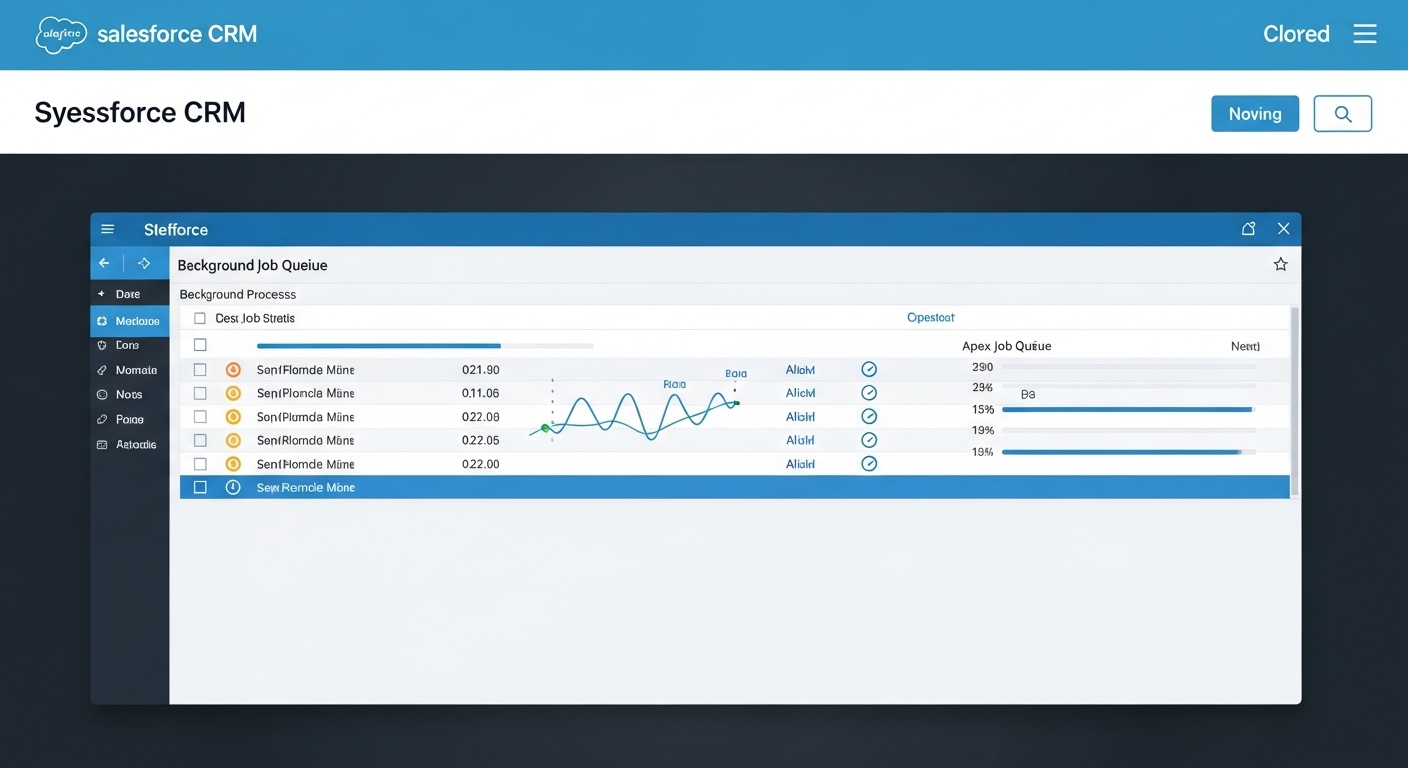
Don’t just write the code and forget about it. You need to keep an eye on your Apex Jobs page in Setup. If you see jobs constantly failing with “Regex too complicated” or “Heap limit exceeded,” that’s a sign your Asynchronous Apex limits are being pushed too hard. Here’s where it gets interesting: sometimes the answer isn’t more async code, but moving to Platform Events.
Platform Events and Change Data Capture (CDC) are great because they are highly scalable. They allow you to decouple your processes. Instead of one trigger doing five different things, it can fire one event, and other processes can pick it up when they have the capacity. It’s a much cleaner way to build for the long term.
Key Takeaways
- Pass collections: Never send single records to an async method if you can send a list.
- Choose the right tool: Use Batch for big data, Queueable for complex chaining, and Future for simple offloading.
- Watch your queries: Even in async mode, a bad SOQL query will still kill your transaction.
- Event-driven is better: Consider Platform Events if you need to decouple heavy processes.
At the end of the day, managing Asynchronous Apex limits is all about being a good neighbor on the platform. If you design for bulk from the start and monitor your jobs regularly, you’ll avoid those 2:00 AM production alerts. Keep your queries lean, your batches sized right, and your logic bulkified. Your future self will thank you.