


What the SFDX-HARDIS extension is for
Salesforce DX lives on the command line and the VS Code extensions wrapped around it. SFDX-HARDIS is one of those wrappers. Teams pull it into the toolchain to sit on top of core SFDX, usually for metadata retrieval, comparison, or deployment.
What follows is the practical side: how it behaves, how reliable it is, and what it gives you inside normal Salesforce workflows such as scratch org management, CI/CD pipeline integration, and the local edit-and-deploy loop.
What to actually test
Judge developer tooling on the jobs that are verbose or context-heavy in raw SFDX. Four questions come up again and again:
- Metadata synchronization. Does it reliably pull and push the metadata types the standard SFDX CLI handles less intuitively?
- Diffing and comparison. How does it compare local source files against deployed scratch org metadata? If it ships comparison commands, both the syntax and the clarity of the output matter.
- Performance. Are the added operations noticeably slower than native
sforsfdxcommands? - VS Code integration. Does it work with IntelliSense, debugging, and Git source control, or fight them?
Where developers say it helps
Feedback swings hard with the project. A mono-repo and a very large org generate different complaints from a single-team sandbox. Even so, three themes keep recurring in accounts of the SFDX-HARDIS extension experience.
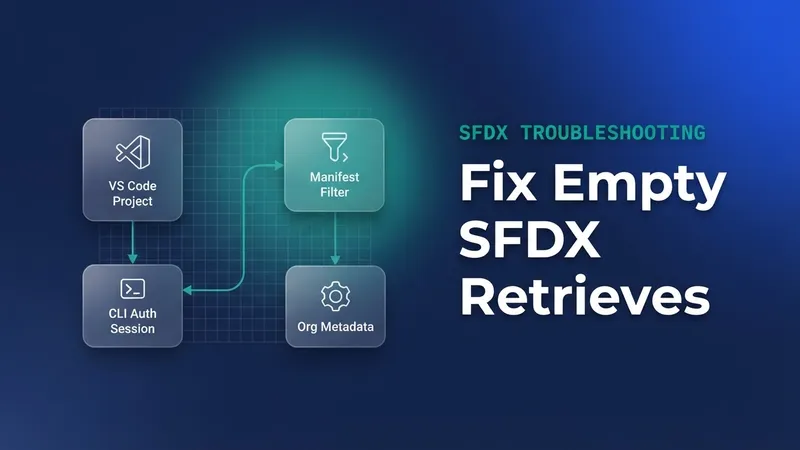
- Metadata retrieval gets shorter. Operations that normally mean juggling
--metadataflags or running several steps in standard SFDX collapse into one HARDIS command. - Error clarity is what DevOps engineers care about. When a deployment fails on validation errors or API limits, does HARDIS surface the underlying API error or bury it?
- Compatibility drift is real. The SFDX CLI and the VS Code APIs move quickly, so check how often the extension needs updating to stay compatible with current Salesforce metadata format versions.
The simplification people are usually after looks like this. Instead of:
sfdx force:source:retrieve -x -m CustomObject:Account -u MyScratchOrg
a developer wants something closer to:
sfhardis retrieve --type CustomObject --name Account --target MyScratchOrg
That second command is illustrative. Confirm the real SFDX-HARDIS syntax against its official documentation before you write it into a runbook.
Installation and configuration
If you are setting the standard developer environment for a team, look at what a third-party extension drags in before you bless it.
- Prerequisites. Does it need a fully working SFDX CLI installation, or does it bundle the binaries it needs?
- Authentication. Does it reuse existing
sfdx auth:web:loginsessions for scratch orgs and sandboxes, or ask for separate credentials? - Workspace settings. Are settings stored globally or scoped to the workspace folder (
.vscode/settings.json)? Workspace-specific configuration is the only kind that reproduces on someone else's machine.
Key takeaways
SFDX-HARDIS is worth exactly as much as the complex or repetitive SFDX CLI work it abstracts away inside VS Code. Benchmark it against native SFDX commands and check it holds up across your own metadata deployment scenarios before you make it standard issue for the team.

Leave a Comment