
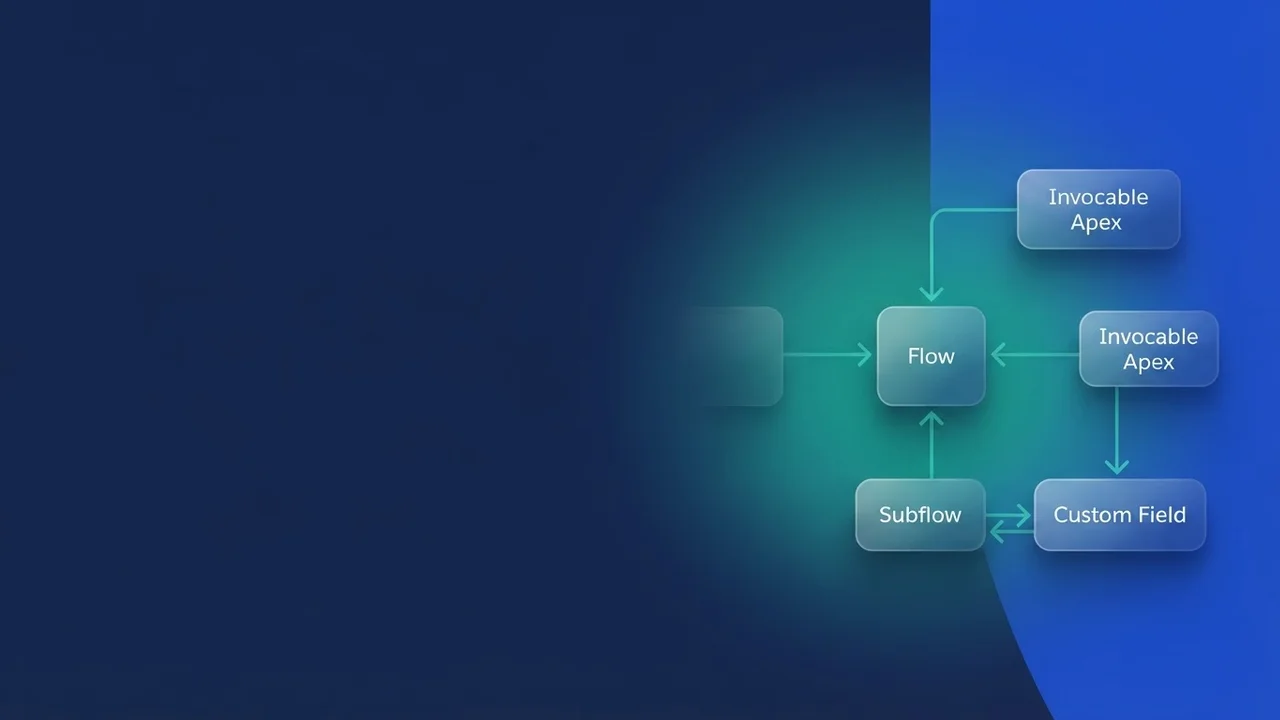

Flow dependency analysis in the Spring '26 Automation app
Changing an existing Flow in a busy org is nervy work. Rename a variable, swap out a subflow invocation, and something downstream breaks in production. It happens often enough that most admins have a story about it, and the usual defense has been external metadata tooling or a documentation page nobody has updated in a while. Spring '26 puts the answer on the platform instead.
The Usage tab in the Automation app
Salesforce has added a Usage tab to the Automation Lightning App. Pick a Flow and it shows the relationships in both directions:
- Dependencies, upstream. What this Flow needs in order to run.
- Dependents, downstream. What other Flows, processes, or components call it.
Check the downstream half before you touch anything. Optimizing logic, changing an input or output variable, retiring an element: each of those can land somewhere you did not expect, and now you can see where first.
Getting to the dependency views
Go to the Automation App, open the Flow record, and switch to the Usage view. Standard platform permissions decide what you can see there.
The Usage tab sits behind the Manage Flow permission. Check that the technical roles who need it actually have it, or the feature is invisible to exactly the people you wanted using it. It ships as a core part of Lightning Experience.
What it does not cover
The Usage tab beats tracking this by hand, but it has edges worth knowing about.
It shows direct relationships between a Flow and the declarative or platform artifacts it invokes or is invoked by. Dependencies buried inside custom Apex classes, Visualforce controllers, or loosely coupled external service configuration may still need deeper metadata inspection, whether that means SFDX tooling or reading debug logs.
For Flow-to-Flow orchestration and invocation patterns, though, the picture it gives you is a real step up, and it helps most in the orgs where the automation graph got too big for anyone to hold in their head.
Key takeaways
Spring '26 gives the Automation Lightning App a Usage tab for dependency mapping. It works in both directions, so you can inspect what a Flow relies on and what relies on the Flow, which takes some of the guesswork out of changing interconnected automation. Access requires the Manage Flow permission.


Leave a Comment