
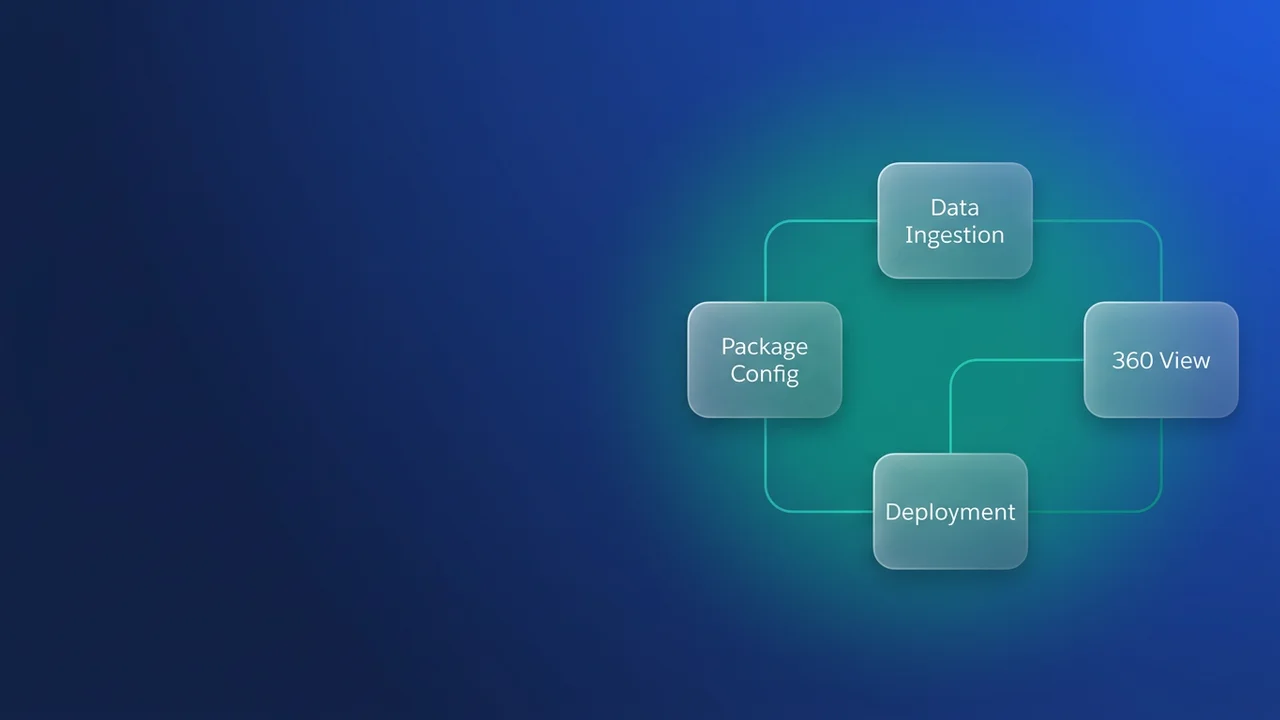

Introduction to Data 360 packaging
Building a Data 360 solution, where unified customer views are the whole point, usually means shipping modular, extensible apps. Second Generation Managed Packages (2GP) are the standard way to deliver them. The friction shows up in API behavior, because the flags for Data 360 functionality are required at the package version level and that is not where most of us look first. This guide walks through configuring your 2GP, with the awkward parts of the Tooling API and the package creation lifecycle called out.
The architecture of 2GP and Data 360 flags
"Data 360" capabilities inside a soql-in-loops-security-review-impact-for-managed-packages/" class="auto-link">managed package usually mean specific platform entitlements that have to be signalled while the package version is created. A common trap for architects is assuming these flags belong on the initial Package object.
They do not. The flag that decides whether a package is Data 360 capable lives on the Package Version creation, not on the package container.
Why the confusion?
The Package object comes out of sfdx force:package:create, so it looks like the place the metadata flags should sit. The Tooling API treats them instead as transient state properties that apply to the binary artifact. Read the documentation and the field appears 'createable'; in practice the system validates the setting only when the first package version is generated.
Step by step configuration strategy
To get the package configured correctly, drop manual UI package creation and drive everything from the Salesforce CLI. Your CI/CD pipeline stays idempotent and predictable that way.
1. Preparing the sfdx-project.json
Before you trigger the creation, get sfdx-project.json in order. The Data 360 flag is not defined here, but your dependencies and package aliases need to be clean.
{
  "packageDirectories": [
    {
      "path": "force-app",
      "default": true,
      "package": "Data360Package",
      "versionName": "v1.0.0",
      "versionNumber": "1.0.0.NEXT"
    }
  ],
  "namespace": "my-namespace",
  "sfdcLoginUrl": "https://login.salesforce.com"
}
2. Using the Tooling API for version creation
Creating the version is an implicit call to the Tooling API. The Data 360 flag defaults to false rather than null, so your build script has to handle the flag state explicitly.
If you use the Salesforce CLI, take the --json output to capture the result of the version creation request and confirm the flag registered:
sfdx force:package:version:create --package Data360Package --installation-key-bypass --wait 20 --json
Debugging the package creation lifecycle
When a package fails to register for Data 360 services, it is almost always a race condition or a misread of when the field gets evaluated. The field is only read at the point of the first package version creation, so a version created with the wrong flag cannot be repaired. Increment the version and fire a new request.
The 'null vs. false' trap
- Null: the system has not processed a version creation for this package container yet.
- False: the package was initialized without the Data 360 flag.
- True: has to be set explicitly during the version generation command.
In your deployment scripts, whether that is GitHub Actions or Jenkins, define the flags your Data 360 features need in the environment explicitly.
// Example of how we might validate package status in a custom CLI plugin
const query = "SELECT Id, IsData360Enabled FROM Package2Version WHERE Package2Id = '0Ho...' LIMIT 1";
const result = await connection.tooling.query(query);
if (result.records[0].IsData360Enabled === false) {
  console.error("Package version created without Data 360 flag. Reverting...");
}
Best practices for DevOps teams
- Keep
sfdx-project.jsonand your build scripts in the same repo as your metadata. Never click 'Create Package' in the org by hand. - Add a pipeline step that queries the
Package2Versionobject to confirm the flags were set, before you move on to your scratch org integration tests. - If your Data 360 package depends on other managed packages, list them in the
dependenciessection ofsfdx-project.jsonor the version build hits resolution errors.


Leave a Comment