
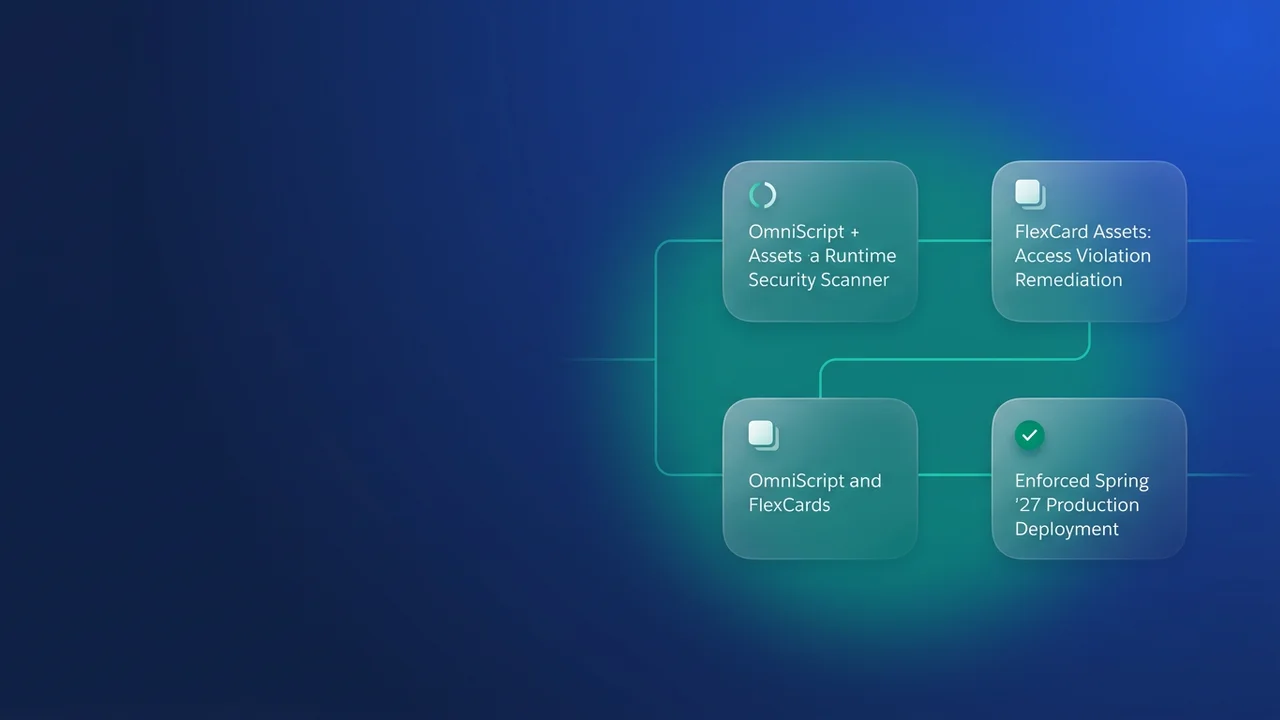

Salesforce plans to switch on Omnistudio's stricter runtime security checks in Spring '27, and sandboxes get them first on a tentative date of January 8, 2027. Once they are on, some Omniscripts, Flexcards, Integration Procedures and Data Mappers that work today will start returning access errors, BAD_REQUEST, or "Unauthorized endpoint" messages. Guest pages on Experience Cloud carry the most risk, because the tooling Salesforce gives you can't see who runs a component. This is the plan I would run between now and your release group's date.
When enforcement lands, and what should be done by then
Salesforce publishes these dates as tentative, so plan against them and check the release notes again in December.
| Release group | Tentative date | What should already be true |
|---|---|---|
| Sandboxes (preview) | January 8, 2027 | Both flags tested in a sandbox, assessment report worked through, permission and Remote Site Settings fixes built |
| R0 | January 15, 2027 | Fixes deployed to production, both flags already switched on there by you |
| R1 | February 5, 2027 | Same, plus a manual pass over guest pages and Data Mapper Loads |
| R2a | February 19, 2027 | Same, with the extra weeks spent on checks the report cannot detect |
If your production instance sits in R0, you get one week between sandbox preview and production enforcement, and a week is too short to find a broken guest Flexcard, trace it to a missing field permission and get the fix through change control. I would turn both flags on in a sandbox this month, so January 8 changes nothing for you.
Two flags with very different risk
Some checks are already on by default and need nothing from you: they validate designer input, limit what builders can reach, and protect sessions and browser messages at runtime.
The work is in two flags. Each applies to the runtime and to the Omnistudio designers, and each covers internal users, authenticated Experience Cloud users and guest users. The release note scopes them to the standard runtime in Lightning Experience on Enterprise, Unlimited and Developer editions.
| RuntimeEnhancedSecurity | RuntimeStrictSecurity | |
|---|---|---|
| What it checks | Queries run by Omniscripts, Flexcards, Integration Procedures and Data Mappers; access when reading component definitions; tighter callout controls | Object access, field-level security, record sharing and Required Permission; callouts only to approved hosts and Named Credentials; size and content of requests and responses |
| Default today | Off | Off |
| Changes existing behaviour | Salesforce says unlikely | Yes |
| Typical fix | Usually none | More object, field or record access; Remote Site Settings; allowlist entries; rewritten SOQL |
| Spring '27 | Enforced by default | Enforced by default |
Check the previous wave first. During the week of February 2, 2026, Salesforce enabled ApexClassCheck, EnforceDMFLSAndDataEncryption and EnableQueryWithFLS by default. On the standard runtime, every profile that runs Omnistudio components also needs explicit FLS on Omni Process Compilation (Read, Edit), Omni Data Transformation (Read) and Omniscript Saved Sessions (Read, Edit). If a guest profile still lacks those, fix that before anything else, or you will blame the strict checks for failures that were already there.
Turn the flags on in a sandbox
Each flag is an Omni Interaction Configuration record:
- In Setup, enter Omni Interaction Configuration in Quick Find.
- Click New Omni Interaction Configuration.
- Set Label to the flag name, for example
RuntimeEnhancedSecurity. Name fills in from the label. - Set Value to
true. The value is not case-sensitive. - Save, then log out and log back in. Your session doesn't pick up the check until you do.
To back out, set the value to false or delete the record.
Turn them on in order. Start with RuntimeEnhancedSecurity, run your normal regression for a day, and promote it to production once it comes back clean. Salesforce expects it to be quiet, which makes it a low-risk production change to rehearse the deployment with. Then add RuntimeStrictSecurity to the sandbox and expect things to fail.
Use a full or partial copy sandbox that has realistic guest and community users, and keep it to yourself if you can. Strict checks switched on in a shared UAT sandbox will break other teams' test runs for reasons they won't recognise. The cost is one more sandbox to keep in sync.
One more point, which is my own reasoning and not something the Help pages state: the configuration record is org data. If you refresh a sandbox from a production org that doesn't have the record yet, the flags come back off. Add the record to your post-refresh checklist until Spring '27 enforcement makes it irrelevant.
Use the Component Assessment report as a starting list
The Component Assessment tool scans component definitions and emails an .xlsx report to whoever ran it. For each affected component, the report lists the access users need and any configuration changes, such as Remote Site Settings, Named Credential allowlist entries or rewritten SOQL. It also flags Omniscript file uploads that run outside Salesforce, Required Permissions on Data Mappers, and invalid Apex REST paths. Running it changes nothing in the org.
It scans standard runtime Omniscripts, Integration Procedures, Flexcards and Data Mappers, and skips managed package objects. It doesn't read custom Apex, LWC or Visualforce that calls Omnistudio, and it can't see runtime values such as merge field contents, redirect targets or response sizes. It also can't tell which users run a component, so it will list the objects a Flexcard queries without mentioning that guests see that Flexcard.
| Strict check | What fails | Fix | In the report |
|---|---|---|---|
| Flexcard Web or REST data source | Hosts missing from Remote Site Settings, including redirect targets, return "Unauthorized endpoint" | Add every host and redirect target | Yes |
| Flexcard SOQL | Merge fields used for field names, object names, operators, sort order or subqueries | Write field names, object names, operators and subqueries literally; pass sort field and direction together in one merge field, such as CreatedDate DESC |
Yes |
| Omniscript HTTP Action | Named Credential not listed in NamedCredentialCalloutAllowlist |
Add it, use a relative path and a supported method | Yes |
Type Ahead (DefaultOmniScriptTypeAheadLookup) |
Results follow sharing, object permissions and FLS | Read access, guests included | Yes |
| Knowledge | Search and display follow user access; only Knowledge__kav works |
Read on Knowledge and on displayed fields | Yes |
| Edit Block | Access denied without Read | Object, field and sharing access | Yes |
| PDF Action | Adding or removing a PDF needs Read on the parent; a TEMP parent works as before |
Read on the parent record | Yes |
| Required Permission (Data Mapper, IP) | Checked on every run, for child components, and before a cached IP response is returned | Grant the permission | Yes |
| Data Mapper Load | No access to the object or to any mapped field | Create and Edit on each object, Edit on each mapped field | No |
| IP HTTP Action response size | Over the Apex callout size limit before or after decompression returns BAD_REQUEST |
Find actions whose decompressed response can exceed the limit | No |
| IP actions in Flow and Agentforce | Users without Omnistudio access can't see or run them | Omnistudio access for flow runners and builders | No |
| Connect API calls | ignoreMetadataPermissions ignored for IPs; that and withoutSharing ignored for Data Mappers |
Grant real access | No |
The report won't find the four rows marked No. The next section covers Data Mapper Load, Connect API calls and IP actions in Flow and Agentforce. For HTTP Action response size, call each endpoint with realistic data and check the decompressed size against the Apex callout limit.
Fix what breaks, starting with guest pages
Flexcard SOQL
Here is a service request card where the field, the object and the sort were all driven by merge fields. Under strict checks this query returns an error:
SELECT Id, Name, {statusField}, CreatedDate
FROM {requestObject}
WHERE Account__c = '{recordId}'
ORDER BY {sortField} {sortDirection}
The rewrite names the field and object literally, keeps {recordId} because it is a value, and passes sort field and direction together in one merge field whose value is something like CreatedDate DESC:
SELECT Id, Name, Status__c, CreatedDate
FROM Service_Request__c
WHERE Account__c = '{recordId}'
ORDER BY {sortSpec}
If one card served several objects through {requestObject}, you now need a data source per object. That is a design change, so schedule it early.
Callout hosts
Flexcard Web and REST data sources may only call hosts listed in Remote Site Settings, redirect targets included. Your own org's domain works without an entry; other Salesforce orgs need one. Deploy the entries as metadata so every sandbox gets them. This example covers a partner API and the host it redirects to:
<?xml version="1.0" encoding="UTF-8"?>
<!-- remoteSiteSettings/Claims_Partner_API.remoteSite-meta.xml -->
<RemoteSiteSetting xmlns="http://soap.sforce.com/2006/04/metadata">
    <description>Flexcard REST data source: claim status lookup</description>
    <disableProtocolSecurity>false</disableProtocolSecurity>
    <isActive>true</isActive>
    <url>https://api.claims-partner.example.com</url>
</RemoteSiteSetting>
<?xml version="1.0" encoding="UTF-8"?>
<!-- remoteSiteSettings/Claims_Partner_Docs.remoteSite-meta.xml -->
<RemoteSiteSetting xmlns="http://soap.sforce.com/2006/04/metadata">
    <description>Redirect target of the claim status endpoint</description>
    <disableProtocolSecurity>false</disableProtocolSecurity>
    <isActive>true</isActive>
    <url>https://docs.claims-partner.example.com</url>
</RemoteSiteSetting>
The report can't see redirects, so call each endpoint yourself and record where it lands.
Guest and authenticated access
The guest profile takes its name from the site, so put your own in place of Member Help Profile. Run the same queries against any permission set assigned to the guest user.
SELECT SobjectType, PermissionsRead, PermissionsCreate, PermissionsEdit
FROM ObjectPermissions
WHERE Parent.Profile.Name = 'Member Help Profile'
AND SobjectType IN ('Service_Request__c', 'Contact', 'Knowledge__kav')
SELECT SobjectType, Field, PermissionsRead, PermissionsEdit
FROM FieldPermissions
WHERE Parent.Profile.Name = 'Member Help Profile'
AND SobjectType IN ('Service_Request__c', 'Contact')
ORDER BY SobjectType, Field
A field with no row has no access. Compare the results with the mapped fields of every Data Mapper Load behind a guest page, because one missing field fails the whole load. For example, if you add one field to a guest intake Omniscript's Data Mapper Load and don't give the guest profile Edit on that field, every save fails once RuntimeStrictSecurity is on.
Next, look for Connect API options that strict mode will ignore:
grep -rn "ignoreMetadataPermissions\|withoutSharing" force-app/
grep -rln "OmniDesignerConnect" force-app/
Every hit that reaches ConnectApi.OmniDesignerConnect.integrationProcedureExecute or ConnectApi.OmniDesignerConnect.executeDataMapper needs the running user to have the access that the option used to skip. For Integration Procedures exposed as Flow or Agentforce actions, list who runs those flows and who builds them, and give each of them Omnistudio access.
Then test the way users actually arrive. Open each guest page in a private window with no session, and log in to the site as a real community contact for the authenticated pages. Walk every Omniscript branch, including steps that only render on certain answers, and note any "Unauthorized endpoint" message, access-denied error, or Flexcard that renders without data.
What to watch for
- The managed package runtime, including Vlocity Cards, has its own Winter '27 release note with the same split between checks that are on and behaviour-changing checks that are off. It points to separate Help pages, "Advanced Security Checks for Omnistudio for Managed Packages" and "Turn On a Security Check for Omnistudio for Managed Packages". I haven't confirmed the managed-package flag names or whether the same Spring '27 dates apply, so read those pages before reusing this plan there. The assessment doesn't scan managed package objects either.
- With RuntimeStrictSecurity on, Required Permission is checked before an Integration Procedure returns a cached response, so users who used to get cached data without the permission will be refused.
- HTTP Action responses over the Apex callout size limit fail with
BAD_REQUESTeven when the compressed payload was small, because the limit also applies after decompression. - Salesforce says the report misses some issues, so treat a clean report as the point where testing starts.


Leave a Comment