

Why I use the Salesforce environment switcher daily
If you've ever spent half your morning logging in and out of different sandboxes, you know exactly how frustrating it is. That's where the Salesforce environment switcher comes in. I've spent years jumping between client orgs, and honestly, this tool is one of those things you don't realize you need until you start using it. It lets you manage multiple accounts under one email address without losing your mind or your browser history.
The main reason this matters is friction. When you're an admin or a consultant, you're usually juggling a production org, a few dev sandboxes, and maybe a UAT environment. Before I started using the Salesforce environment switcher, that meant a messy password manager or a dozen different browser profiles. Now, it's just one entry point. It's especially handy when you're testing things across different roles and profiles to see how a new feature actually looks for an end user.
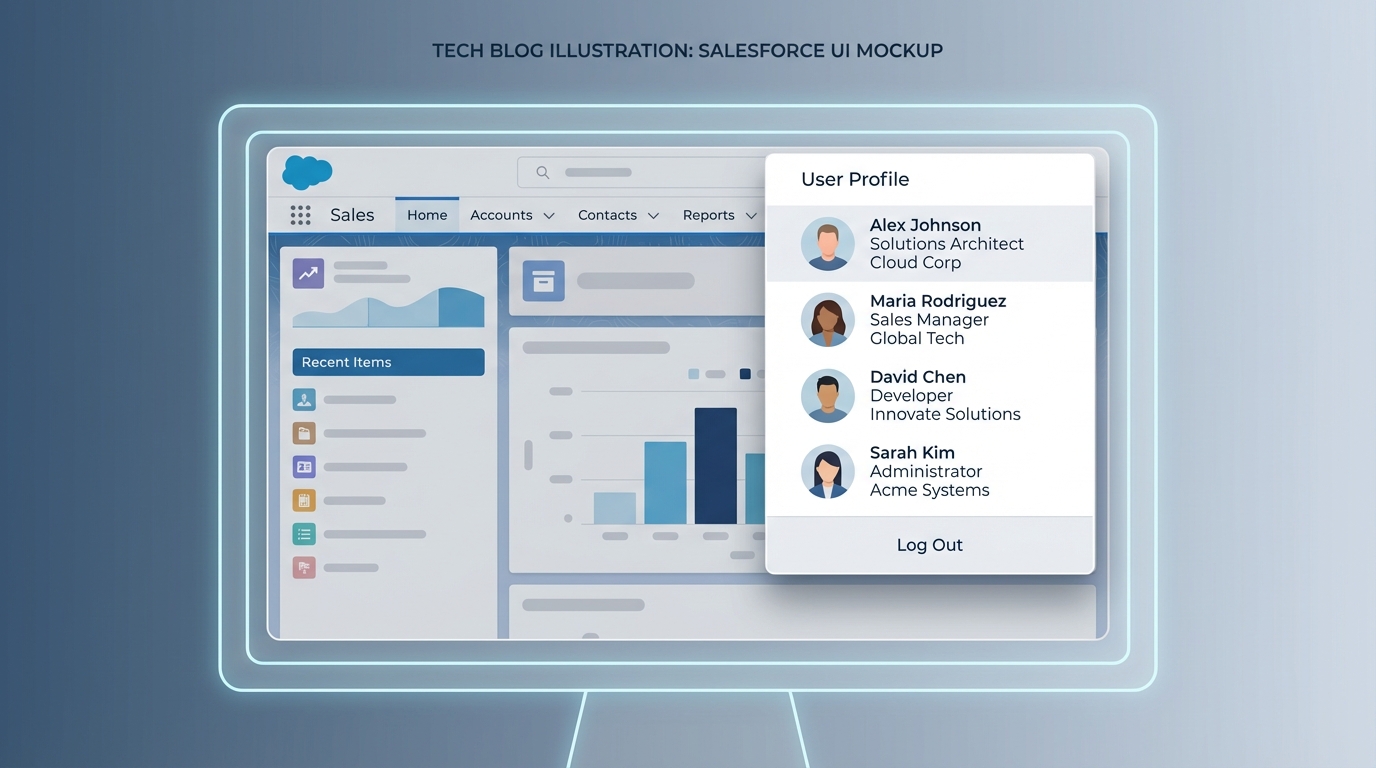
A realistic interface mockup showing a Salesforce user profile menu with multiple connected accounts listed for quick switching.
How to set up the Salesforce environment switcher
Look, the setup isn't rocket science, but there's a specific flow to it. Here's the thing: you need to make sure your email address is consistent across the orgs you want to link. Once that's sorted, here's how you get it running:
- Head over to the welcome page at https://welcome.salesforce.com/.
- Choose the option to log in with your email address.
- Put in your main email and wait for that verification code. This is the part that keeps things secure.
- Once you've verified your identity, you'll see a dashboard with tiles for every Salesforce property linked to that email.
- Just click the tile you need, and you're in.
But wait, there's a catch. Depending on how your specific org is set up, you might still hit a password prompt or an SSO redirect. The Salesforce environment switcher gets you to the front door, but it doesn't always bypass the local locks if your security team has them tightened down.
Pro tips for managing your tiles
One thing that trips people up is having twenty tiles that all look identical because they're all named "Sandbox." You can actually edit the names on these tiles. If your org name is "Sales Org," but you're specifically working on a migration project in that sandbox, rename the tile to something like "Migration Dev." It saves so much time when you're moving fast. Also, don't sleep on the search box. If you've got a long list of orgs, typing the first three letters is way faster than scrolling through a sea of blue icons.
I always tell my junior devs: don't just rely on browser bookmarks. If you lose your laptop or clear your cache, you're stuck. The Salesforce environment switcher is your centralized source of truth for access across different Salesforce sandbox types.
Security and the Salesforce environment switcher
So, is this actually safe? That's the first thing my security-conscious clients ask. The short answer is yes. Even though you're seeing all your accounts in one place, Salesforce still makes you prove who you are through that initial email verification. And as I mentioned before, individual org security still applies. If an org requires MFA, you're still going to have to provide that second factor.
In my experience, the biggest risk isn't the tool itself-it's your email account. If your email isn't locked down, then someone could theoretically get into all your linked orgs. So, keep your email account protected with strong MFA. It's a basic step, but it's the one most people overlook until something goes wrong. If you're managing a team, make sure they're using company-managed emails for all their linked accounts so you can kill access if someone leaves the project.
Key Takeaways
- One entry point: Use one email to see every org you're assigned to.
- Custom names: Rename your tiles so you don't accidentally run a script in the wrong environment.
- Security first: Email verification is required every time you start a new session.
- Search is your friend: Use the search bar to jump between accounts in seconds.
Stop wasting time with a million login tabs and forgotten passwords. If you haven't started using the Salesforce environment switcher yet, give it a shot today. It's a small change to your workflow, but it'll save you a ton of headaches when you're deep in the weeds of a complex project. It's about working smarter, not harder.



Leave a Comment