


Three ways to call Apex from LWC
If you have been building components for any length of time, you know Lightning Data Service (LDS) is good at what it does. Eventually you hit a wall and need to call Apex from LWC to handle complex logic, heavy SOQL, or multi-object operations. It is part of the job. I have watched teams get tangled up choosing between wire and imperative calls, so here is how I sort it out.
In my experience you stick to three patterns. Each has its place, and picking the wrong one tends to produce odd UI bugs or performance lags that are a pain to fix later.
1. Using @wire with a property
The go-to move for read-only data. It is reactive: change an input parameter and the wire service handles the refresh for you, with no re-fetch logic of your own. The catch is that your Apex method has to carry @AuraEnabled(cacheable=true). Forget it and the wire simply will not work. If you are wondering why that annotation is so picky, this guide on why we use @AuraEnabled explains where it comes from.
// Apex
@AuraEnabled(cacheable=true)
public static List<Account> getTopAccounts(Integer limitCount) {
    return [SELECT Id, Name FROM Account LIMIT :limitCount];
}

// LWC
@wire(getTopAccounts, { limitCount: '$limitCount' })
accounts;
2. Using @wire with a function
Sometimes dumping data into a variable is not enough. You want to format a date, calculate a total, or kick off other logic the moment the data arrives. That is what a wired function is for. You get the same reactivity as a property, plus the chance to crack open the response and handle errors or transform the data yourself.
@wire(getTopAccounts, { limitCount: '$limitCount' })
wiredAccounts({ error, data }) {
    if (data) {
        this.processedAccounts = data.map(acc => ({...acc, customLabel: 'Client: ' + acc.Name}));
    } else if (error) {
        this.error = error;
    }
}
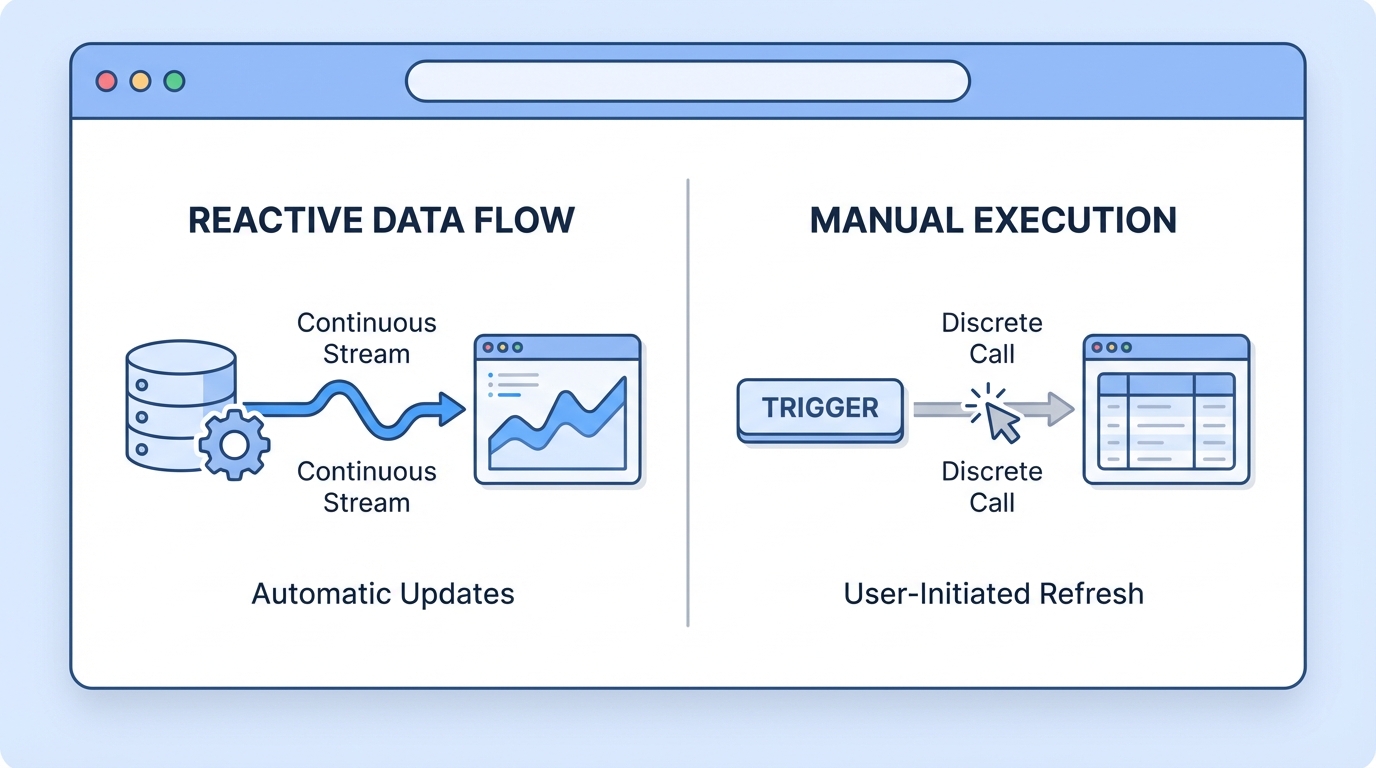
Reactive data streams next to event-driven imperative function calls in a Salesforce development environment.
3. Imperative Apex calls
Calling Apex imperatively means calling it like a standard JavaScript promise. You reach for this when you want control over timing. The data should not load on its own; it should load when a user clicks a "Save" button or when a specific event fires. Since these calls can perform DML (updates, deletes, etc.), they do not require the cacheable attribute. Anything that changes data must go through an imperative call.
I've seen developers try to force @wire to work for search bars, but an imperative call with a debounce is usually much cleaner. It stops the server being hammered every time the user hits a key.
When to call Apex from LWC vs using LDS
Before you write a custom controller, ask whether Lightning Data Service already covers the job. Salesforce has put a lot of work into making LDS fast. For a single record or basic CRUD, use getRecord or updateRecord; it handles the cache across your entire browser tab on its own. Apex earns its place when you are dealing with multiple records, complex joins, or logic that is too heavy for the client side.
If you need to move a lot of data, look at how to stream large datasets with Apex Cursors. It beats returning 10,000 rows in a single list and watching your browser crash.
Key takeaways for developers
- Use @wire to display data that should stay in sync with the UI.
- Use imperative calls for DML, for button clicks, or when you need to control exactly when the code runs.
- @wire needs cacheable=true, or it returns an error every time.
- refreshApex is what you want when a wired property has to update after a change.
Common pitfalls to avoid
One thing that trips people up is the read-only nature of cacheable Apex. Attempt a DML operation inside a method marked cacheable=true and Salesforce will throw a fit. It is a security and consistency guard. Wired data is immutable, too. Change a value inside this.accounts.data[0].Name and it fails; you need a shallow copy of that data first.
So which one do you pick? Start with @wire if you are only showing data. When that feels too restrictive, or you need to save a record, switch to an imperative call. Keep your LWC lean and let Apex do the heavy lifting once the SOQL gets messy. And handle your promises properly with .then() and .catch(), so your users are not staring at a broken screen when something goes wrong on the server.



Leave a Comment