


Security first: permission changes in Salesforce Winter '26 features
I've been digging through the release notes, and there's a lot to unpack in the new Salesforce Winter '26 features. If you're like me, you've grown used to flows just working without worrying much about user permissions. That's changing fast. Salesforce is tightening the screws on security, and we need to be ready.
The big one in this batch of Salesforce Winter '26 features is that Apex invokable actions now respect user permissions by default. If your flow calls an Apex class, the user needs explicit access to that class. It sounds obvious, and I've still seen plenty of orgs where this will break things on day one. Audit those permission sets sooner rather than later.
The FlowUser permission is now mandatory for running flows too, so if you've been a bit loose with your permission assignments, it's time to clean that up. We also finally get custom permissions for record-triggered flows. That's good for modular control, especially when you're trying to decide when to use code over automation. It lets you gate logic behind a permission instead of hardcoding IDs or profiles.
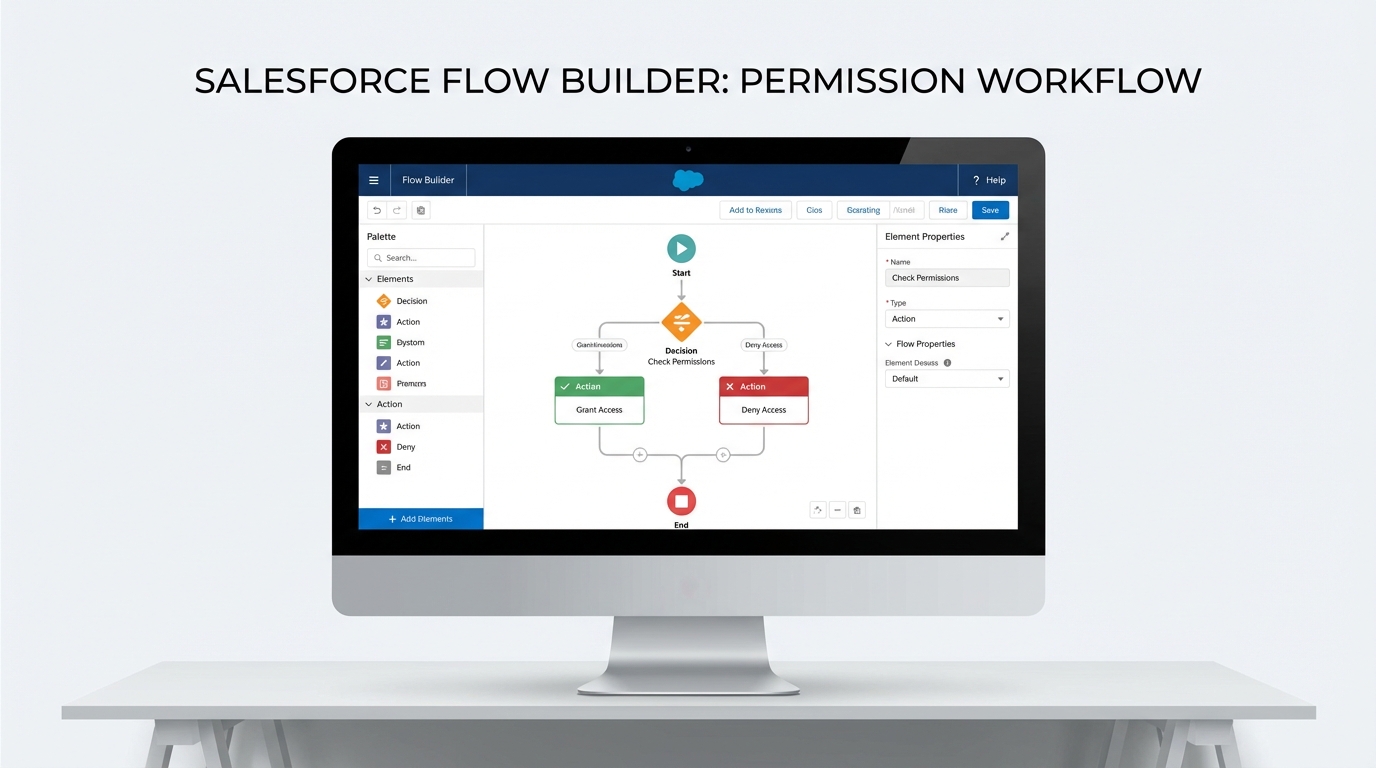
The Flow Builder interface with a complex automation workflow, decision logic, and action nodes.
UI and tooling in Salesforce Winter '26 features
The Flow Builder UX has needed a refresh for a while. With these Salesforce Winter '26 features, we can finally copy and paste elements without it being a total headache. The panels are resizable too, which sounds like a small win until you're on a laptop screen trying to see your full logic path.
For those of us dealing with complex data, the Data Table in Flow now supports Apex-defined objects. You can build a custom object in Apex and bind it directly to a UI table, which helps performance. If you're worried about how that affects your limits, there are tips on Salesforce Flow bulkification worth reading to keep things running fast. The aim is clean data and a better experience for the user at the same time.
DevOps and API gains
DevOps Center is getting better change tracking and pipeline logs. It's still evolving, but it's becoming a real contender for teams that want to move away from old-school change sets. Test your metadata support early. GraphQL is also getting a boost with better schema introspection, so if you're building modern front-ends or LWC-heavy apps, that's where to look for faster filtered queries.
Practical tip: audit the Apex classes your flows use right now. Don't wait for the sandbox refresh to find out half your screen flows are throwing "Access Denied" errors because of the new permission enforcement.
Important housekeeping
Don't ignore the verified email requirement. If you have legacy users created before 2016, they have to verify their emails or system emails will just stop sending. It's a small task that causes a massive headache if you miss it. The Apex Code Analyzer is also getting new rules for LWC and some GitHub Copilot integrations, so run it against your repo before your next deployment and see what it catches.
Key takeaways
- User permissions: Apex actions and flow execution now require explicit access, so update your permission sets.
- Flow UX: copy and paste plus resizable panels in the builder speed up your work.
- Data tables: Apex-defined objects go straight into UI components with no extra conversion steps.
- Security: record-triggered flows now respect user sharing by default, so test your "Run as System" logic.
- Email: legacy users must verify their emails to keep system notifications alive.
Start by hitting your sandboxes and testing your most critical flows under a standard user profile. The pattern running through these Salesforce Winter '26 features is that the "easy" path of ignoring permissions is gone. Get your security model in order, play with the new Flow Builder tools, and you'll be in good shape for the release. Better to find the breaks now than on a Monday morning after the production update.



Leave a Comment