

What is the Salesforce @ReadOnly annotation?
Ever hit that 50,001st row and watched your code blow up? We've all been there. If you're dealing with massive datasets, the Salesforce @ReadOnly annotation is your best friend for getting around those standard SOQL limits. It's a simple tool, but it's one of those things that most people forget exists until they're staring at a "Too many query rows" error.
Look, the standard governor limits are there for a reason. Salesforce doesn't want one bad query hogging all the resources. But sometimes you just need to pull a massive amount of data for a report or a data export. When you use the Salesforce @ReadOnly annotation, the platform relaxes the rules and lets you query up to 1,000,000 rows in a single request. That's a huge jump from the usual 50,000 row cap.
But here's the catch - and it's a big one. You can't change anything. No updates, no inserts, no deletes. It's exactly what it says on the tin: read-only. I've seen developers try to sneak a little DML into a read-only method, and it never ends well. The system will stop you cold.
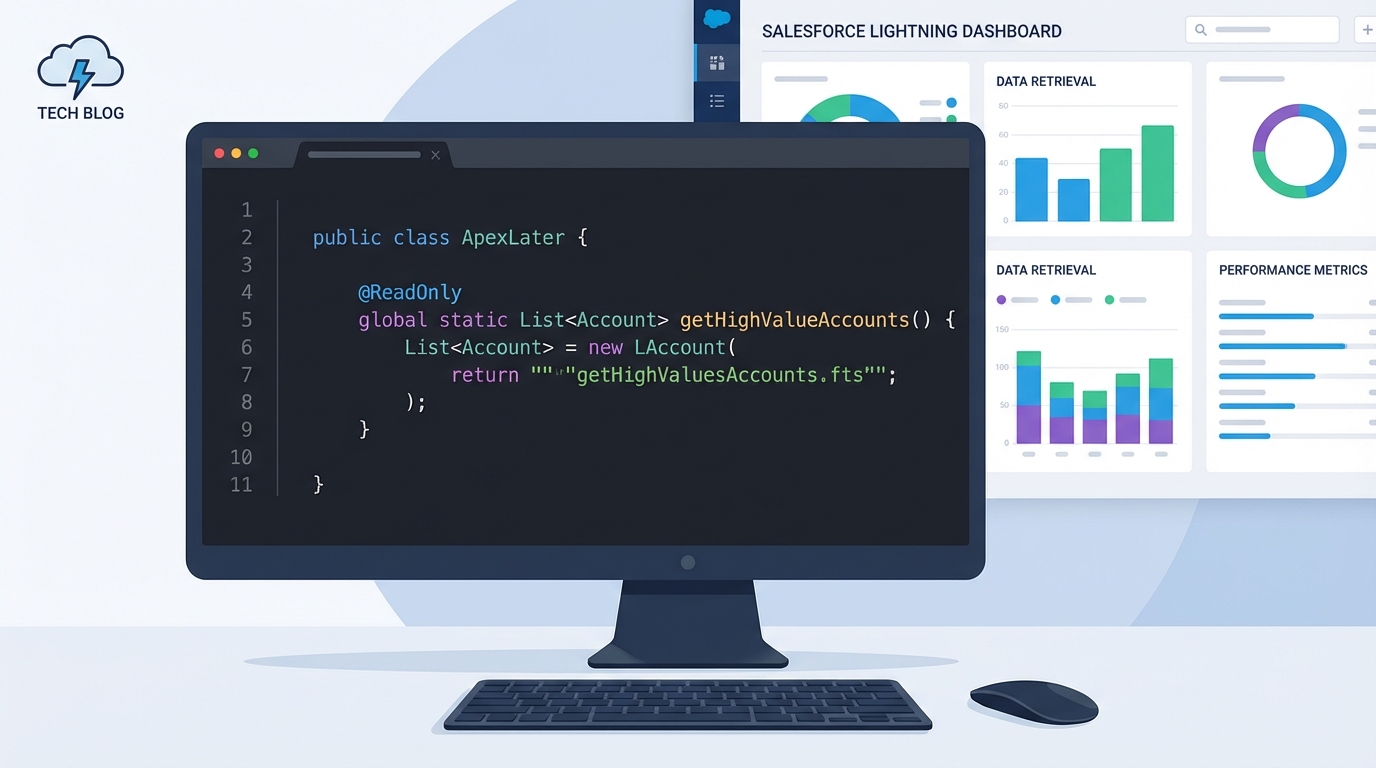
A professional code editor displaying a Salesforce Apex method with the @ReadOnly annotation next to a blurred data dashboard.
When should you use the Salesforce @ReadOnly annotation?
So when does it actually make sense to use this? In my experience, it's perfect for those heavy-duty "view only" tasks. Think about a custom dashboard that needs to aggregate data from across the entire org or a scheduled job that prepares data for an external system. If you aren't planning to touch the records, why stick with the lower limit?
Common scenarios I've run into include:
- Building custom reporting engines where standard Salesforce reports don't cut it.
- Creating data export tools that need to grab a year's worth of records at once.
- Running complex analytics inside a Schedulable class.
- Powering read-only UI components through Aura or LWC controllers.
One thing that trips people up is the context. You can't just throw this annotation on any old method and expect it to work. It only works in specific spots like REST or SOAP web services and classes that implement the Schedulable interface. If you're trying to handle massive amounts of data in other ways, you might want to look into managing Salesforce large data volumes using different architectural patterns.
The constraints you need to know
Now, don't go thinking this is a "get out of jail free" card for all governor limits. While the row limit goes up, other limits stay the same. You still have to worry about CPU time and heap size. If you query a million rows and try to store them all in a single list, you're going to hit a heap limit error long before you finish. Here's what's blocked when you use the Salesforce @ReadOnly annotation:
- DML operations: No insert, update, delete, or undelete allowed.
- Async jobs: You can't call System.schedule or fire off a Queueable or Future method.
- Email: You can't send emails from within the read-only transaction.
Pro Tip: If you're using this in an @AuraEnabled method for a Lightning component, remember that the read-only behavior only applies if you actually include the annotation. It's an easy way to speed up your data-heavy components without hitting those frustrating row limits.
How to implement it in your code
Implementing the Salesforce @ReadOnly annotation is straightforward. You just add it right above your method definition. Here is a quick example of how I usually set this up for an LWC controller that needs to fetch a large list of accounts from the previous year.
public with sharing class AccountDataService {
    @AuraEnabled
    @ReadOnly
    public static List<Account> getHistoricalAccounts() {
        // This query can now return up to 1 million rows
        return [SELECT Id, Name, Industry, CreatedDate
                FROM Account
                WHERE CreatedDate = LAST_YEAR];
    }
}
But wait, just because you can query a million rows doesn't mean you should do it recklessly. You still need to write clean, selective SOQL. If your query is slow, the Salesforce @ReadOnly annotation won't magically make it fast. It just gives you more room to breathe. Always use indexed fields in your WHERE clause to keep things moving.
Key Takeaways
- The Salesforce @ReadOnly annotation increases your SOQL row limit from 50,000 to 1,000,000.
- It only works in specific contexts like Schedulable, REST, and SOAP services.
- You cannot perform any DML operations (insert, update, delete) while this annotation is active.
- CPU time and heap size limits still apply, so don't try to process all 1 million rows in memory at once.
- It's the go-to solution for high-volume data exports and heavy-duty reporting.
So, should you use it? If you're building something that's strictly for reading data and you're worried about hitting that 50k limit, then yes, absolutely. Just make sure you're mindful of your heap size. I usually recommend processing records in smaller chunks or using streaming patterns if you're worried about memory. It's a powerful tool, but like anything else in Apex, you've got to use it the right way to keep your org running smoothly.




Leave a Comment