


Setting your Aura attribute default value the right way
When you're building components, setting a proper Aura attribute default value is one of those tasks that seems like it should be simpler than it is. I've been in plenty of situations where I wanted to avoid hardcoding strings and pull from a custom label instead, or even from another attribute I'd already defined. Aura has specific rules about what it can and can't do at the moment a component is created.
The short answer is that yes, you can use custom labels easily. But if you're trying to point one attribute to another inside that default property? You're going to hit a wall.
Setting an Aura attribute default value using custom labels
If you want to keep your UI text flexible, custom labels are the way to go. This is fully supported in the markup: you use the $Label global value provider. I've seen teams overcomplicate it with Javascript, and you really don't need to. Handling it directly in the .cmp file is much cleaner.
<aura:attribute name="buttonLabel" type="String" default="{!$Label.c.Submit_Button_Text}" />
You can also grab these in your controller if you need to set the value dynamically later on. Just use $A.get("$Label.c.Your_Label_Name"). It's a solid pattern for multi-language support, or for letting your admins change text without asking you for a code deployment.
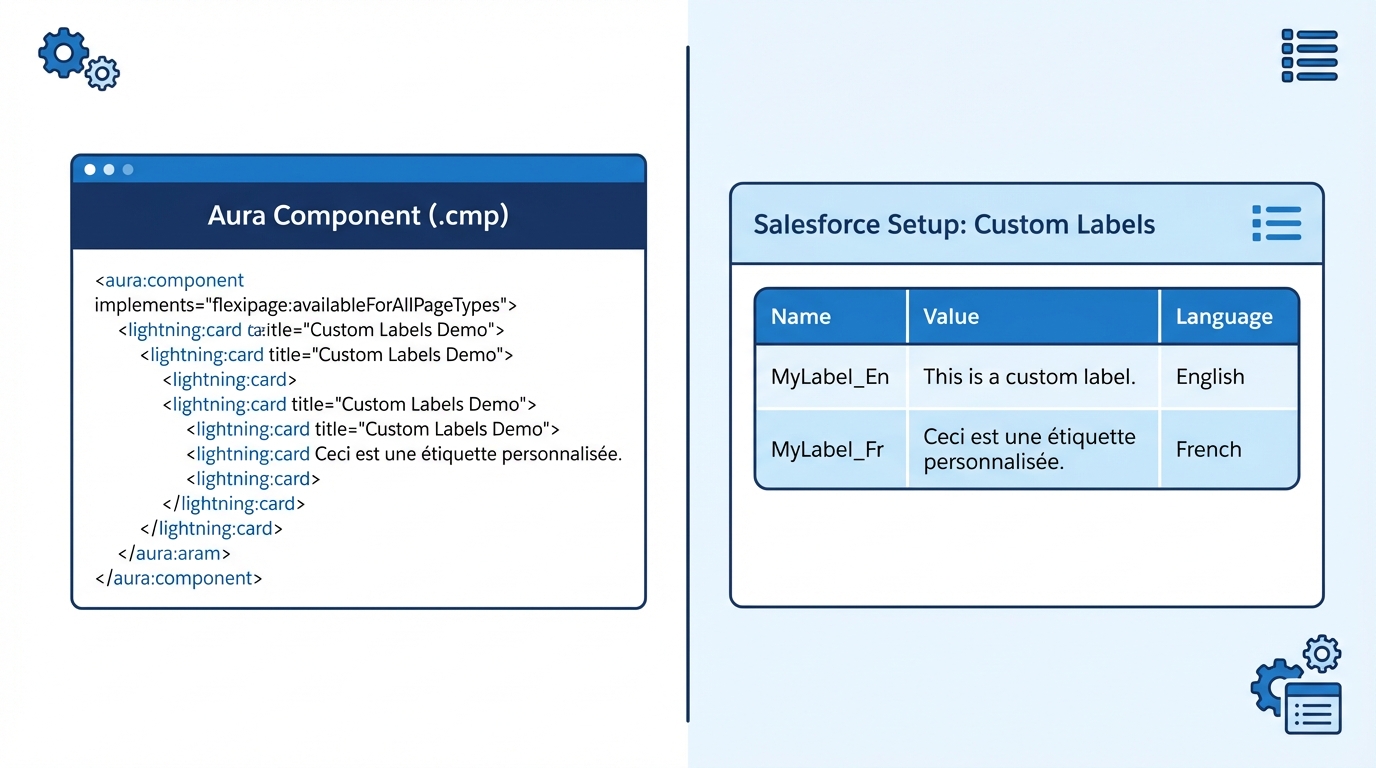
A split-screen illustration showing Aura component code next to a Salesforce Custom Labels configuration screen.
The catch with setting an Aura attribute default value from another attribute
I've seen a lot of developers try something like default="{!v.otherAttribute}". It feels logical, right? But it won't work. The default property is evaluated before the component's v (view) provider is ready to share data between attributes. It's a parse-time vs. runtime limitation.
The way around it is to move that logic into the component's lifecycle. Here are the two approaches that have held up best for me on real projects.
Option 1: the init handler
This is my go-to. You define your attributes, leave the dependent one empty, then fill it in when the component starts up. It's predictable and easy for the next developer to follow. Here's the setup:
<aura:attribute name="sourceValue" type="String" default="Initial Data" />
<aura:attribute name="dependentValue" type="String" />

<aura:handler name="init" value="{!this}" action="{!c.doInit}" />
Then, in your controller, you just bridge the gap:
({
  doInit : function(component, event, helper) {
    const source = component.get("v.sourceValue");
    component.set("v.dependentValue", source + " - Processed");
  }
})
Option 2: parent-to-child binding
If you're working with nested components, you don't even need to worry about the Aura attribute default value on the child. You just bind them in the parent markup. When the parent attribute changes, the child gets the update automatically. This is a core part of component communication that people sometimes forget applies to Aura just as much as LWC.
<! - Parent Component - >
<c:childComponent childAttr="{!v.parentAttr}" />
Quick tip: a default value cannot stay reactive, and the init handler only fires at start-up. If the dependent value has to follow the source for the life of the component, reach for an
aura:handlerwith the name "change".
Key takeaways
- Custom labels work. You can safely use
{!$Label.c.Name}as your Aura attribute default value. - No cross-references. You can't reference
v.attributeNameinside another attribute's default setting. - The
inithandler is the best place to set values that depend on other attributes. - Use change handlers if the values need to stay in sync throughout the component's life.
It feels like an extra step to write a controller function just to set a default, and it's the only way to get the data flowing correctly. Stick to the init handler and you'll avoid those weird "undefined" bugs that pop up when you try to get too clever with the markup.



Leave a Comment