

What actually is Software as a Service?
If you have spent more than five minutes in the Salesforce ecosystem, you know that Software as a Service is the foundation of everything we build. I remember back when teams had to worry about server racks, cooling, and manual database patches, but those days are mostly behind us. Now, we just log in and get to work.
The short answer? Software as a Service is a way of getting tools over the internet without owning the hardware they run on. Instead of buying a disk and installing it on your laptop, you pay a subscription to access the app through your browser. It is basically the difference between owning a car and using a ride-share app.
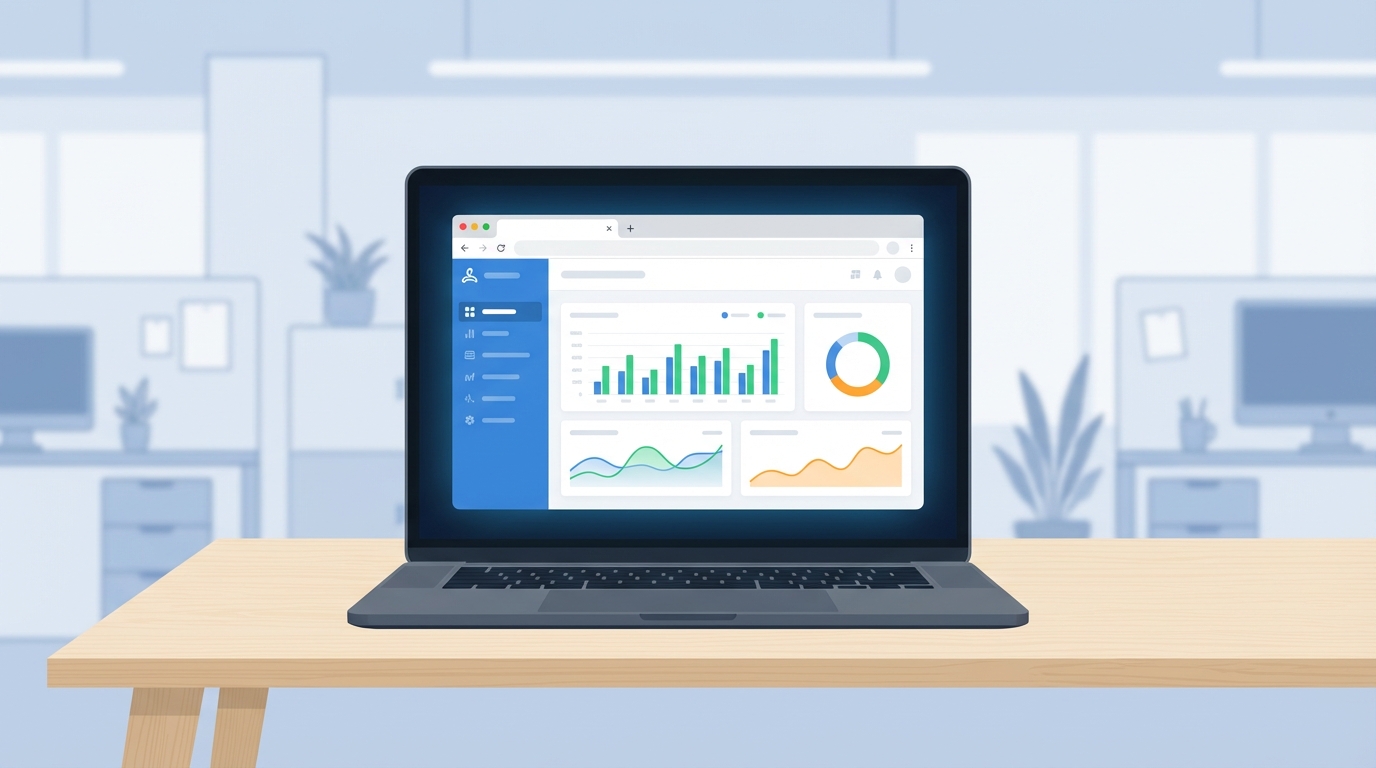
A high-quality mockup of a SaaS application dashboard displayed on a laptop screen in a professional office environment.
What makes Software as a Service different?
I have seen a lot of people get confused about what counts as "cloud" versus what is actually SaaS. To keep it simple, look for these specific traits. If it does not have these, you are probably looking at a different model like IaaS or a hosted legacy app.
- Multi-tenancy: This is the big one. One version of the app serves everyone, but your data is tucked away in its own secure corner.
- Subscription setup: You pay as you go. No massive upfront checks for a license that will be out of date in two years.
- Hands-off updates: The provider handles the bugs and the new features. You just wake up on a Monday and the new version is there.
- Universal access: If you have a browser and an internet connection, you are in.
So what does this actually mean for us on the ground? It means we stop being "server people" and start being "solution people." For a deeper dive into how this fits with other models, check out this guide on Cloud Computing Basics.
Why we choose Software as a Service for most projects
Honestly, most teams choose this model because they want to move fast. In my experience, the biggest win isn't just the cost - it is the time-to-value. You can spin up a new instance in minutes instead of waiting months for a procurement team to buy hardware.
Pro tip: Just because the vendor handles the infrastructure doesn't mean you can ignore the architecture. Bad data design will break a SaaS app just as fast as an on-prem one.
But here is the thing: you also get better security than most small IT shops could ever build themselves. These big providers have teams of people dedicated to SOC2 compliance and encryption. You get to use that expertise for the price of a monthly seat.
The technical side of things
When you are building a Salesforce API integration, you are usually interacting with the SaaS app through a JSON config or a REST endpoint. Here is a quick look at what a typical tenant connection might look like in your code:
{
  "tenantId": "org_998877",
  "plan": "enterprise_annual",
  "endpoints": {
    "apiBase": "https://api.cloud-tool.com/v2",
    "webHook": "https://our-internal-app.com/events"
  },
  "auth": {
    "apiKey": "YOUR_SECRET_KEY",
    "permissions": ["read:leads", "update:accounts"]
  }
}
Examples you probably use every day
We are surrounded by this stuff. Salesforce is the obvious one for us, but think about the other tools in your stack. Google Workspace for your docs, Slack for the endless pings from your PM, and Zendesk for the support tickets. They all follow the same pattern.
One thing that trips people up is thinking they lose control of their data. Reputable vendors give you APIs to pull your data out whenever you want. You own the data; they just own the house it lives in.
Key Takeaways
- Software as a Service removes the headache of managing physical hardware.
- It uses a "pay-as-you-go" model that is easier on the budget for most startups and enterprises.
- Updates happen automatically, so you are always on the latest version.
- Security and compliance are usually built-in, which saves a ton of time during audits.
Wrapping it up
Look, the move to Software as a Service isn't just a trend - it is the new standard. It lets us focus on building cool features for our users instead of worrying if the database server has enough RAM. If you need to scale fast and keep your overhead low, this is the way to go.
Just remember to keep an eye on your integrations and your data integrity. The tech is easier to manage, but the logic is still on you to get right.




Leave a Comment