
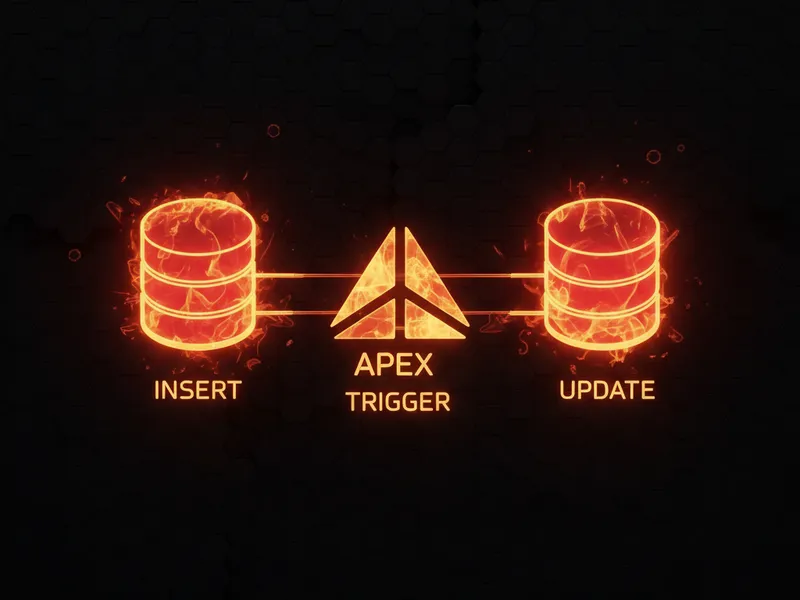
I've spent plenty of late nights debugging mixed DML, and one thing that always seems to trip people up is how an Apex Trigger Upsert actually behaves. If you're running an upsert, you might expect the trigger to fire once, but understanding the Apex Trigger Upsert flow is key to avoiding weird data bugs.
Look, we've all been there. You've got a CSV of data or an integration hitting your org, and you're using upsert to keep things clean. But then you notice your automation is running twice, or your validation rules are acting funky. So, what's the deal? Does it run once or twice?
Why an Apex Trigger Upsert splits your records
Here's the thing: Salesforce doesn't treat an upsert as a single, unique event. Instead, it looks at your list of records and decides which ones are brand new and which ones match an existing ID or External ID. Once it makes that call, it groups them into two buckets: the inserts and the updates.
Because of this grouping, your trigger is going to fire separately for each bucket. If your batch has both new and existing records, the before insert and after insert logic runs for the new guys, and the before update and after update logic runs for the existing ones. In my experience, this is where most teams get caught off guard because they assume the trigger context will be the same for the whole batch.

A technical diagram illustrating how a mixed batch of records splits into separate insert and update processing paths during an Apex upsert operation.
Handling the Apex Trigger Upsert in mixed batches
So how many times does the trigger actually execute? The short answer is: it depends on what's in your list. If every single record is new, it runs once (insert). If every record already exists, it runs once (update). But if it's a mix? You're looking at two separate executions. This is why you need to know what is an Apex Trigger and when to use it properly to handle these different contexts.
When I first worked with heavy integrations, I didn't account for this "split" behavior. I had logic that relied on the entire batch being processed together. That's a mistake. You have to write your code to handle the Apex Trigger Upsert by checking the context variables. Here's a quick look at how that looks in a real trigger:
trigger AccountTrigger on Account (before insert, before update, after insert, after update) {
    if (Trigger.isBefore) {
        if (Trigger.isInsert) {
            // This part only sees the brand new records
        }
        if (Trigger.isUpdate) {
            // This part only sees the records being updated
        }
    }
}
Bulk safety and common pitfalls
One thing that trips people up is bulkification. You might be passing 200 records in a single call, and Salesforce might split that into 150 inserts and 50 updates. If you aren't careful with your collections, you'll end up with missing data or governor limit issues. Always use maps and sets to keep your logic clean. If you're worried about performance, checking out a guide on Salesforce Flow bulkification can actually give you some good perspective on how the platform handles these batches under the hood.
Pro tip: When you're writing handler classes, keep your insert and update logic in separate methods. It makes it way easier to read and prevents you from accidentally running update-only logic on a new record that doesn't even have an ID yet.
Key Takeaways for Apex Trigger Upsert
- The trigger fires once for inserts and once for updates if the batch is mixed.
Trigger.oldis only available for the records that fall into the update bucket.- Records are grouped by operation type before the trigger even starts.
- Always test your code with a list that contains both new and existing records to make sure your logic holds up.
Practical advice for your next project
Don't just assume your upserts are working because your unit tests pass with single records. I've seen plenty of "production-ready" code fail the moment a real-world data load hits it. Write a test method that explicitly mixes inserts and updates in one Database.upsert() call. It's the only way to be sure you're handling the Apex Trigger Upsert correctly. Stick to the basics: keep logic out of the trigger body, use a handler pattern, and always, always think about the context you're in.




Leave a Comment