


A recap of the True to the Core Deep Dive episode on the new Setup experience, Agentforce for Setup, and the user access work landing in Winter ’26.
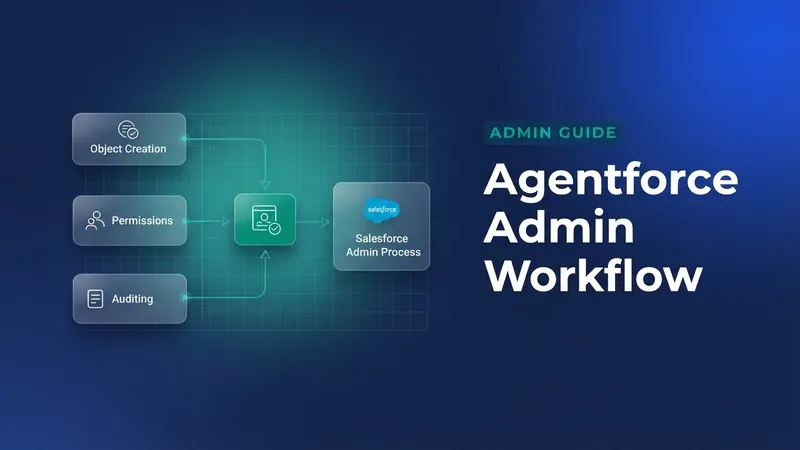
Salesforce Product Managers Cheryl Feldman and Elizabeth Martin previewed an upcoming conversational Setup experience called Agentforce for Setup, and walked through the user access roadmap, on the first True to the Core Deep Dive episode on August 12, 2025. Here are the announcements, what is coming as a pilot or beta, and where admins can get involved. Agentforce for Setup puts an utterance box on Setup Home that takes natural language prompts. Admins and developers will be able to ask for things like creating objects and fields, managing users, creating and locating flows, explaining formulas, and troubleshooting user access. In the Dreamforce 2025 pilot the agent actions cover creating, editing and cloning users, resetting passwords, generating flows, and help with updating formulas, with more capabilities planned for beta and later releases. On the user access side, the one that stands out for Winter ’26 is Field History Tracking on the User object, arriving as an Open Beta. Admins will be able to track up to 20 fields by enabling the feature in User Management Settings and configuring the tracked fields in Object Manager. The rest of the roadmap is about stronger user access policies, troubleshooting and auditing tools.
- Enable Field History Tracking for User fields (Open Beta, Winter ’26)
- New user access policy actions: start-from-zero, replace access on role changes, and bulk clear access
- Enhanced actions and criteria: support for territory assignments, better OR criteria handling, and more External User scenarios
- UAP and agents: agents can help set up and run user access policies, and assist with approvals
- Other updates coming soon: Clone User, access comparisons, change timelines for user access, and Setup Audit Trail summaries
The live Q&A covered tracking and auditing user changes, best practices for permission set and profile cleanup, identity tool integrations, and ideas for change-impact analysis. The product managers answered on air and pointed viewers to the full episode for the detailed responses. If you want in, sign up to pilot Agentforce for Setup at Dreamforce 2025, keep the feedback coming on the IdeaExchange, and join the Salesforce Admins Trailblazer Community Group to carry on the conversation. For admins and developers, Agentforce for Setup should take the edge off common setup and troubleshooting work by letting you describe the task, which means less context switching and faster, safer configuration. History tracking on the User object and the user access policy enhancements improve auditing, change management, and the ability to scale access safely across complex orgs, which helps admins, security teams and business users alike.


Leave a Comment