
New tool CRON Expression Builder — preview next run times before you schedule Apex. Open the builder →
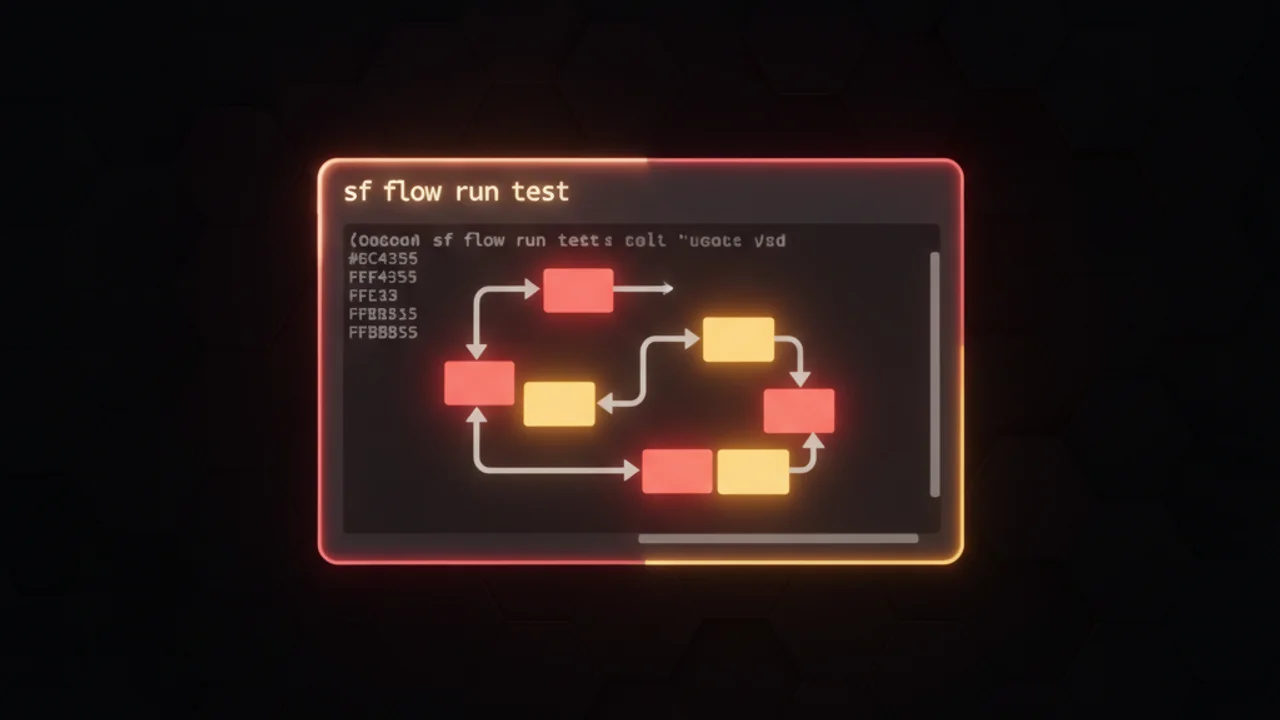
Screenshot demonstrating the sf flow run test command being executed in the Salesforce CLI environment.
DevOps

Run Flow Tests from CLI with Salesforce Summer '25 — sf flow run test

Summer '25 adds sf flow run test — run Flow Tests from the Salesforce CLI and integrate them into CI/CD for faster, automated validation.

The short answer

Salesforce Summer '25 introduces the sf flow run test CLI command to run flow unit and regression tests programmatically. This allows teams to automate Flow Tests in CI/CD pipelines and local scripts without manually triggering them in Flow Builder.

Key takeaways Run sf flow run test from your terminal in an authenticated org or Salesforce DX project to execute all available flow tests. Add sf flow run test to CI/CD tools like GitHub Actions, GitLab CI, or Jenkins to automate regression testing during builds and deployments. Keep flow tests small and focused so that failures identify specific flow behavior. Execute flow tests on feature branches and pull requests to align with source-driven development practices. Configure CI pipelines to fail fast by aborting deployments on test failures and displaying clear logs.

Summer '25 lets you run Flow Tests from the Salesforce CLI using the new sf flow run test command — ideal for CI/CD and automated regression testing.

Run Flow Tests from the CLI

Summer '25 introduces a simple CLI command to execute Salesforce Flow Tests: sf flow run test. This lets teams run flow unit and regression tests programmatically as part of local scripts, CI pipelines, or release automation — removing the need to trigger tests manually in Flow Builder.

Why this matters

Automating Flow Tests helps catch errors earlier, reduces manual effort, and improves release confidence. Especially for organizations using DevOps practices, adding Flow Tests to CI/CD ensures flows behave as expected before they reach production.

How to use

  • Open your terminal in a Salesforce DX project or authenticated org.
  • Run: sf flow run test — this will execute all flow tests available in the org.
  • Integrate the command into CI jobs (GitHub Actions, GitLab CI, Jenkins) to run tests automatically during builds or before deployments.

Best practices

  • Keep flow tests small and focused so failures point to specific behavior.
  • Combine with source-driven development: run tests on feature branches and pull requests.
  • Fail fast in CI: abort deployment on test failures and surface clear logs for developers.

Use cases include regression testing after flow changes, validating flows during release pipelines, and running nightly test suites as part of quality gates.

Next steps

If you haven't already, add flow tests in Flow Builder and then wire the sf flow run test command into your pipeline. This change from Summer '25 makes flow automation testing a first-class part of Salesforce CI/CD.

For Salesforce admins, developers, and release engineers, this update reduces manual testing overhead and increases deployment reliability.

#SalesforceSummer25 #Flows #DevOps #CI #Salesforce

For more, please follow our page!
Frequently asked questions

How do you run Flow Tests from the Salesforce CLI?

Open a terminal in a Salesforce DX project or authenticated org and execute the command sf flow run test. This runs all flow tests currently available in the org.

How do you automate Salesforce Flow Tests in CI/CD?

Integrate the sf flow run test command into CI pipeline jobs such as GitHub Actions, GitLab CI, or Jenkins. This executes flow tests automatically during builds or before deployments to catch regressions early.

What are the best practices for running Flow Tests in Salesforce?

Create small, focused flow tests in Flow Builder so test failures pinpoint specific issues. Additionally, run tests on feature branches and pull requests, and configure CI pipelines to abort deployments when tests fail.

Newsletter

One email every Tuesday

New guides, tool updates, and the release-note changes that break things.

No spam. Unsubscribe in one click.

Comments

Loading comments...

Leave a Comment