

I get asked about the Apex vs Flow debate at least once a week. It's the classic Salesforce architect's dilemma: do we go with the shiny, visual builder or the tried-and-true power of code? Honestly, most teams get this wrong because they try to follow a single rule for every scenario.
Here's the thing. There's no "perfect" tool. In my experience, the best choice depends on what you're trying to build and who's going to fix it when it breaks at 2 AM. Let's break down the Apex vs Flow decision without getting stuck in technical jargon.
When Flow is the winner
Flow has come a long way. It's no longer just a tool for simple field updates. With the recent updates, you can handle complex logic that used to require a developer. I've seen teams save hundreds of hours by letting admins manage business rules through Record-Triggered Flows instead of waiting for a dev sprint.
You should lean toward Flow when you need to build something quickly that an admin can maintain. It's great for guided user inputs (Screen Flows) or simple branching logic. If you're just moving data from an Account to its Contacts, don't overcomplicate it with code.
One thing that trips people up is how Flow handles large batches of data. If you're worried about performance, you should look into how to handle bulk record processing in Flows. It's gotten better, but it still has its limits.
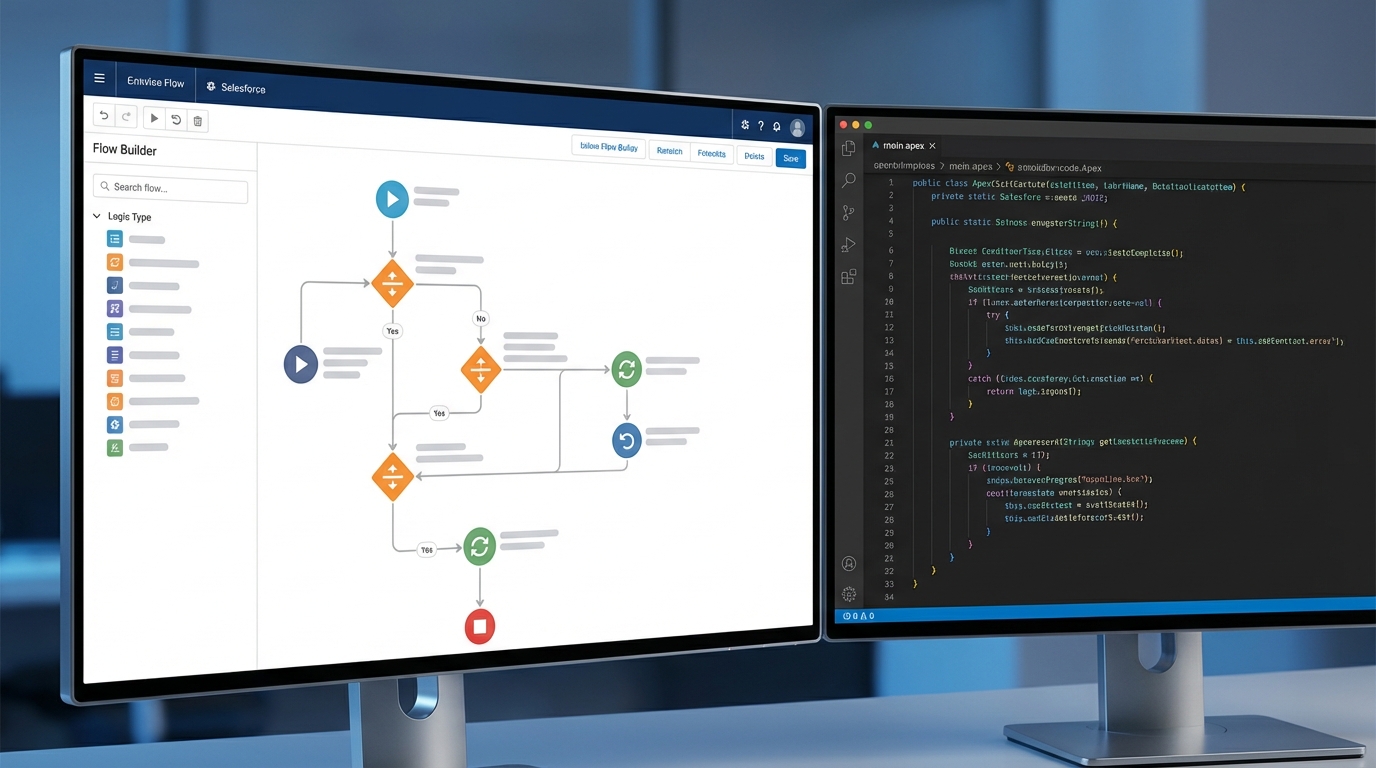
A split-screen visual comparing a complex Salesforce Flow diagram with multiple decision paths to a clean, organized code editor representing Apex.
When Apex is the only way out
But look, Flow isn't magic. There's a point where a Flow becomes so messy it looks like a bowl of spaghetti. If you have thirty different decision elements and loops inside loops, you're asking for trouble. That's when Apex becomes your best friend.
Apex is Salesforce's heavy lifter. It's a strongly typed, object-oriented language that runs on the server. You use it when you need total control. I'm talking about complex integrations, massive data transformations, or when you need to be absolutely sure about the order of execution.
Use Apex when you need:
- Advanced error handling and custom rollbacks.
- High-performance processing for thousands of records at once.
- Custom APIs or complex callouts to external systems.
- Strict version control and unit testing that covers every possible edge case.
Practical tip: If your Flow takes more than two screens to explain to a colleague, it's probably time to move that logic into an Apex class.
Making the call: Apex vs Flow in the real world
So how do you actually decide? I like to use a simple checklist. First, look at the complexity. If you're doing a lot of math or multi-level data mapping, Apex is much cleaner. Second, think about the volume. If you're hitting governor limits, you might need to look at staying under async limits with Batch or Queueable Apex.
Third, consider who's going to maintain it. If your company doesn't have a dedicated developer on staff, building a massive Apex framework might leave the team stranded later. But if you have a solid CI/CD pipeline, Apex fits right in. Flow can be harder to track in version control compared to a simple .cls file.
Apex vs Flow Comparison Table
| Feature | Salesforce Flow | Apex Code |
|---|---|---|
| Build Speed | Fast for simple tasks | Slower (requires testing) |
| Maintenance | Admin-friendly | Developer required |
| Complex Logic | Can get messy | Very organized |
| Integrations | Basic (HTTP Callout) | Advanced (REST/SOAP) |
| Unit Testing | Limited | Mandatory (75%+) |
Why the Apex vs Flow debate matters for scale
When I first started working with large orgs, I thought we should use code for everything. I was wrong. The key is balance. You can actually use both together. For example, you can use a Flow to handle the user interface and call an Apex Action to do the heavy data crunching. This is a great way to use the transform element and other low-code tools while keeping the hard stuff in code.
One thing that most teams get wrong is ignoring the "order of execution." If you have three Flows and two Triggers on the same object, you're going to have a bad time. You won't know which one runs first, and that leads to data bugs that are a nightmare to debug. Pick a strategy and stick to it.
Key Takeaways
- Use Flow for standard business rules, UI-driven tasks, and simple record updates.
- Use Apex for high-volume data, complex integrations, and when you need strict unit testing.
- Don't be afraid to mix them - use Apex Actions inside your Flows.
- Always keep bulkification in mind, no matter which tool you choose.
- Document your decision so the next person knows why you chose code over a visual tool.
The short answer? Start with Flow. It's faster to build and easier for the business to understand. But the moment you feel like you're fighting the tool or hitting performance walls, don't be a hero. Move that logic to Apex. Your future self will thank you when the org scales to a million records and everything still runs smoothly.




Leave a Comment